
2D · v8.23.0
PixiJS examples
Small, complete programs for every part of the engine. Open one to edit the code and watch it run.
Sprite7
 GIF animation loadingThis example demonstrates how to load and display a GIF image using the GifSprite class.
 Mask animationThis example shows how to use a sprite as a mask.
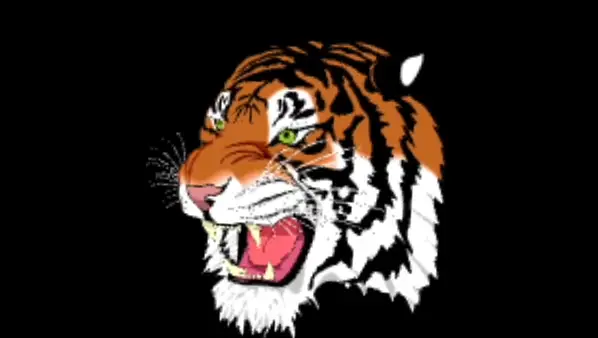 SVGThis example demonstrates loading a large SVG texture and displaying it as a sprite
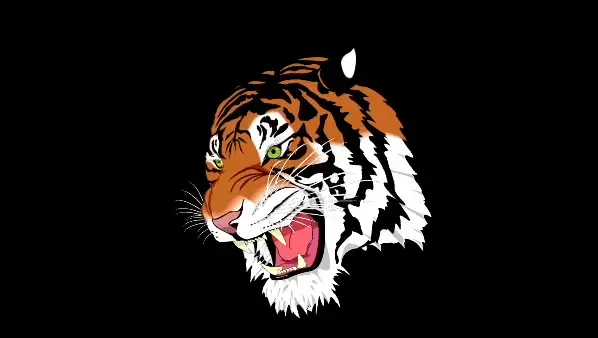 SVG custom dataThis example demonstrates loading a large SVG texture and displaying it as a sprite
 Texture swapThis example demonstrates how to create and display a basic sprite and swap its texture on click using PixiJS.
 Transform rotationThis example demonstrates how to create and display a basic sprite using PixiJS.
 Video textureThis example demonstrates how to load and display a video as a texture on a sprite using PixiJS.
Container8
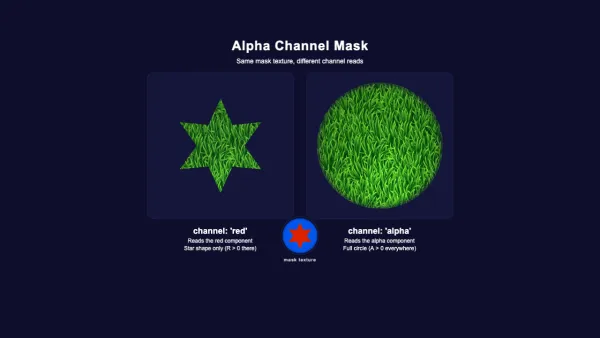 Alpha channel maskDemonstrates how different mask channels produce different results from the same mask texture. The mask has a red star shape and a blue circle with soft alpha edges. The 'red' channel reads the red component, revealing only the star. The 'alpha' channel reads opacity, revealing the full circular shape.
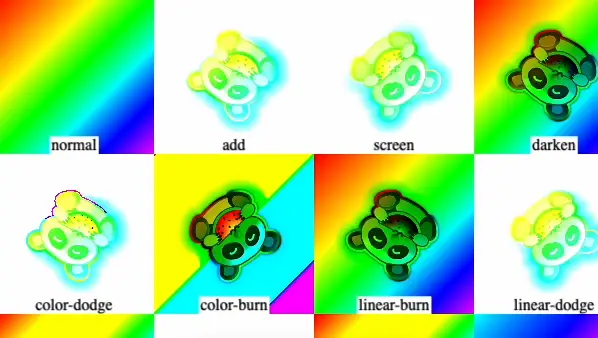 Blend modes comparisonThis example demonstrates various blend modes
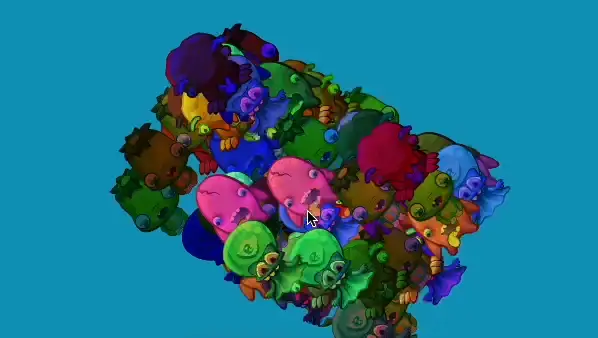 Cache as texture optimizationThis example demonstrates how to use cacheAsTexture to optimize rendering performance
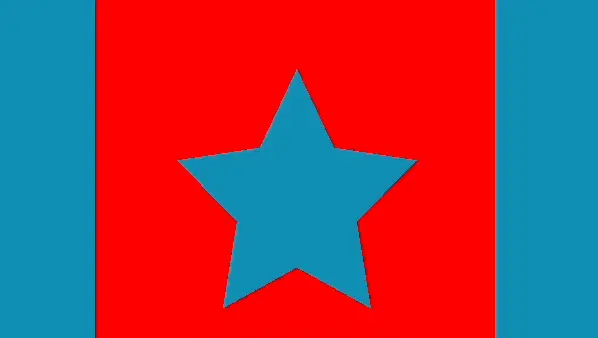 Inverse maskThis example demonstrates how to create an inverse mask using the Graphics class
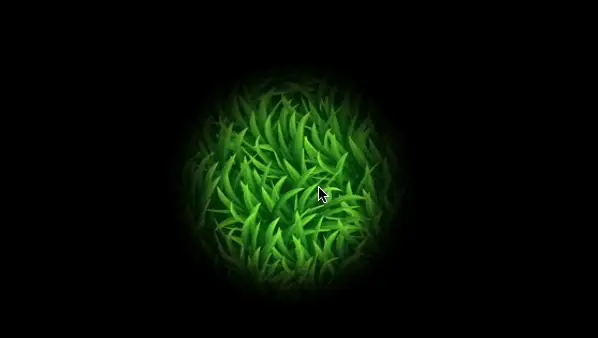 Mask filters blurThis example demonstrates how to create a spotlight effect using a blurred circular mask that follows the mouse pointer, revealing a grass background using PixiJS
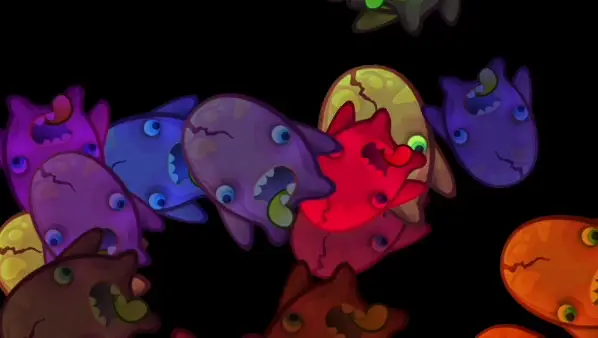 TintingThis example demonstrates how to apply tinting to sprites
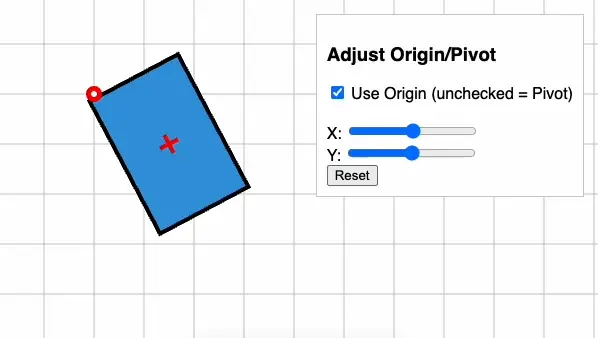 Transform originThis example demonstrates how to manipulate the origin and pivot of a container
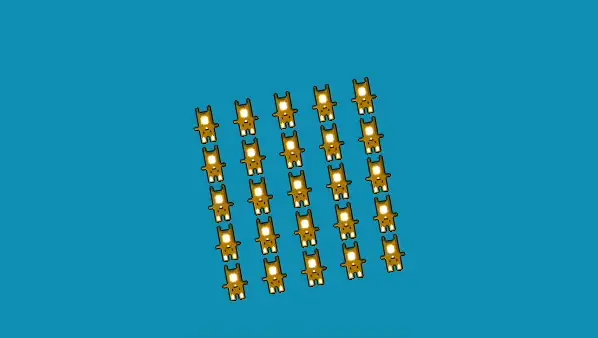 Transform pivot basicThis example demonstrates how to use a Container to group and manipulate multiple sprites
Graphics14
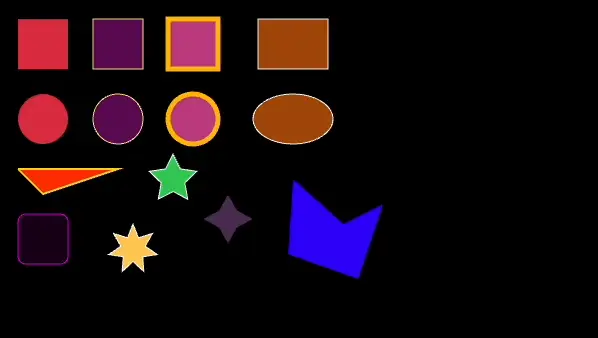 Basic shapesThis example demonstrates basic shape drawing using the Graphics class
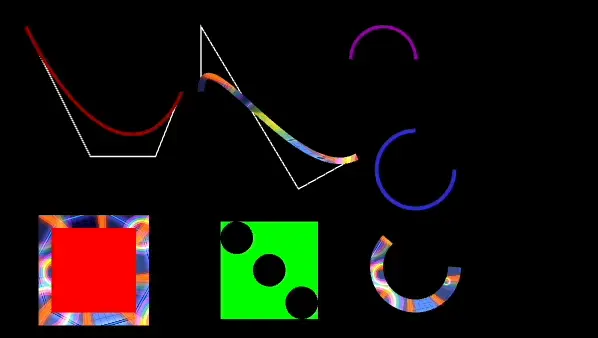 Curves arcs holes texturesThis example demonstrates advanced graphics features, including Bezier curves, arcs, holes, and textured strokes.
 DynamicThis example demonstrates dynamic drawing using the Graphics class
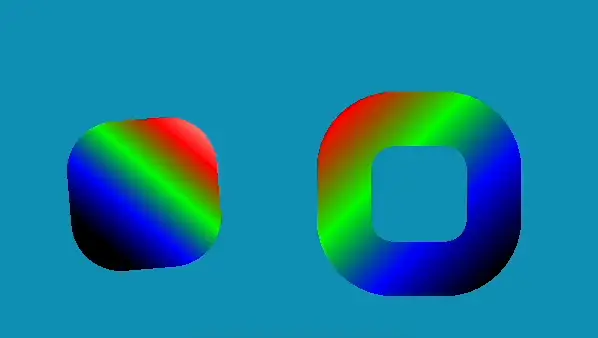 Fill stroke gradientThis example demonstrates how to create and animate shapes with gradient fills and strokes using the Graphics and FillGradient classes
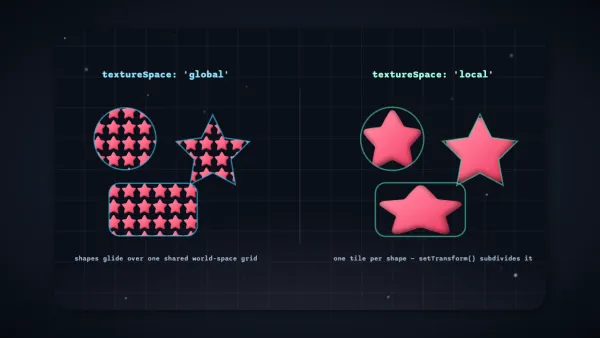 Fill pattern spaceThis example demonstrates the new textureSpace option on FillPattern, comparing global tiling across shapes against local per-shape tiling with setTransform().
 Mask animationThis example demonstrates how to use Graphics as a mask in a PixiJS application
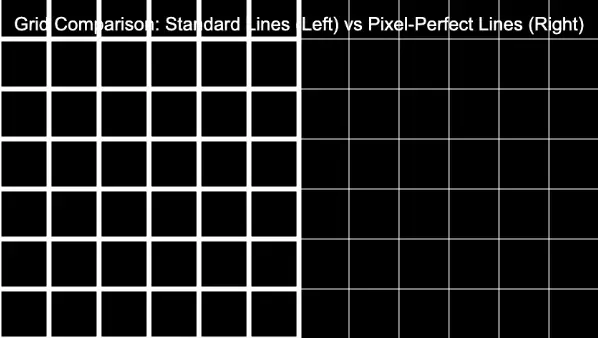 Pixel line antialiasingThis example compares standard lines vs pixel-perfect lines using the Graphics class
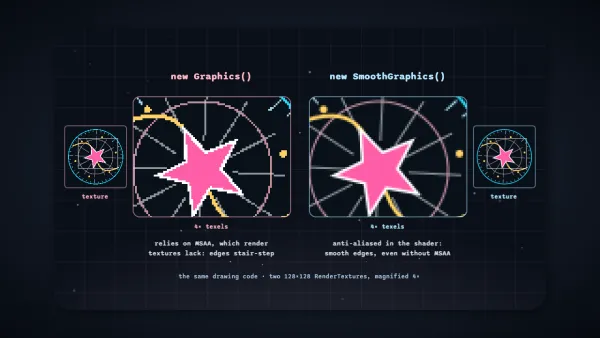 Smooth comparisonThis example compares Graphics and SmoothGraphics drawing the same shapes into render textures without MSAA, magnified so stair-stepped edges and shader anti-aliased edges are easy to tell apart.
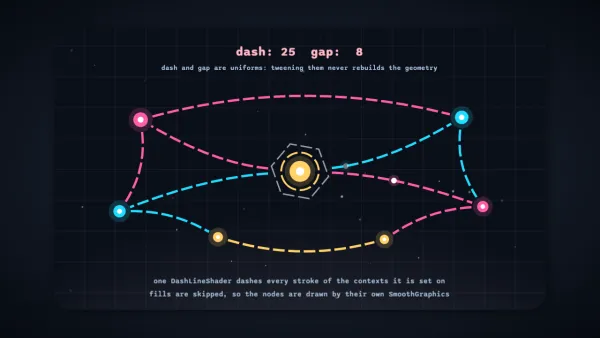 Smooth dash lineThis example demonstrates DashLineShader, which dashes every stroke of a SmoothGraphics context; dash and gap are uniforms, so tweening them never rebuilds the geometry.
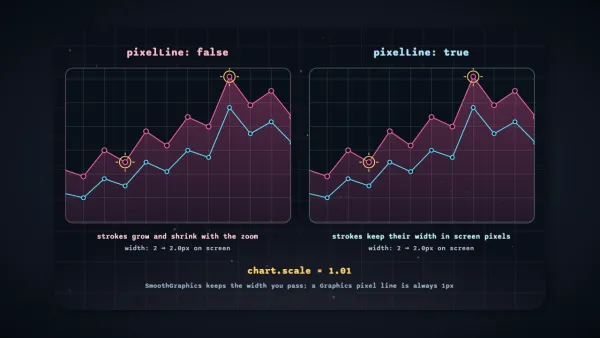 Smooth pixel lineThis example zooms the same SmoothGraphics chart in two panels, showing how pixelLine keeps every stroke at the width you pass in screen pixels while normal strokes grow with the zoom.
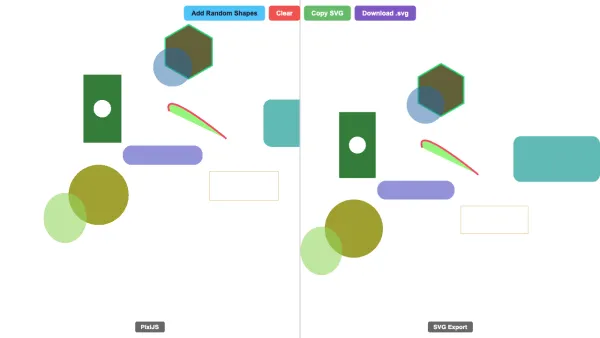 SVG exportThis example demonstrates exporting Graphics to SVG with a side-by-side comparison view
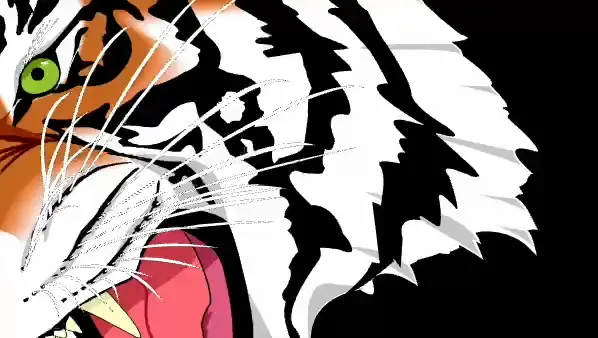 SVG fileThis example demonstrates loading and displaying SVG graphics using the Graphics class
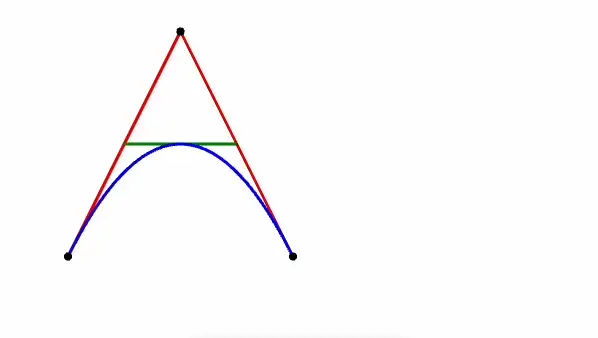 SVG string parsingThis example demonstrates how to create and display SVG graphics using the Graphics class
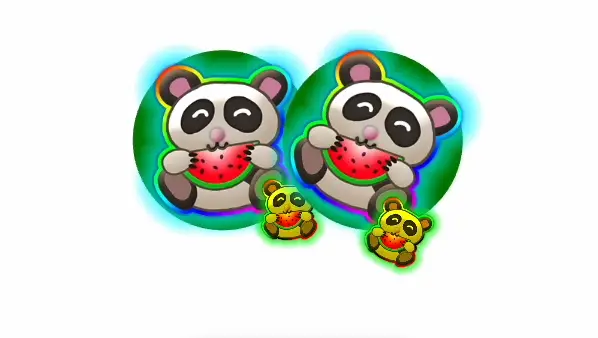 Texture fillThis example demonstrates how to use textures within shapes using the Graphics and GraphicsContext classes
Text13
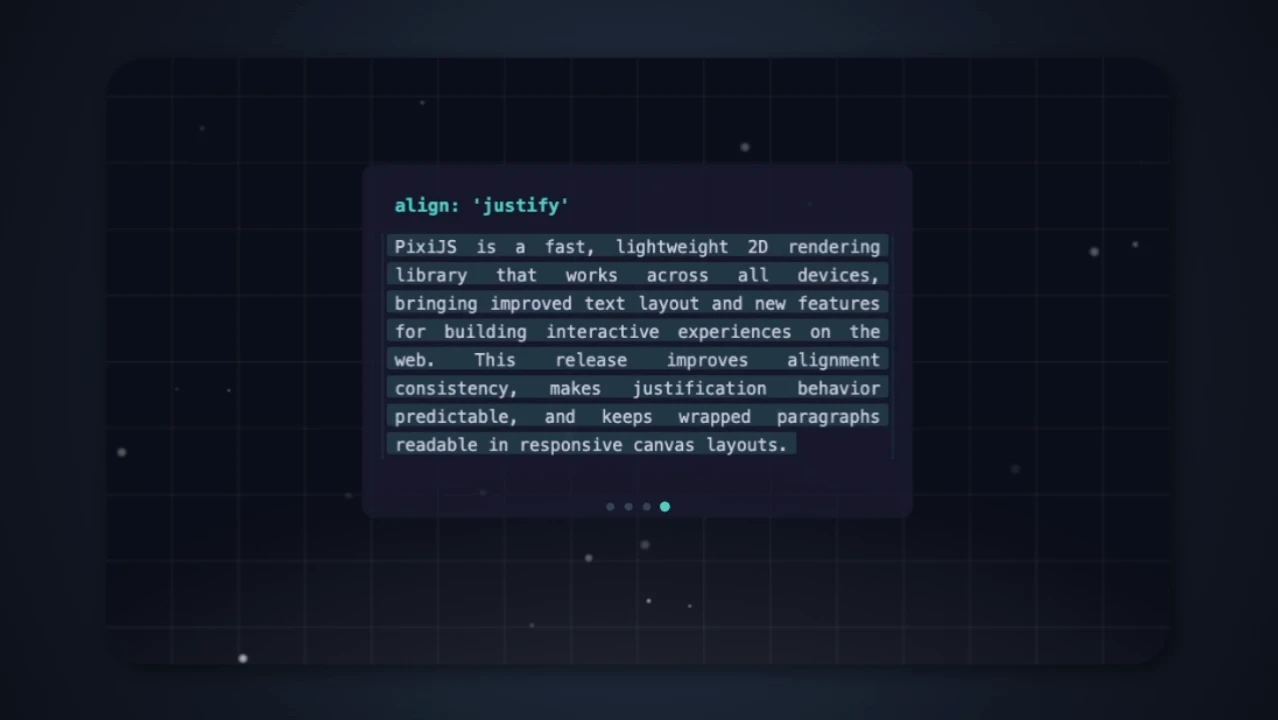 AlignmentThis example demonstrates improved text alignment parity, cycling through left, center, right, and justify alignment modes.
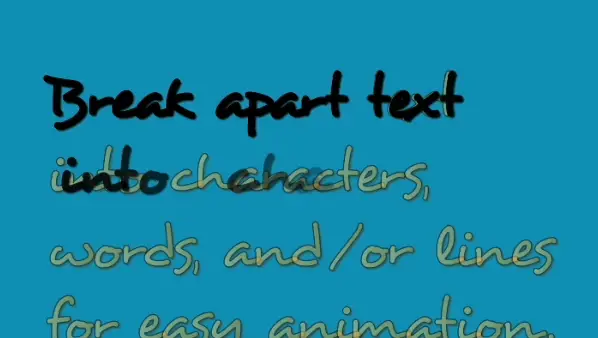 Bitmap split textThis example demonstrates how to split bitmap text into characters for individual animation using SplitBitmapText.
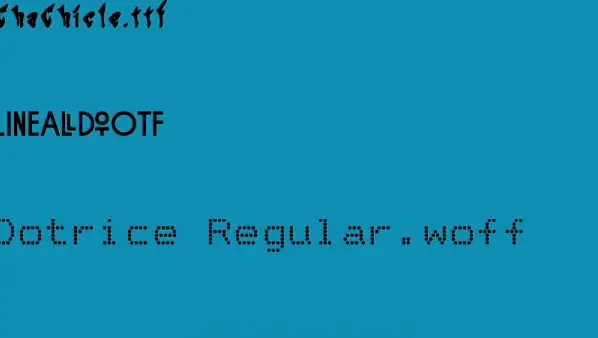 Bitmap web font loadingThis example demonstrates how to create and display bitmap text using a loaded bitmap font.
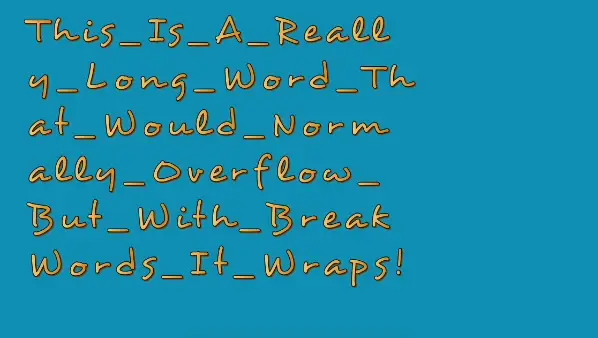 Bitmap word wrap break wordsThis example demonstrates how to use the breakWords option in BitmapText to wrap long, unbroken strings.
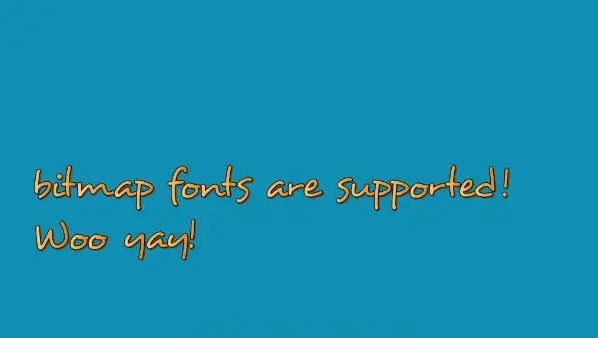 Bitmap XMLThis example demonstrates how to create and display bitmap text using a loaded bitmap font.
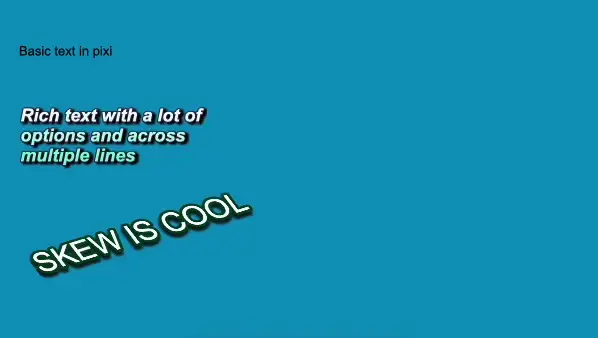 Fill gradientThis example demonstrates how to create and style text using the Text and TextStyle classes.
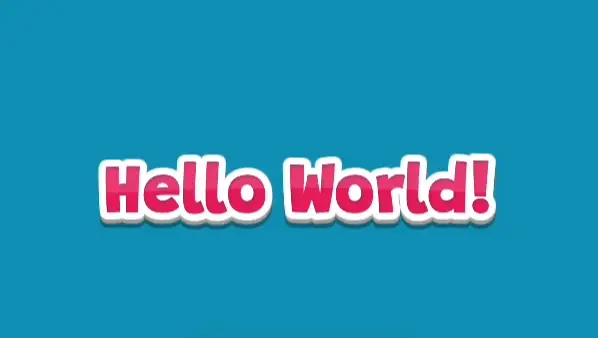 Filters cartoonExample of using baked in filters on a Text object to create a cartoon-style text effect.
 Split textThis example demonstrates SplitText with style reactivity and character-level animation.
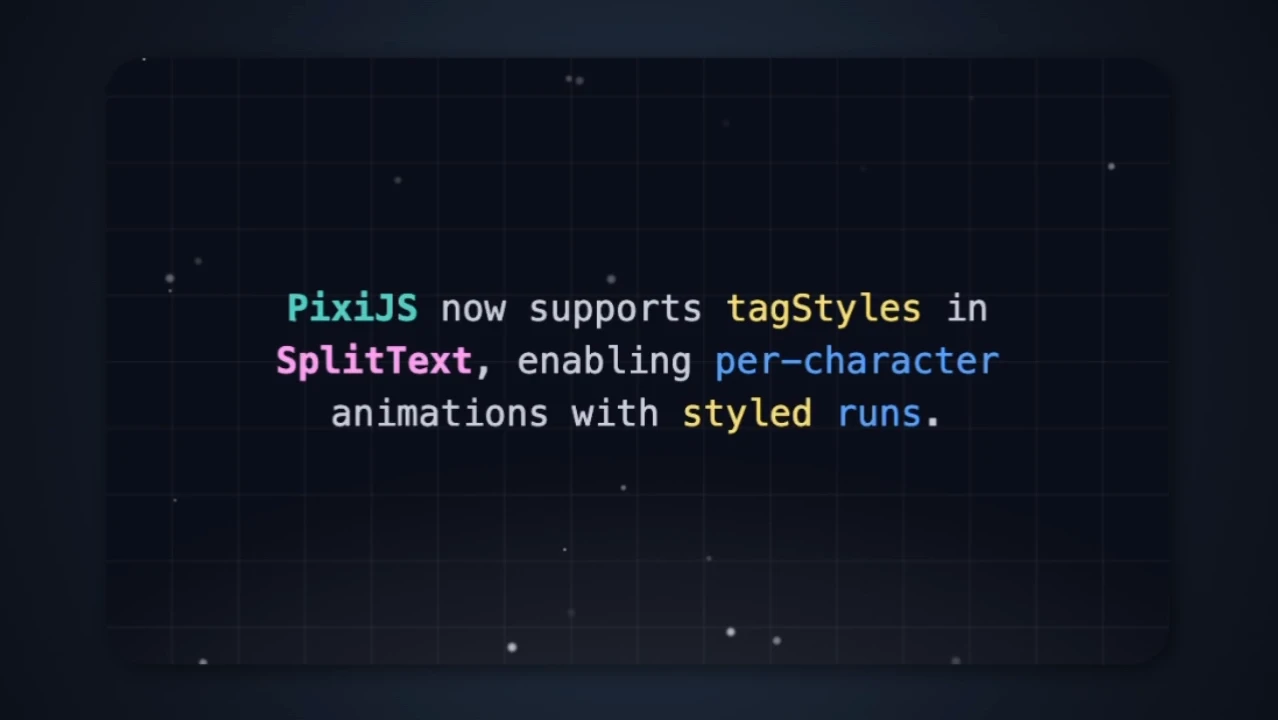 Split text tagsThis example demonstrates SplitText with tagStyles, splitting styled text runs into per-character objects for animation.
 Tagged textThis example demonstrates how to use tagged text to style individual parts of a text string.
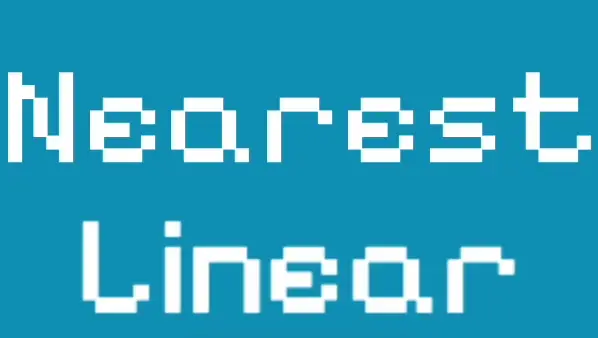 Texture style scale modeThis example demonstrates how to create and display bitmap text and regular text with different texture scaling modes through TextureStyle.
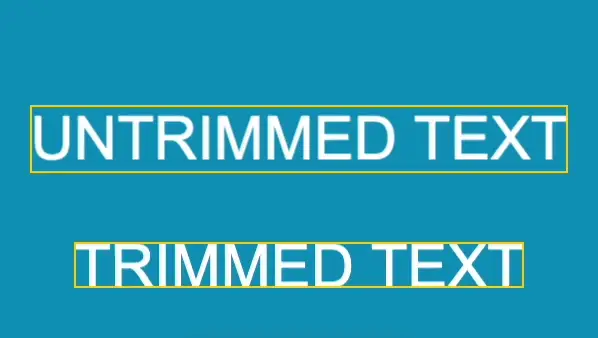 Trim boundsThis example demonstrates the difference between trimmed and untrimmed text using the trim option.
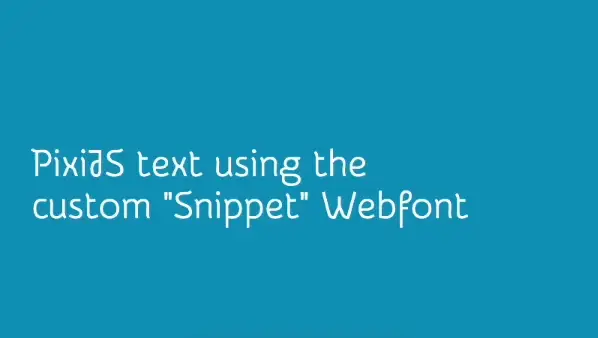 Web font googleThis example demonstrates how to load and use a custom web font text rendering.
Events9
 ButtonsThis example demonstrates how to create interactive buttons with different states (normal, hover, pressed)
 ClickThis example demonstrates how to handle click events on a sprite
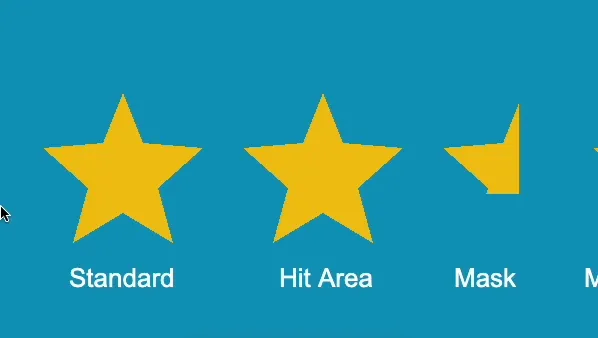 Custom hitareaThis example demonstrates how to create interactive buttons with custom hit areas and masks
 Custom pointerThis example demonstrates how to use custom mouse cursor icons when hovering over interactive buttons
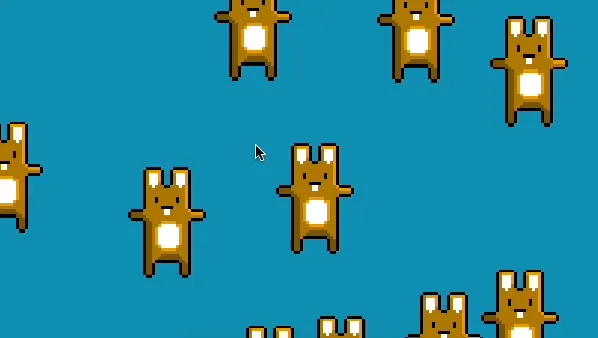 DraggingThis example demonstrates how to implement dragging functionality for sprites using pointer events
 MoveThis example demonstrates moving a sprite to follow the pointer position
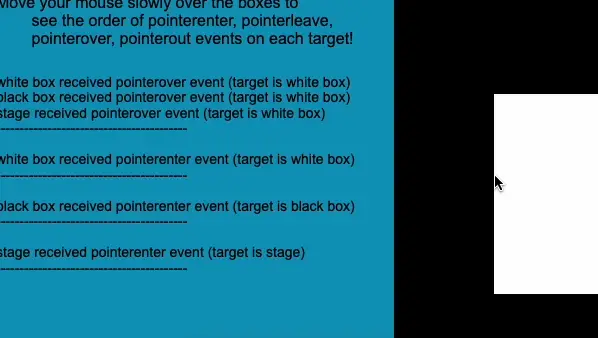 OrderThis example demonstrates the order of pointer events (pointerenter, pointerleave, pointerover, pointerout) on nested interactive objects
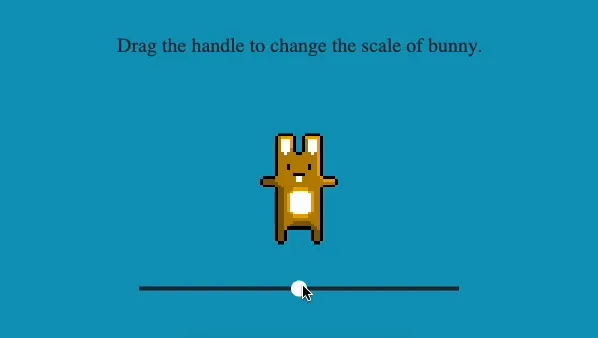 SliderThis example demonstrates how to create a slider to control the scale of a sprite
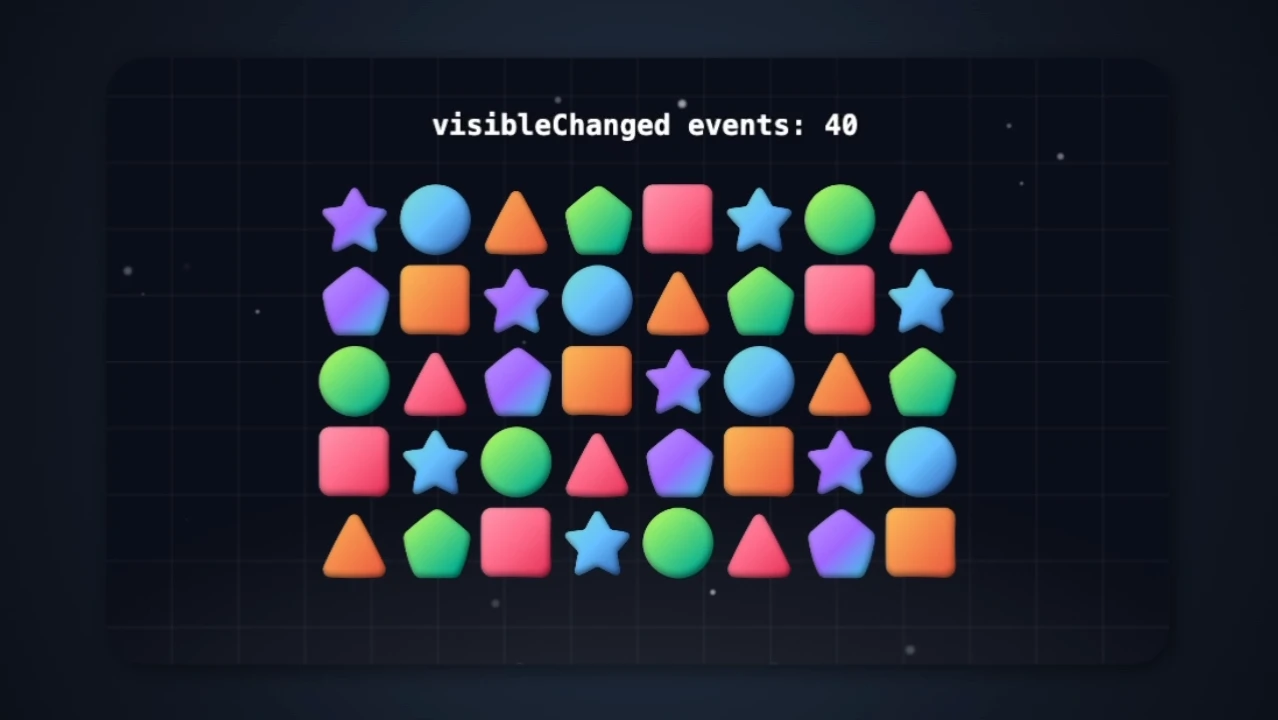 Visible changedThis example demonstrates the visibleChanged event on containers, showing a grid of shapes that emit events when toggled visible or hidden.
Assets5
 AsyncThis example demonstrates how to use async/await with PixiJS to load assets
 Background loadingThis example demonstrates how to load assets in the background using PixiJS's Assets module
 Manifest bundlesThis example demonstrates how to use asset bundles with PixiJS to manage and load groups of assets
 Multi loadingThis example demonstrates how to load and use multiple assets with PixiJS
 PromisesThis example demonstrates how to load assets using Promises with PixiJS
Animated sprite3
 AnimationThis example demonstrates how to create and display animated sprites with different animation speeds using PixiJS.
 ParticlesThis example demonstrates how to create and display animated sprites using PixiJS.
 SpritesheetThis example demonstrates how to create and display animated sprites using PixiJS.
Tiling sprite1
Nine-slice sprite2
Particle container2
Mesh13
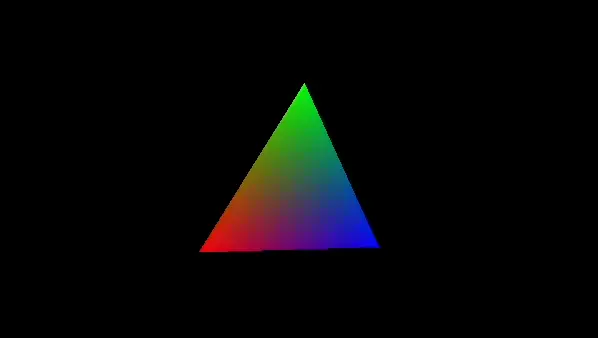 Custom color attributesThis example demonstrates how to create a custom mesh with colored triangle using custom shaders.
 Custom instanced geometryThis example demonstrates how to create and animate instanced geometry using custom shaders.
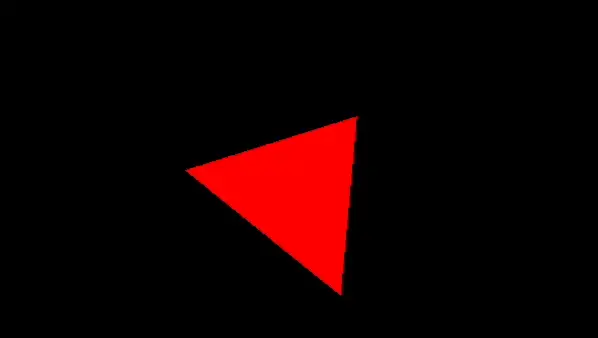 Custom shader geometryThis example demonstrates how to create a custom mesh using PixiJS
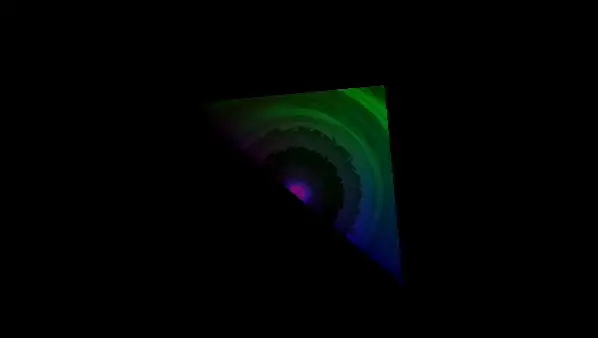 Custom texture UVThis example demonstrates how to create a textured custom mesh using PixiJS.
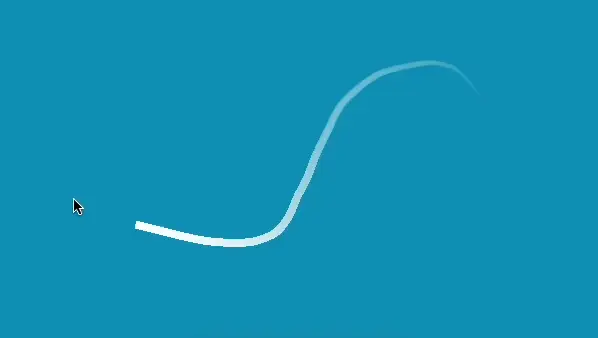 Mouse trailThis example creates a trail that follows the mouse pointer using a rope mesh and cubic interpolation.
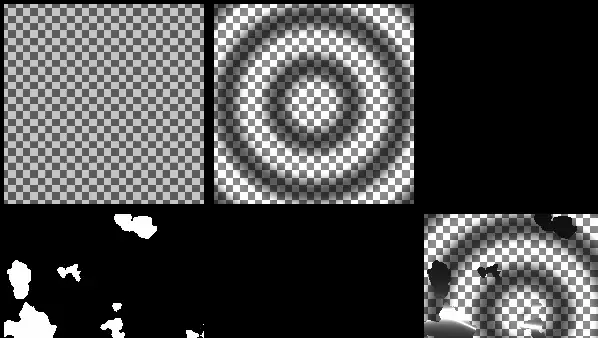 Multipass shader effectsThis example demonstrates a multi-pass rendering technique using custom shaders and meshes.
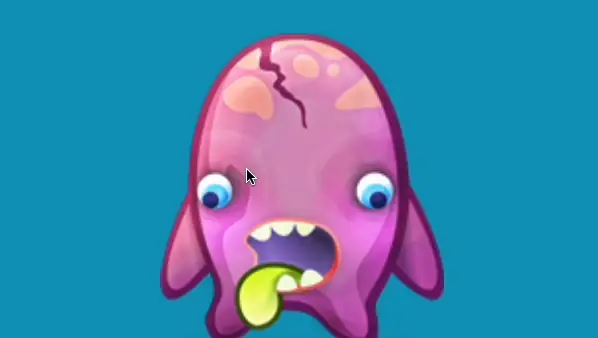 Perspective 3DThis example demonstrates how to create a perspective mesh that responds to mouse movement, simulating 3D rotation using PixiJS.
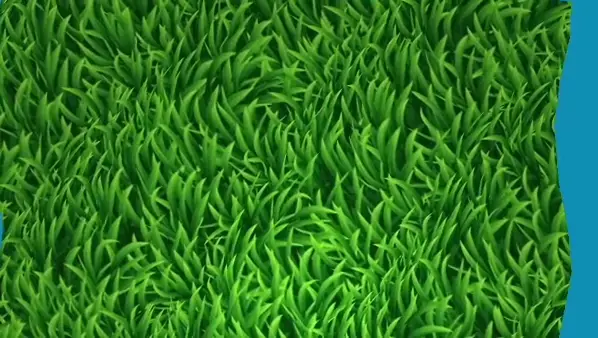 PlaneThis example demonstrates how to use a MeshPlane to create a dynamic plane mesh, animated with vertex manipulation
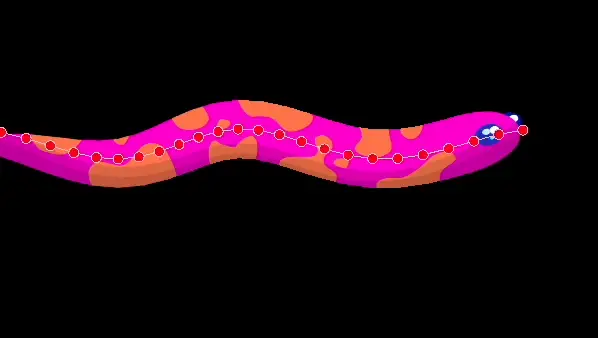 Rope texture verticesThis example demonstrates how to create and animate a textured MeshRope to simulate a snake-like movement using PixiJS.
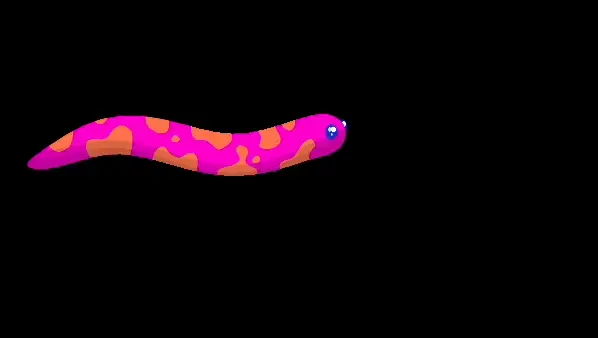 Rope texturedThis example demonstrates how to create and animate a basic textured MeshRope using PixiJS.
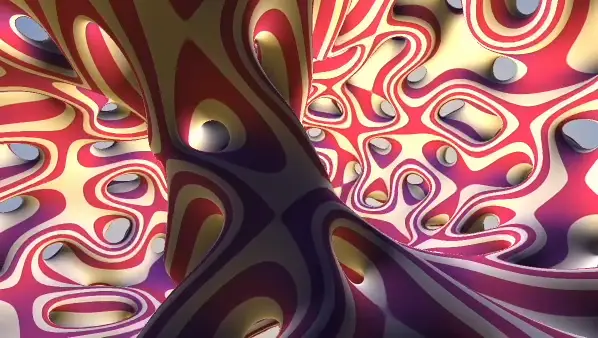 Shader toyThis example demonstrates how to create a full-screen quad mesh with a ShaderToy-like shader using PixiJS.
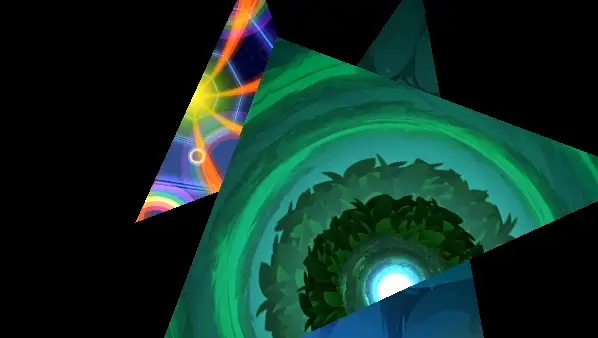 Shared geometryThis example demonstrates how to use shared geometry across multiple meshes with different textures using PixiJS.
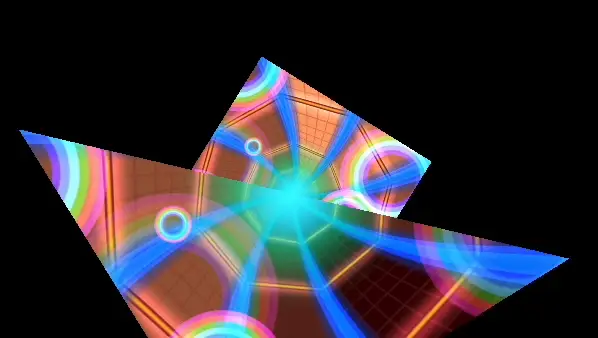 Shared shaderThis example demonstrates how to use shared shaders across multiple meshes using PixiJS.
Filters7
 BlurThis example demonstrates the use of BlurFilter to create dynamic blur effects on sprites
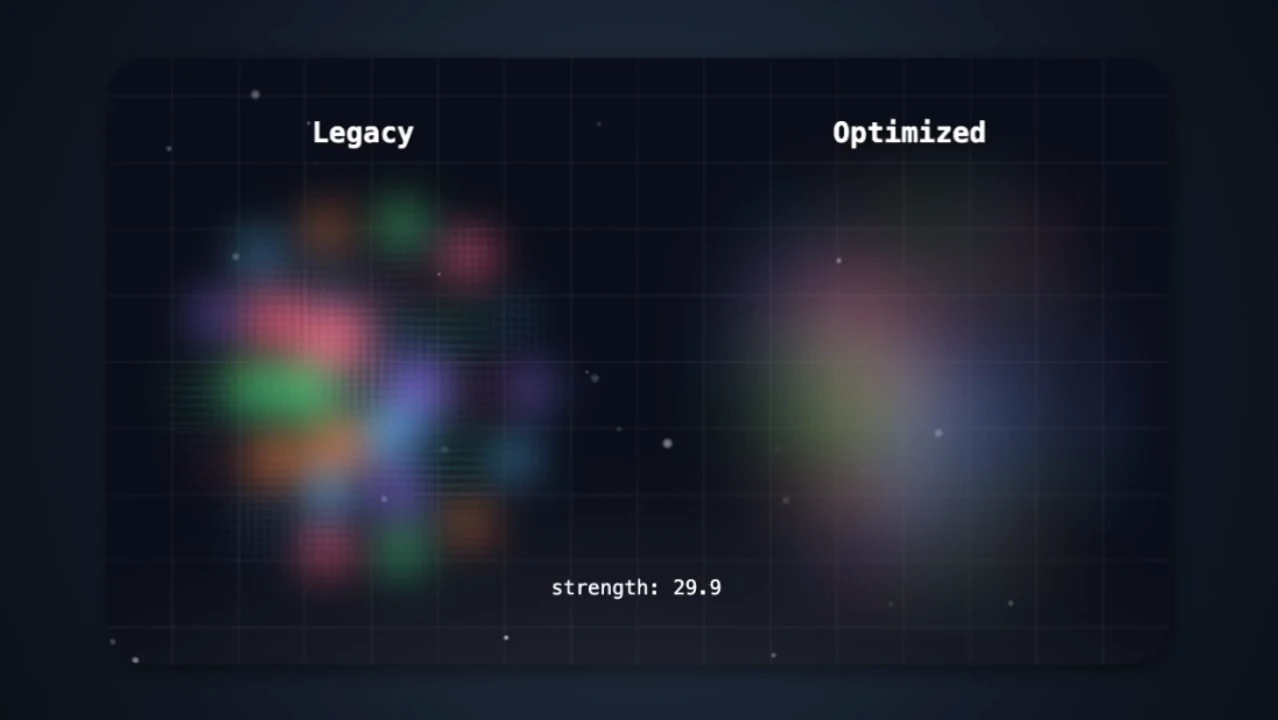 Blur legacyThis example compares the new optimized BlurFilter halving strength scheme against the legacy approach, showing improved visual quality at high blur strengths.
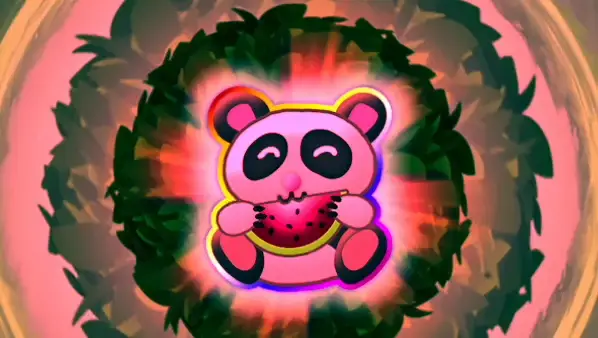 Color matrixThis example demonstrates the use of ColorMatrixFilter to create dynamic color effects on a container of sprites
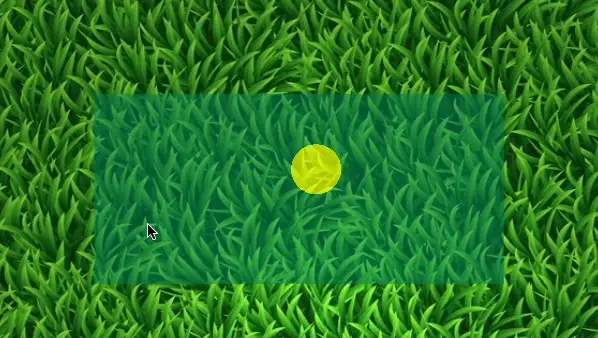 Custom interactive blendingThis example demonstrates mouse interaction with a custom shader filter that blends based on mouse position
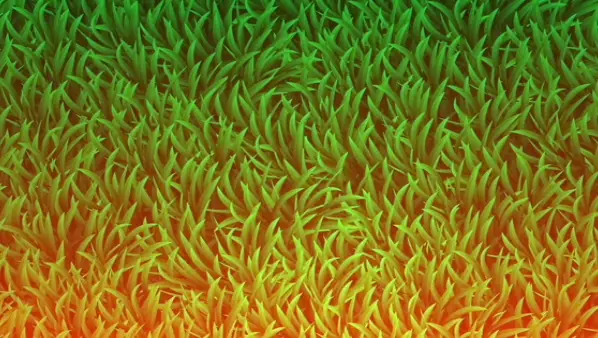 Custom shader GLSLThis example demonstrates how to create and apply a custom shader filter
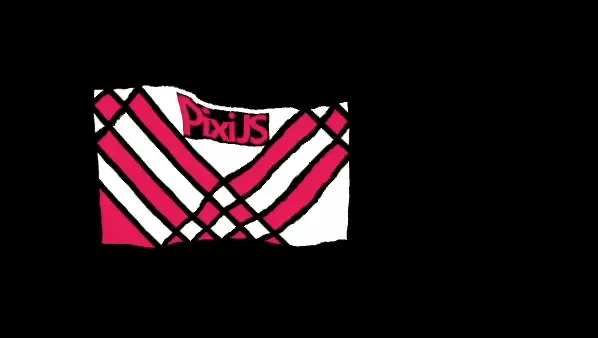 DisplacementThis example demonstrates the use of DisplacementFilter with a repeating texture to create a waving flag effect
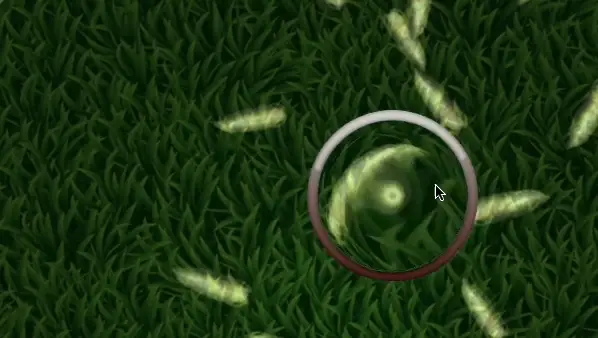 Displacement interactiveThis example demonstrates the use of DisplacementFilter to create a dynamic displacement effect on moving sprites
Rendering7
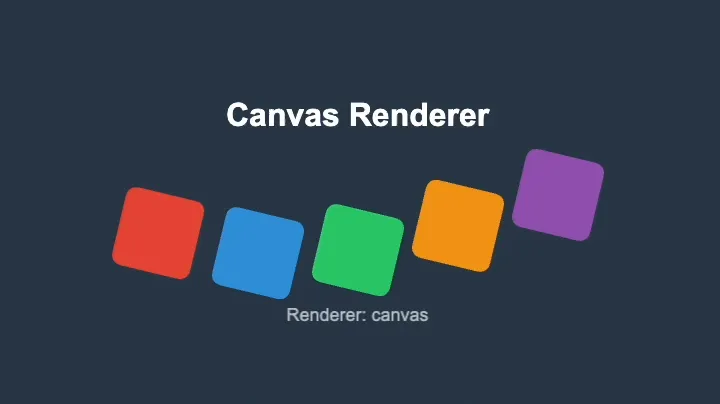 Canvas rendererThis example demonstrates the new experimental Canvas renderer in PixiJS.
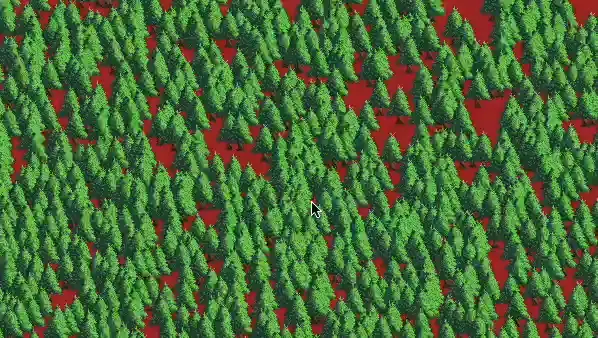 Render groupThis example demonstrates how to use a render group for efficient rendering of a large number of sprites
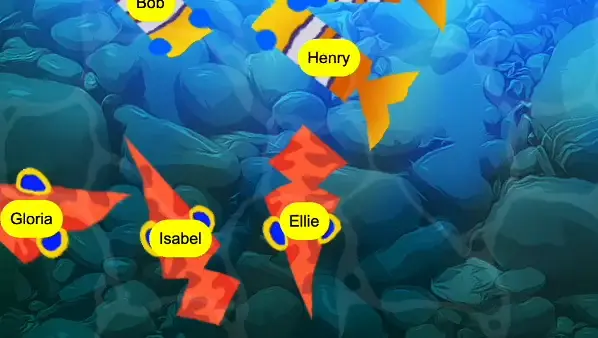 Render layerThis example demonstrates the use of RenderLayer to manage the rendering order of UI elements in a scene with multiple sprites and filters using PixiJS.
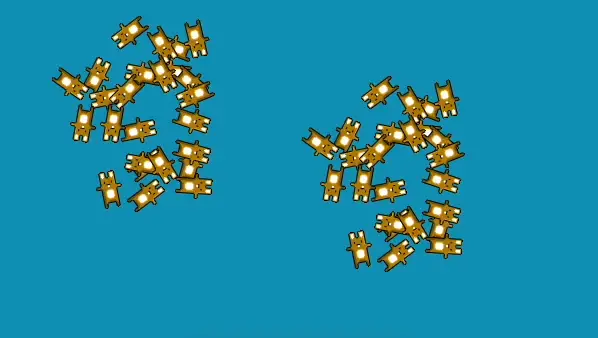 Render texture basicThis example demonstrates how to create a basic render texture and render multiple sprites into it.
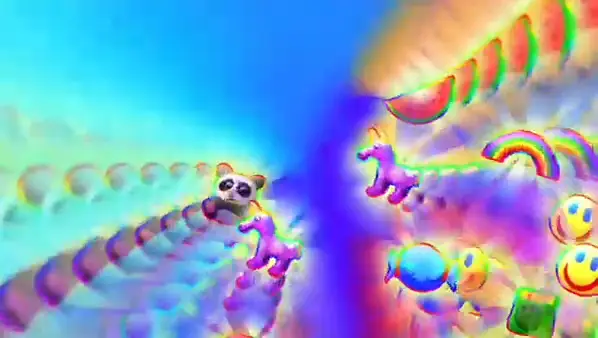 Render texture bufferThis example shows how to create an advanced render texture setup where the scene is rendered into itself with some transformations.
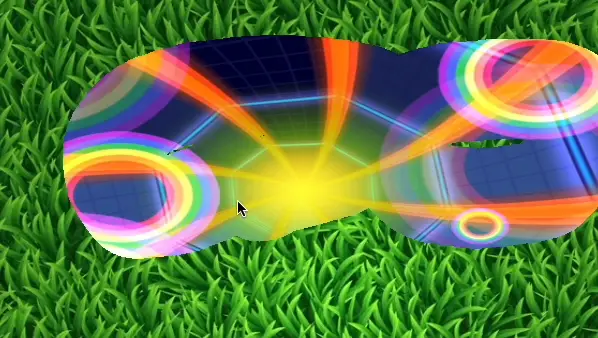 Render texture scratch cardScratch card effect using RenderTexture and masking
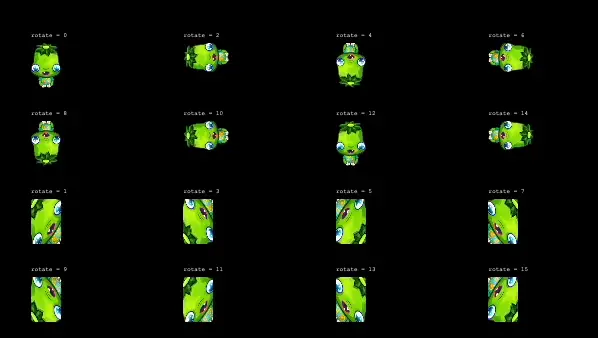 Texture rotationThis example demonstrates how to create and display textures with various rotations using PixiJS.
GSAP8
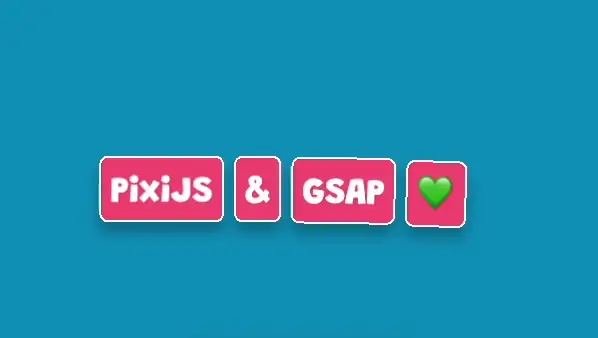 Animation basicThis example demonstrates how to create a simple GSAP animation with PixiJS, featuring text elements that animate in a staggered fashion.
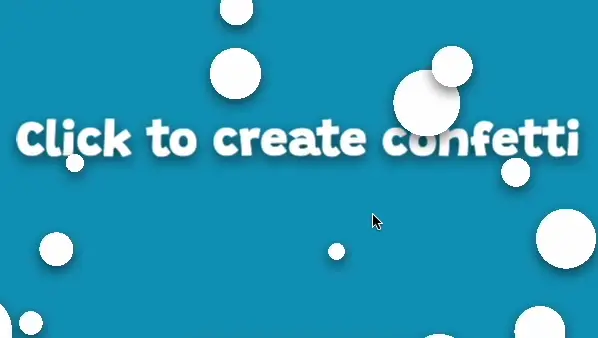 Animation confettiThis example demonstrates how to create a GSAP confetti animation with PixiJS, triggered by user clicks.
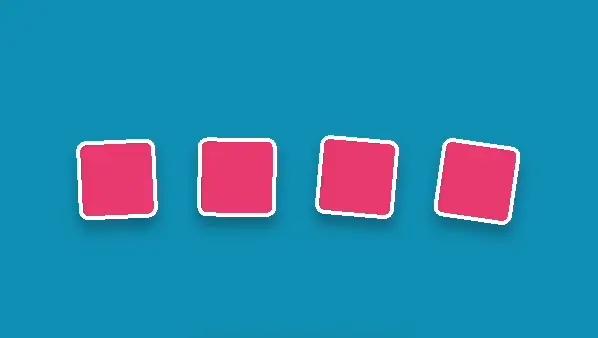 Animation keyframeThis example demonstrates how to create a GSAP keyframe animation with PixiJS, animating multiple boxes with staggered timing.
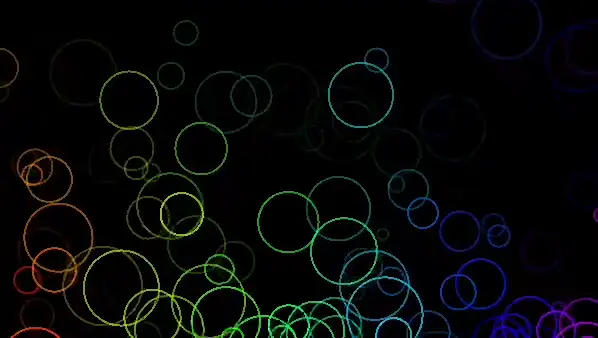 Animation physics particlesThis example demonstrates how to create a GSAP animation with PixiJS, featuring particles that animate with physics.
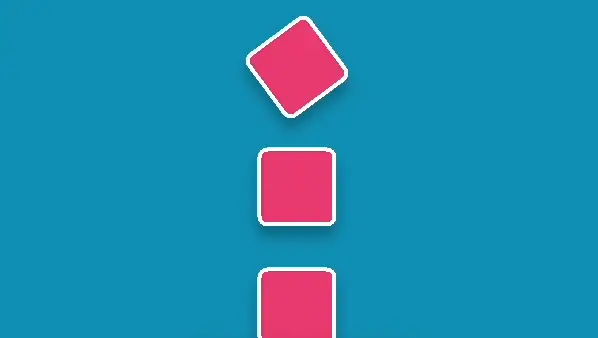 Animation timelineThis example demonstrates how to create a sequenced GSAP animation timeline with PixiJS, animating multiple boxes in a coordinated manner.
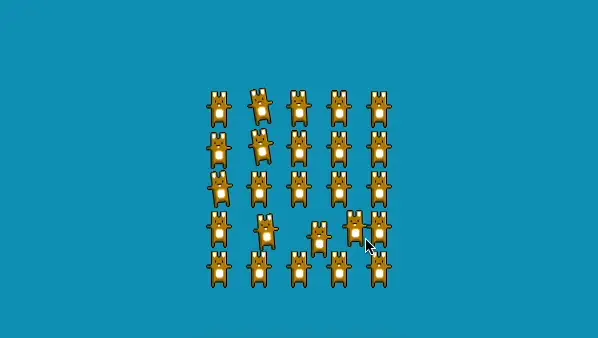 Interaction inertiaThis example demonstrates how to create a GSAP interaction inertia effect with PixiJS, where sprites react to mouse movement with inertia.
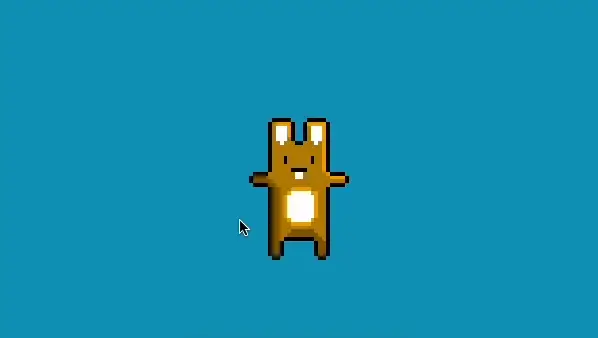 Interaction moveToThis example demonstrates how to use GSAP's quickTo method to create smooth, performant interactions with PixiJS, allowing a sprite to follow the user's pointer movements.
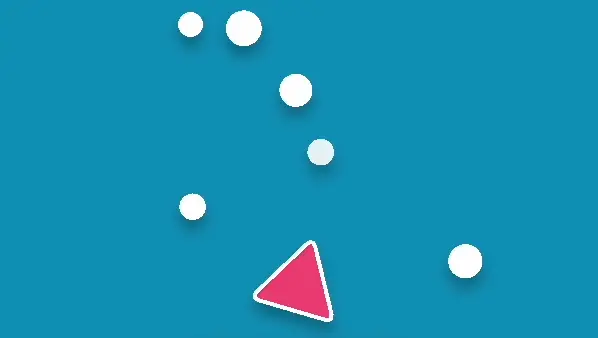 PhysicsThis example demonstrates how to create a GSAP physics-based cannon animation with PixiJS, where bullets are fired from a cannon on user clicks.
App1
DOM container1
Offscreen canvas1
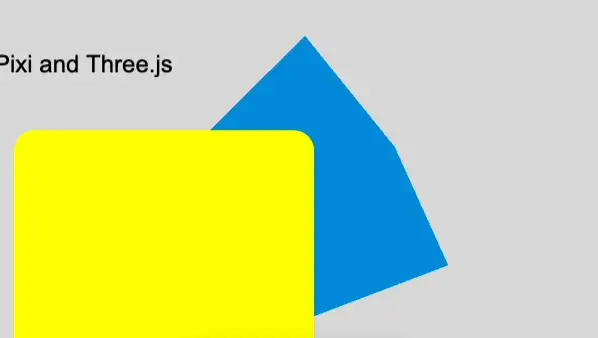
three.js1
Misc5
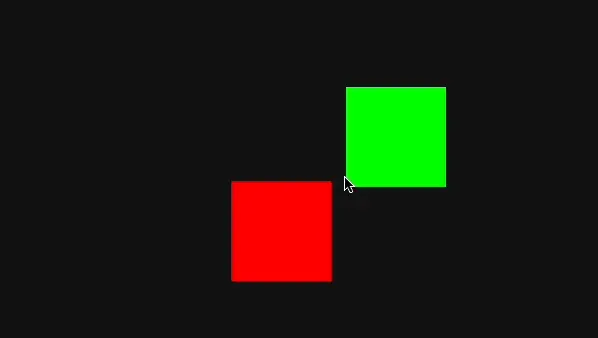 Physics AABBAn example of simple collision detection and response between two squares.
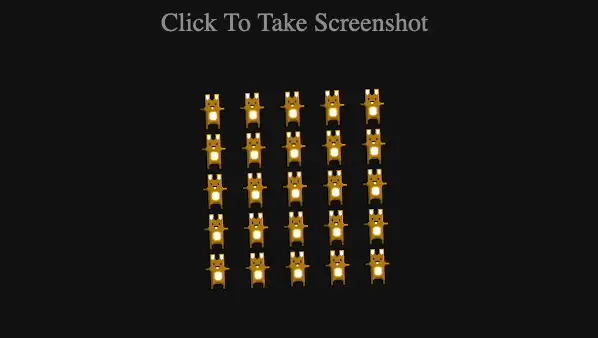 Screen shotTake a screenshot of the rotating bunnies and download it
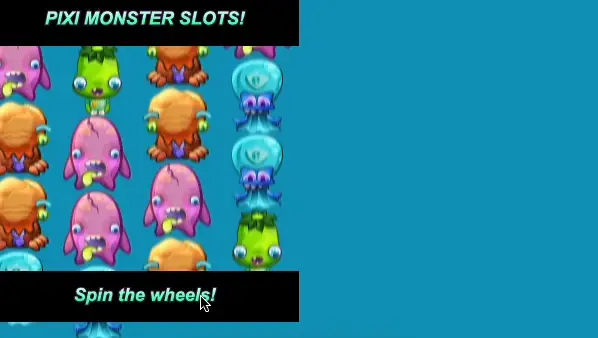 SlotsA simple slot machine using animation and blur filters
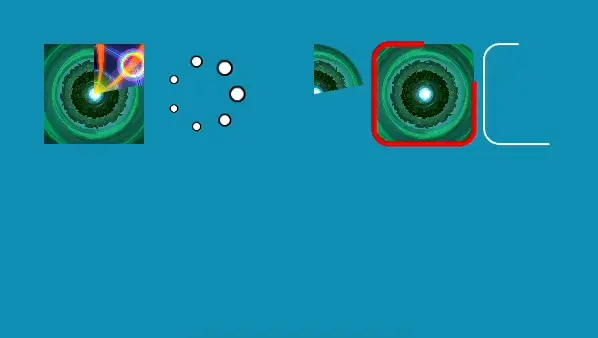 SpinnersVarious loading spinners using masks and graphics
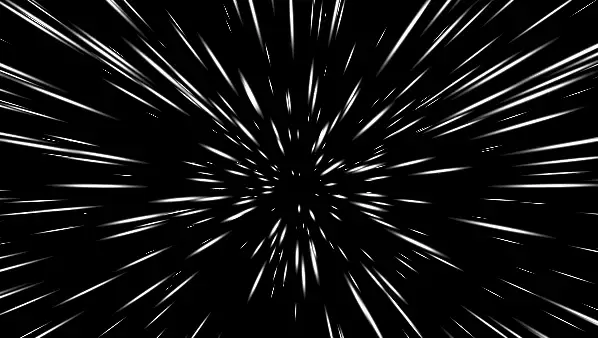 Star warpStar warp effect using 3D to 2D projection