


GET GOING
Scaffold a project in seconds.
npm create pixi.js@latestor add it to an app: npm install @pixi/3d
TAKE THE TOUR
See it running.
Each tab runs live beside the code that draws it.
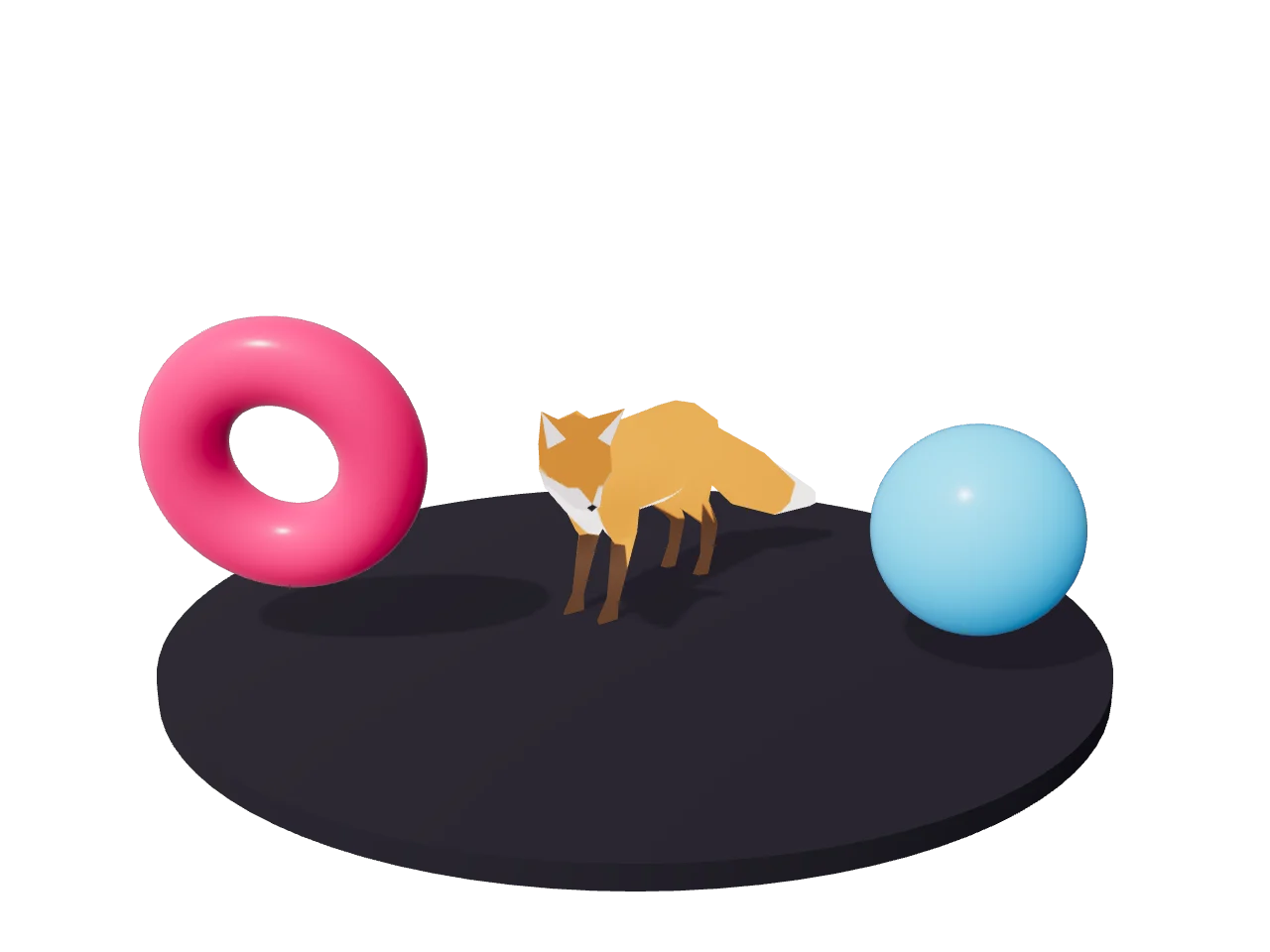
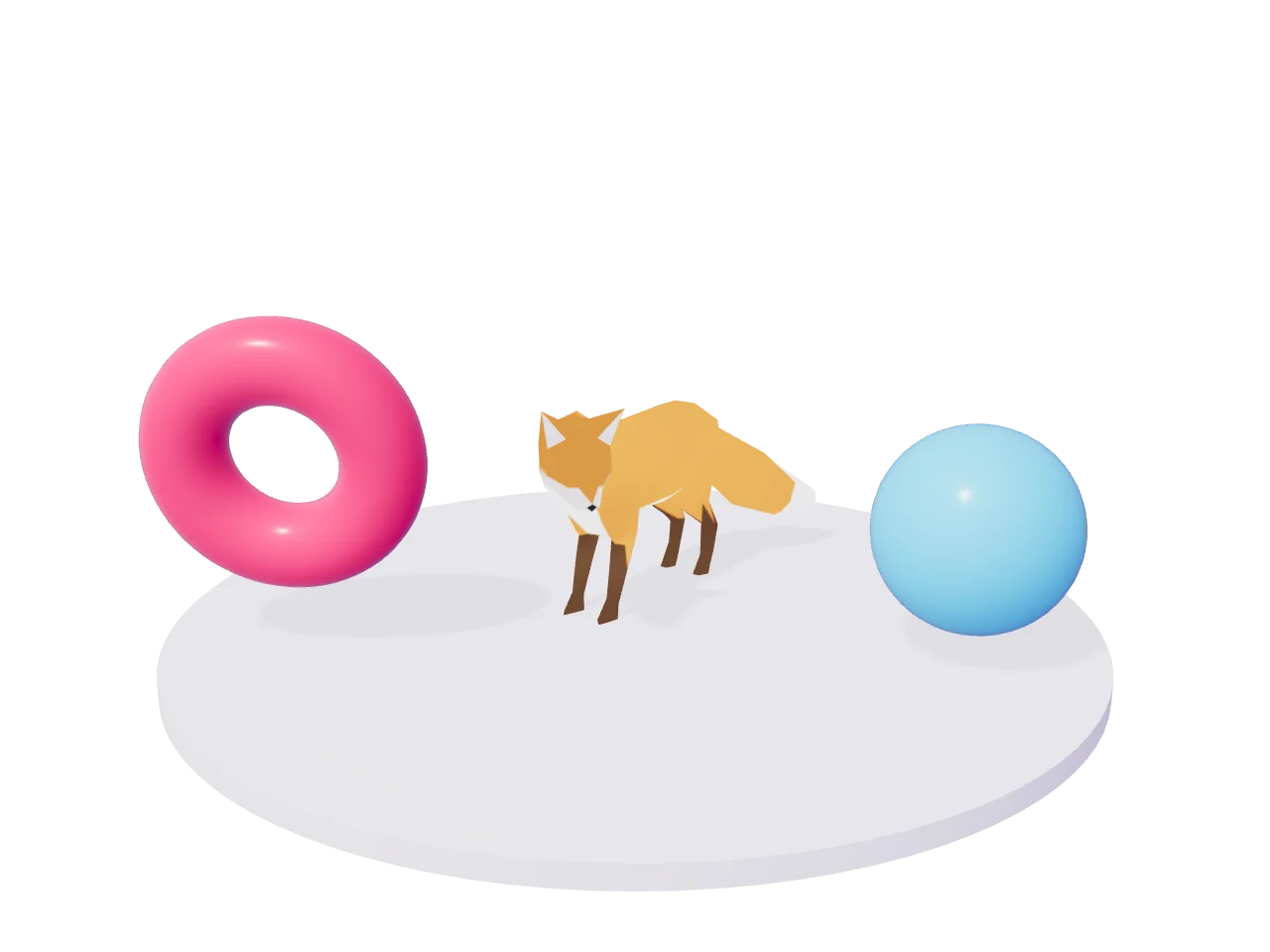
import { Assets } from 'pixi.js';
import {
  DirectionalLight, Model3D, View3D,
} from '@pixi/3d';


const view = new View3D({ autoResize: true });
app.stage.addChild(view);


// glTF loads through Assets, like a texture
const fox = new Model3D({
  source: await Assets.load('fox.glb'),
  scale: 0.01,
});
// and its animations play by name
fox.player?.play('Survey');


const sun = new DirectionalLight({
  castShadow: true,
});
view.root.addChild(fox, sun);
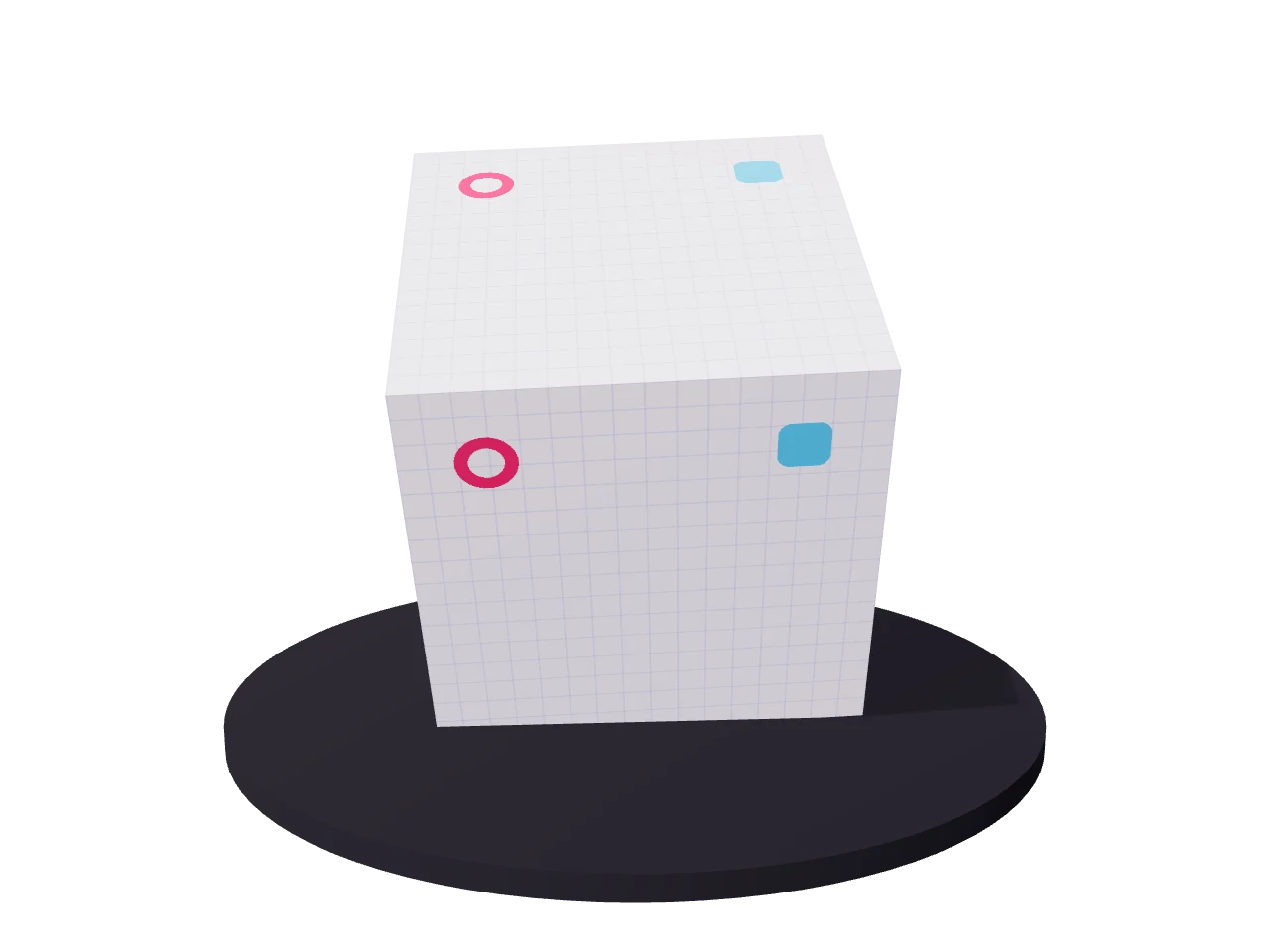
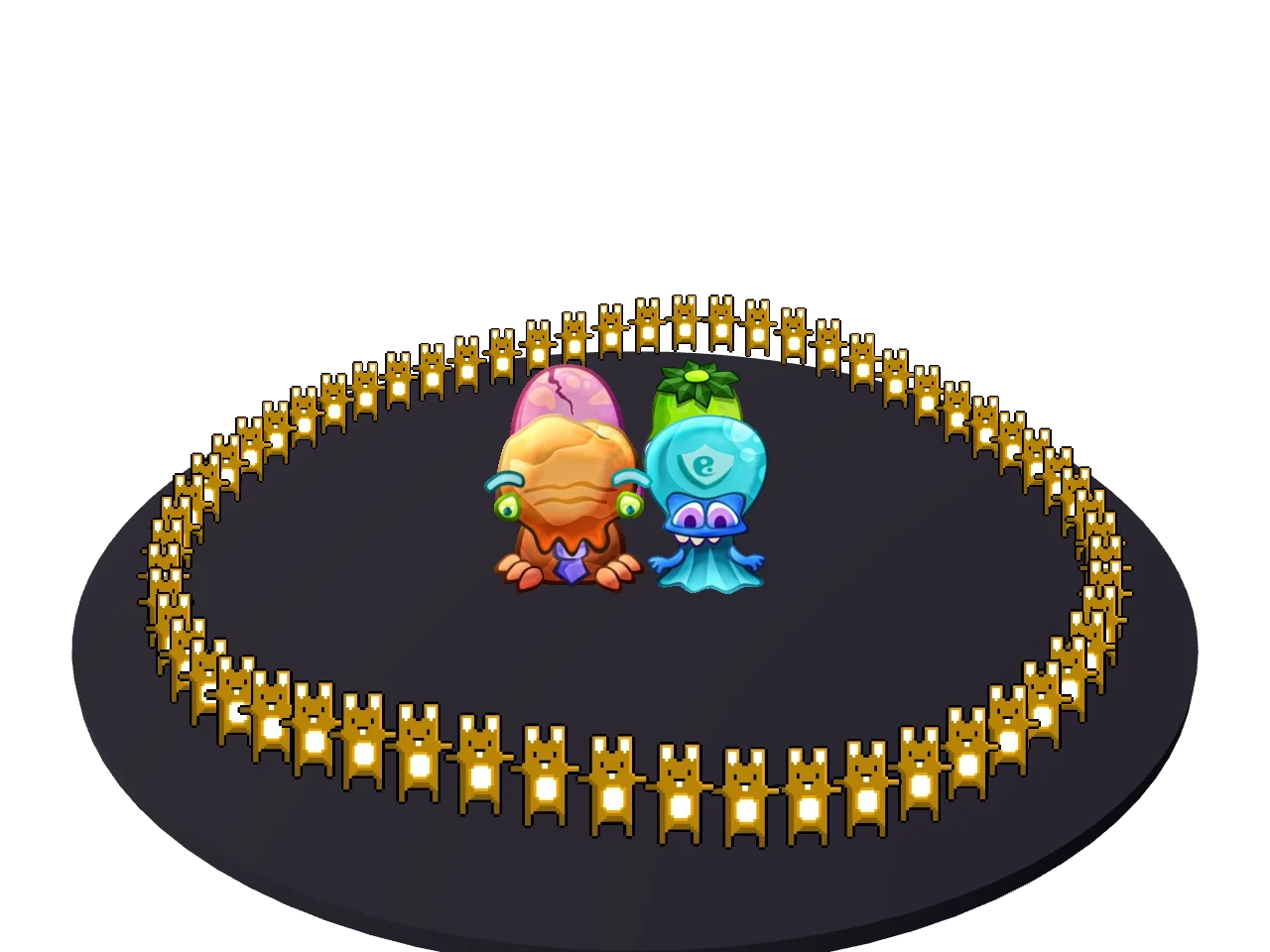
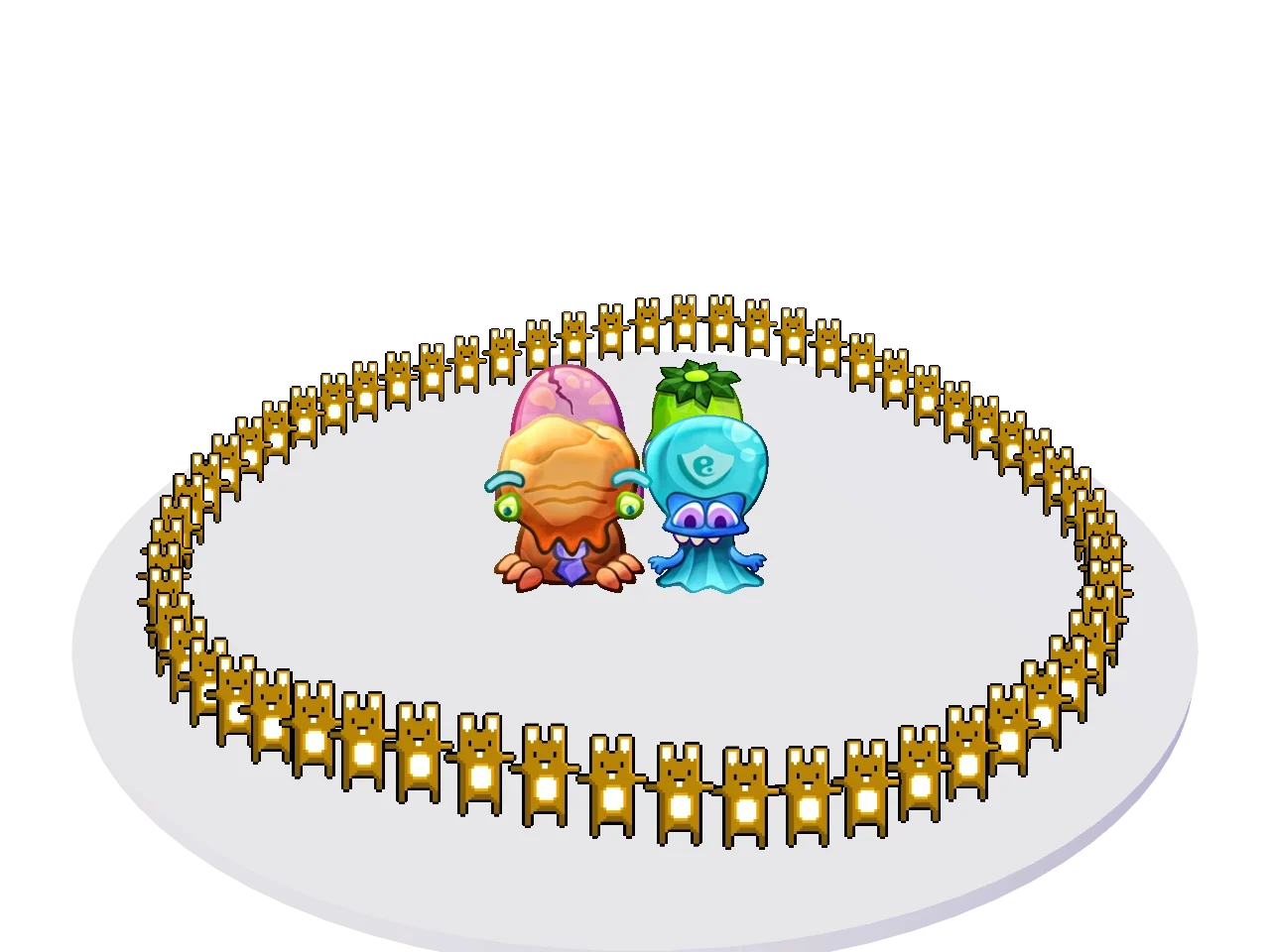
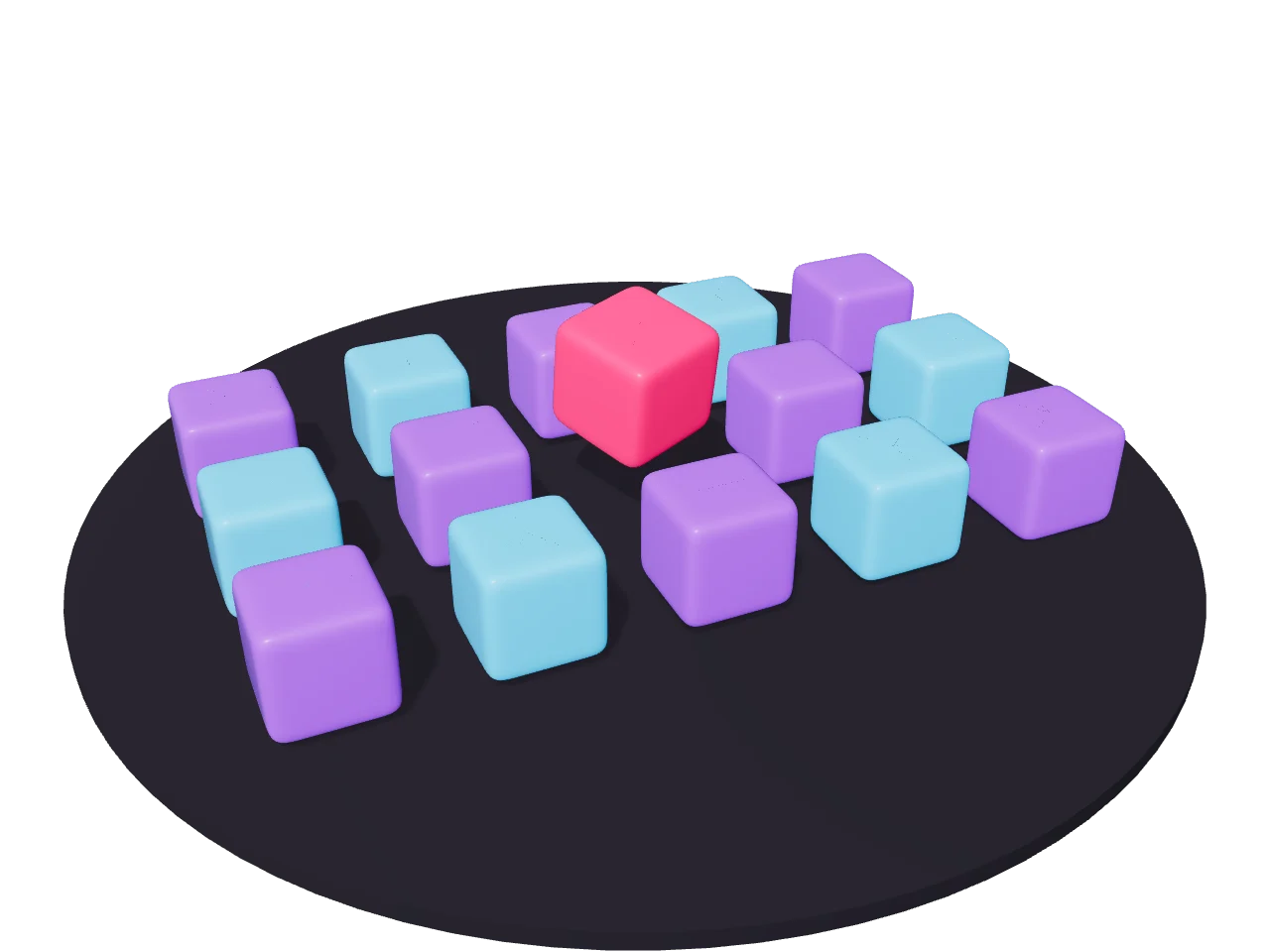
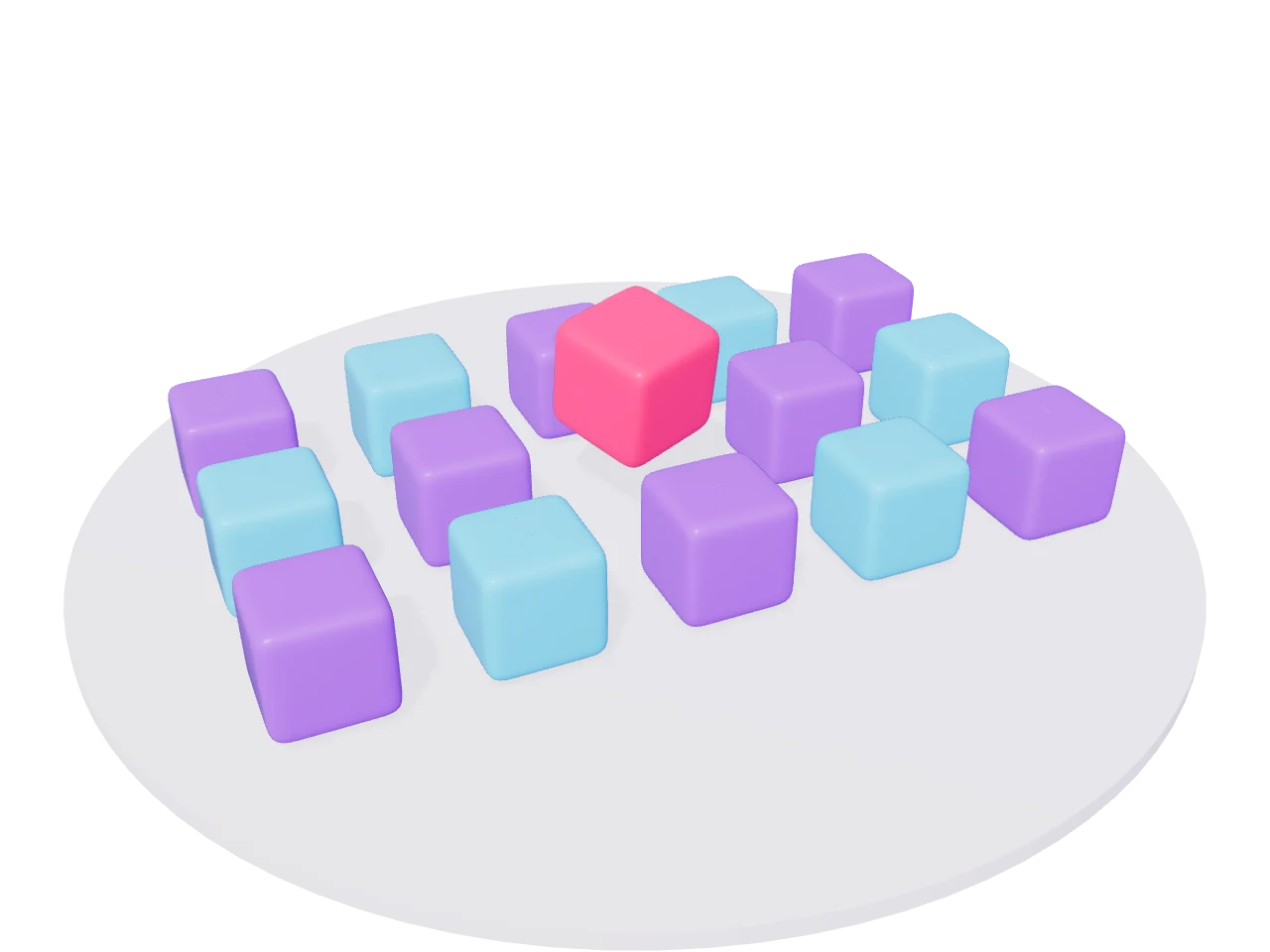
Click the fox to change its animation.Tap the fox to change its animation.Click the cube.Tap the cube.Drag to orbit the ring.Every sprite turns to face the camera.Hover a cube and click to spin it.Tap a cube to spin it.
FEATURES
A full 3D engine.
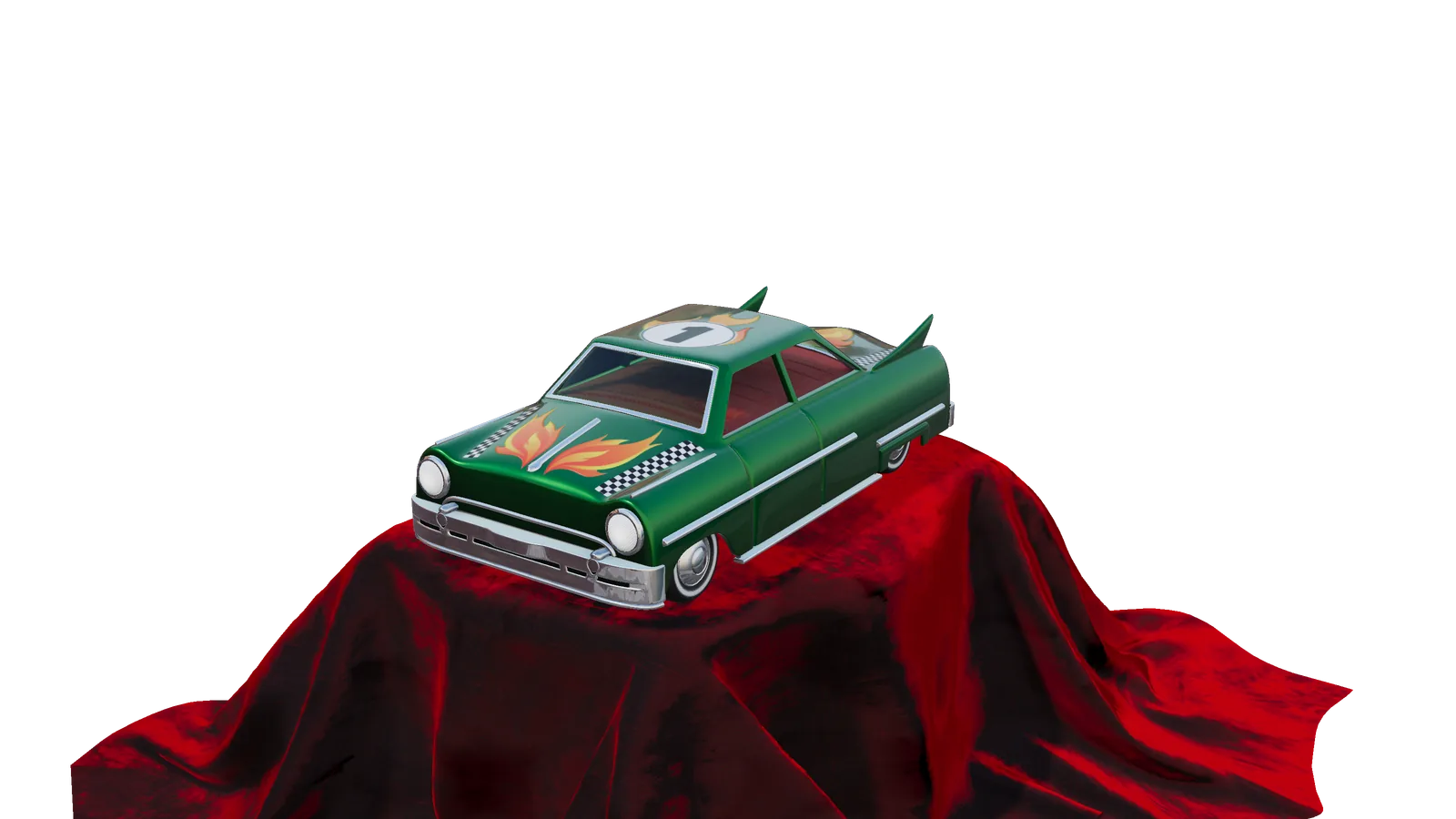
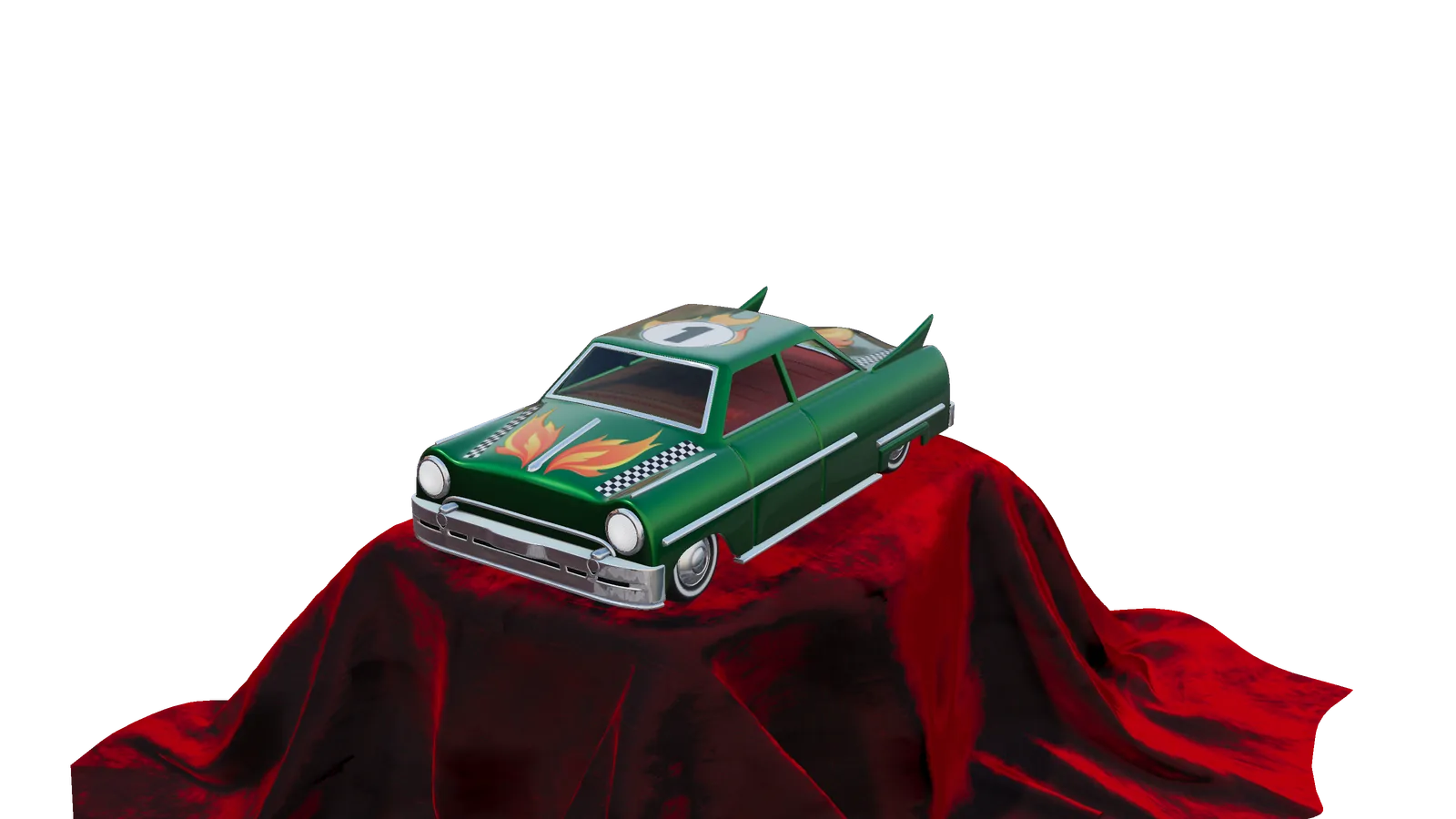
ToyCar by Guido Odendahl and Eric Chadwick, CC0 glTF 2.0
Skins, morph targets and animations, KHR materials and lights, Draco and meshopt compression. Load with
Assetsand play animations withmodel.player.Lights & shadows
Directional, point, spot and ambient lights, up to 32 per view, with soft PCF shadows and cascades.
Post-processing
Bloom, SSAO, FXAA, tilt-shift and outlines, from
@pixi/3d/extras.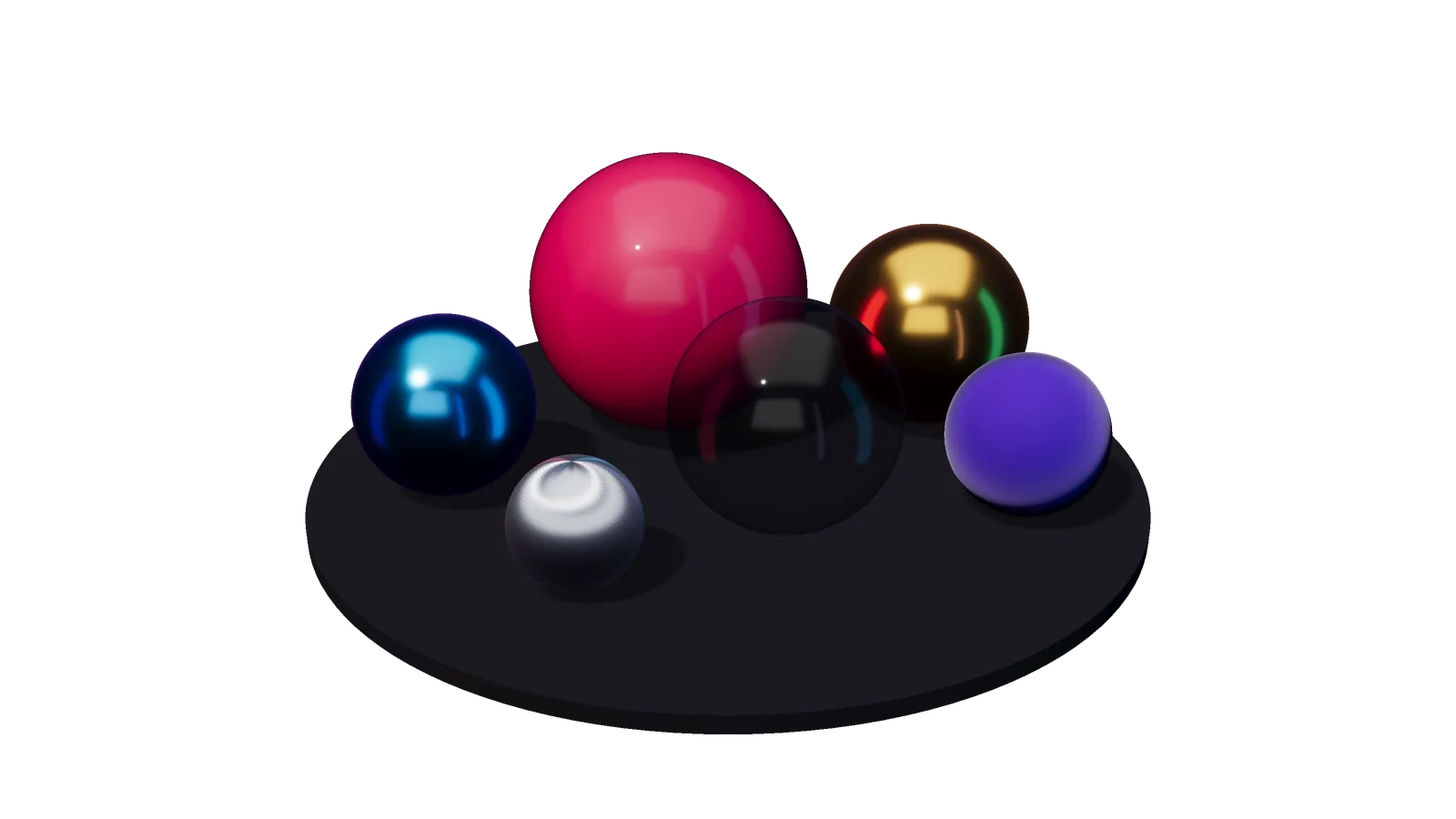
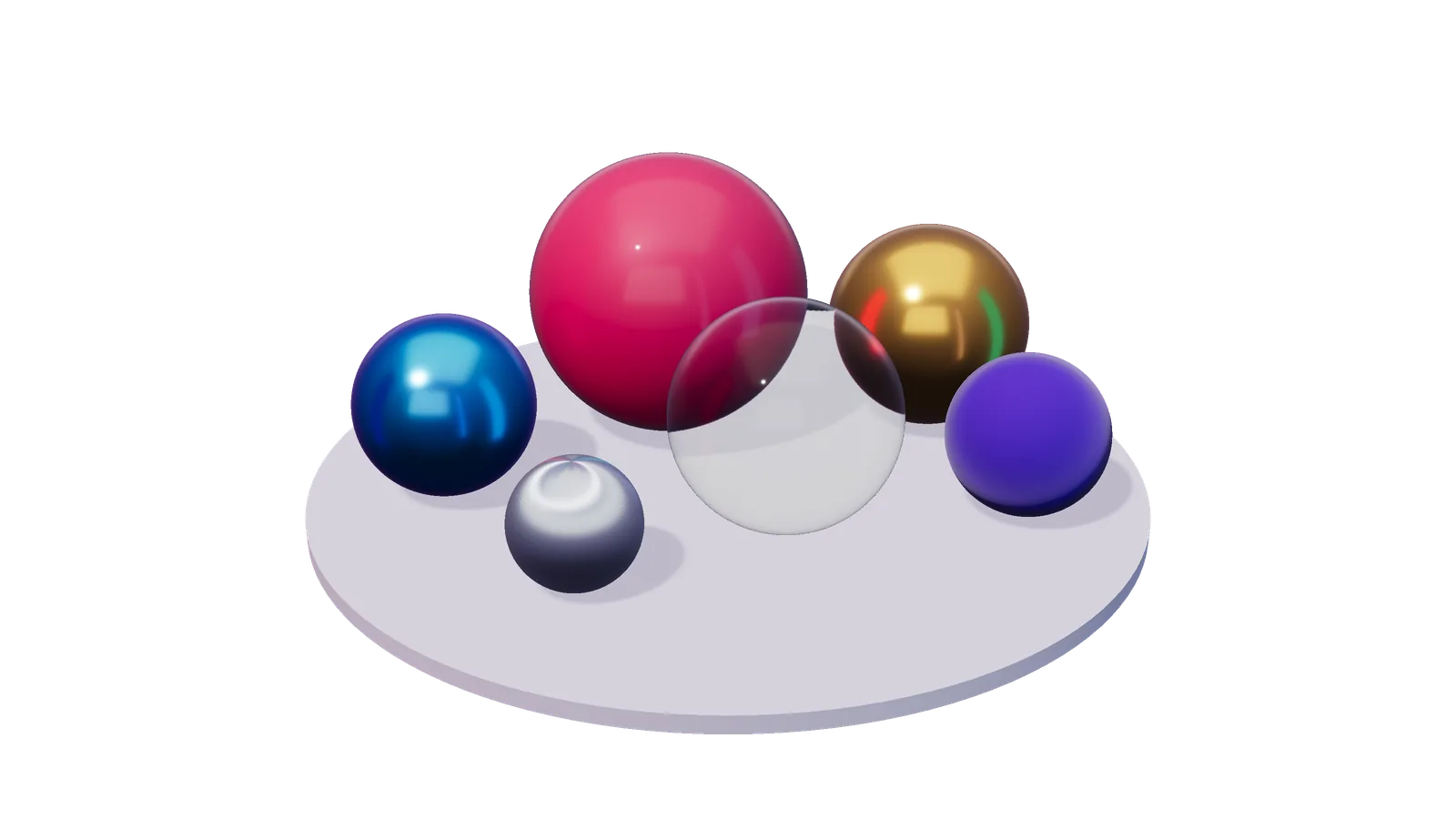
PBR materials
Metallic-roughness with clearcoat, sheen, iridescence, transmission, specular and anisotropy, lit by environment maps or a hemisphere.
Particles
Fire, smoke, sparks and flipbooks from one options object, with
ParticleSystem3D.Instancing
BatchedMesh3Ddraws thousands of copies, culled on the GPU under WebGPU.Cameras
OrbitCameraandFPSCamera, ready to drop in.Stylised
Toon, Phong and flat materials for when PBR is too real.
Lean
Import
@pixi/3dand it downloads only the backend your renderer picks.
NOTHING NEW TO LEARN
The same easy-to-use API.
View3D
Same stage
A View3D is a container, so you can put it under sprites, over a background or behind a 2D filter.
const view = new View3D({ autoResize: true }); app.stage.addChild(background, view, hud);Model3D
Same loader
Assets loads glTF and GLB, including Draco and meshopt compression.
const robot = new Model3D( await Assets.load<Scene3DSource>('robot.glb'), ); view.root.addChild(robot);eventMode
Same events
Ray-picked pointer events with the names, bubbling and cursors you use in 2D.
mesh.eventMode = 'static'; mesh.cursor = 'pointer'; mesh.on('pointertap', () => spin(mesh));ContainerTexture
2D on 3D
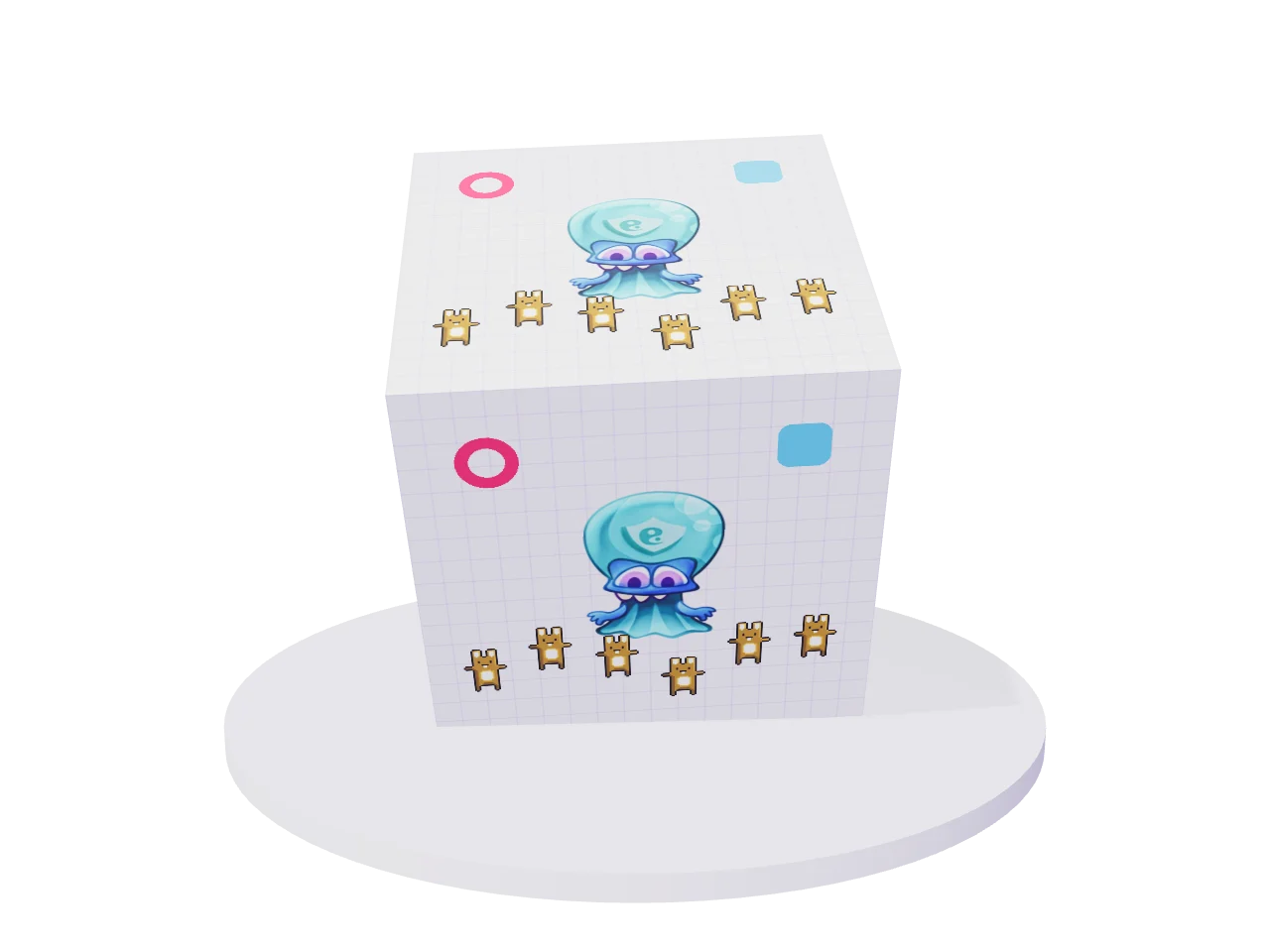
Render any 2D container onto a mesh every frame.
const face = new ContainerTexture({ container: ui });


cube.material = new Material3D({ baseColorTexture: face });
app.ticker.add(() => face.render(app.renderer));
BUILT WITH PIXIJS 3D
See it move.
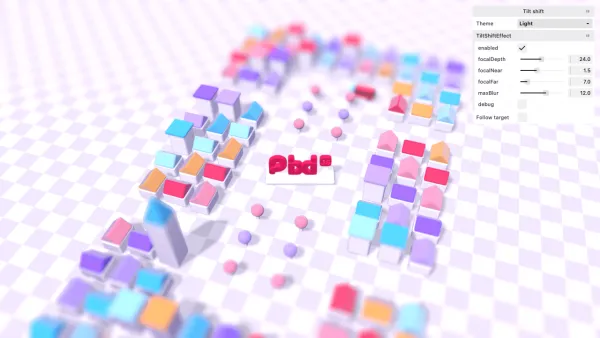 Post-processing
Tilt shift
A clay town that reads as a miniature, sharp in one band of depth.
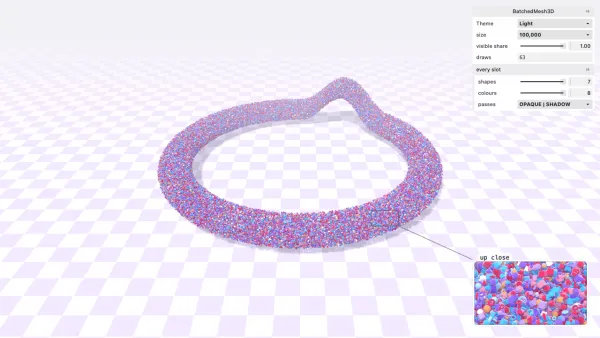 Instancing
BatchedMesh3D
Up to 100,000 clay shapes in a few dozen draw calls.
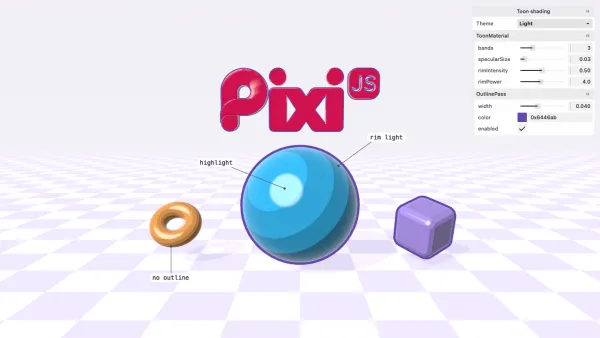 Materials
Toon shading
Banded shading, a rim light and ink outlines.
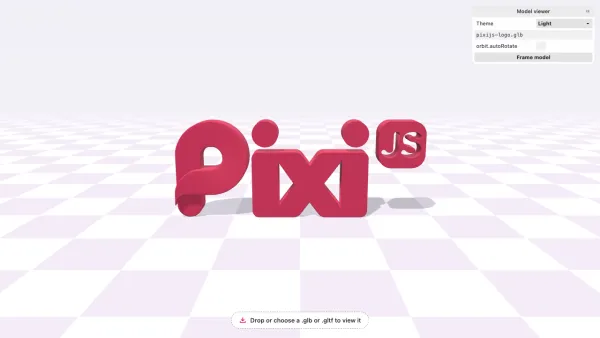 Getting started
Model viewer
Drop in a .glb or .gltf file to see your own model.
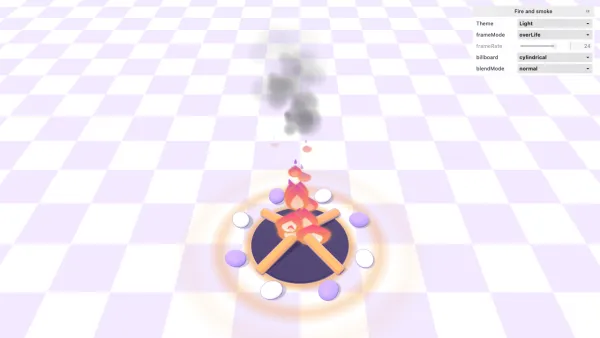 Particles
Fire and smoke
Flipbook fire and smoke from three particle systems.
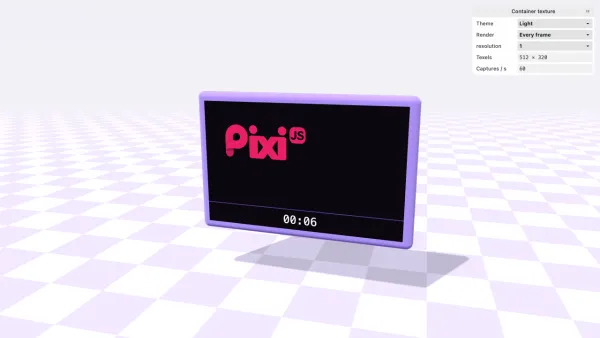 2D and 3D
Container texture
A live 2D scene on the screen of a swivelling clay monitor.
Bring your stage into the third dimension.
Start from the app you already have. Add a View3D and see what happens.