3D · beta
PixiJS 3D examples
Scenes, models, materials and effects, each a complete program. Open one to edit the code and watch it run.
Getting started3
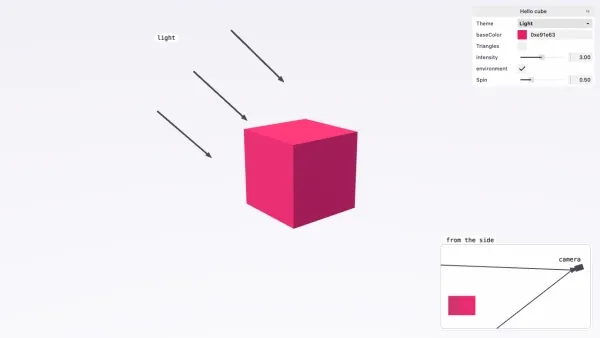 Hello cubeThe smallest @pixi/3d scene: an app, a view, a cube and a light
 Model viewerA model viewer: drop a .glb or .gltf file on the page and it shows on the stage, framed and lit
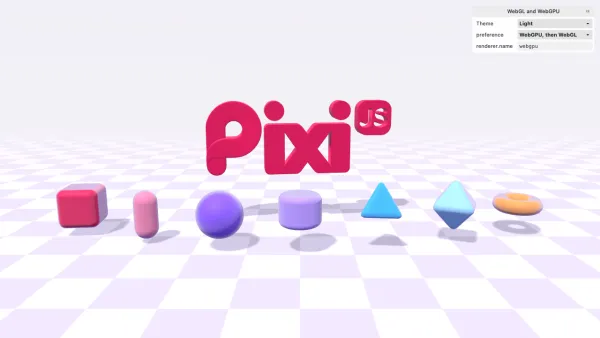 WebGL and WebGPUOne scene on either GPU backend: pixi picks WebGPU or WebGL at app.init, and @pixi/3d draws the same frame on both
2D and 3D6
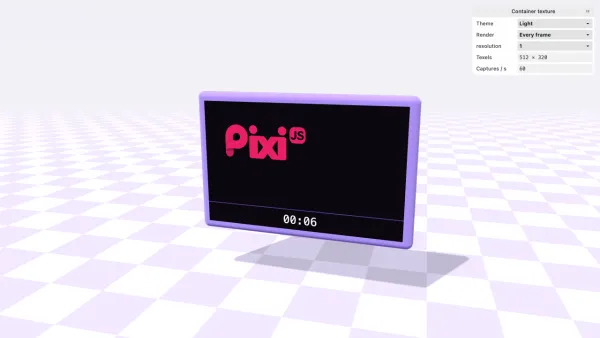 Container textureA live 2D pixi scene on a 3D surface: ContainerTexture captures a Container into a texture any material samples
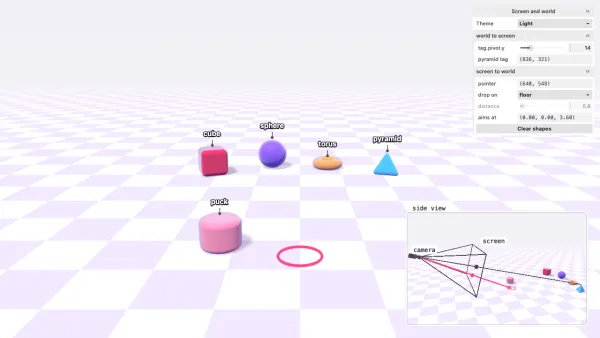 Screen and worldBetween pixi's 2D screen and the 3D world, in both directions
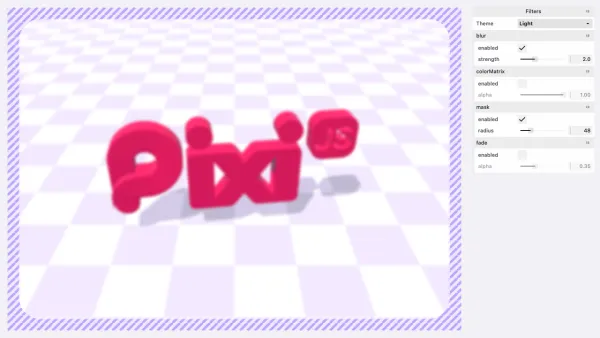 FiltersPixi filters on a 3D view: a View3D is a pixi Container, so pixi filters, masks and fades it like a sprite
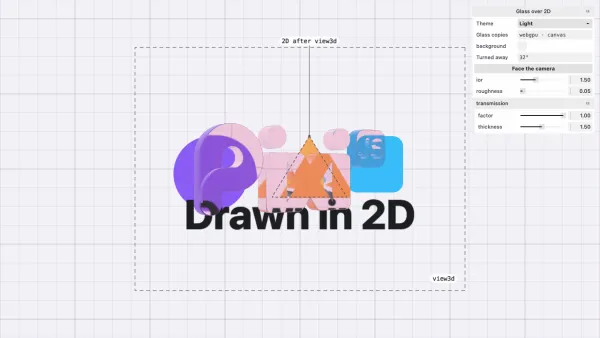 Glass over 2D3D glass bends the 2D pixi content drawn behind its view
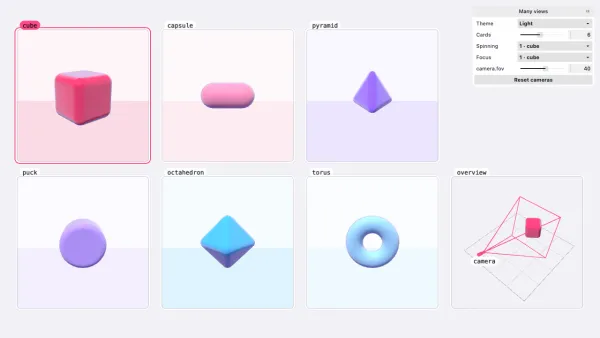 Many viewsMany View3Ds side by side on one pixi stage, each with its own scene and camera
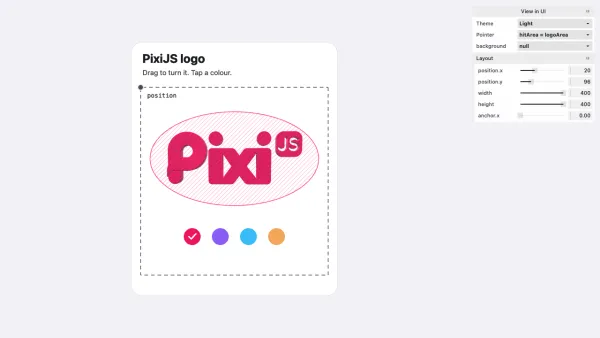 View in UIA View3D is a pixi container: it sits in a 2D layout, lets the 2D show through, and shares pointer input with the pixi UI around it
Scene graph5
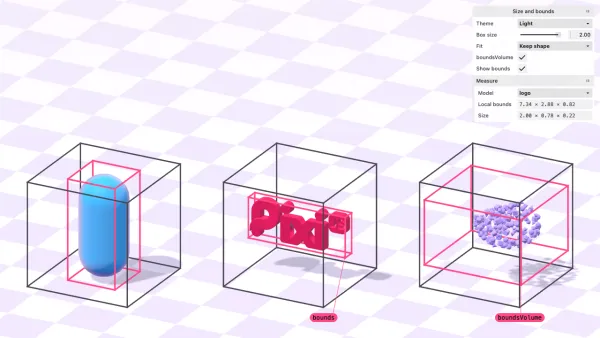 Size and boundsHow big a node is and how to make it a given size: getLocalBounds, width, height and depth, fitting any model to a box, and boundsVolume
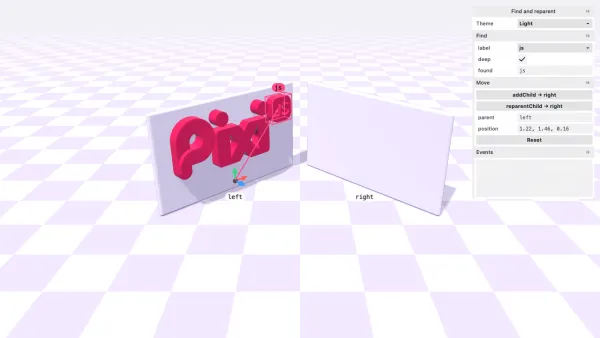 Find and reparentFinding a node by its label, and moving it to a new parent with addChild or reparentChild
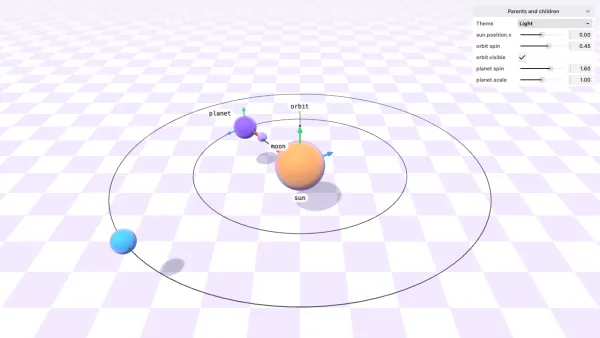 Parents and childrenA child moves, turns and scales with its parent, and visible hides a whole branch
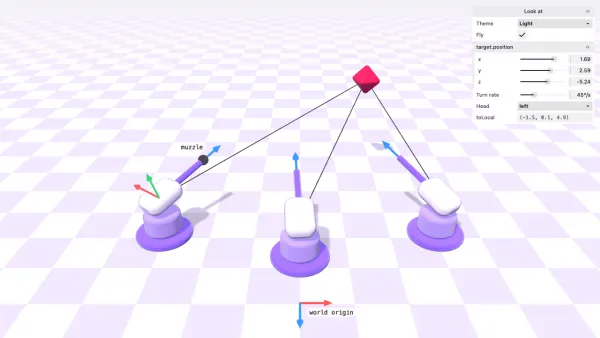 Look atPointing at things: lookAt turns a node to face a point, and toLocal and toGlobal carry points between spaces
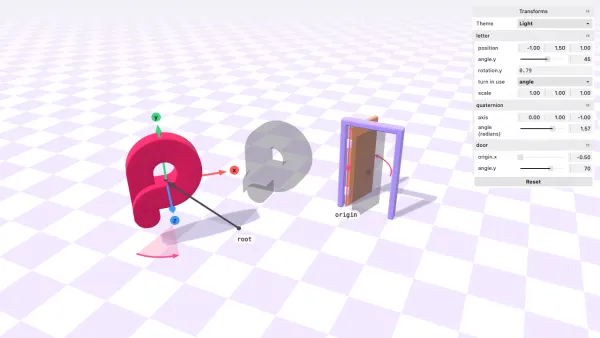 TransformsPosition, rotation and scale: the local transform every node carries, each part measured in its parent's space
Geometry7
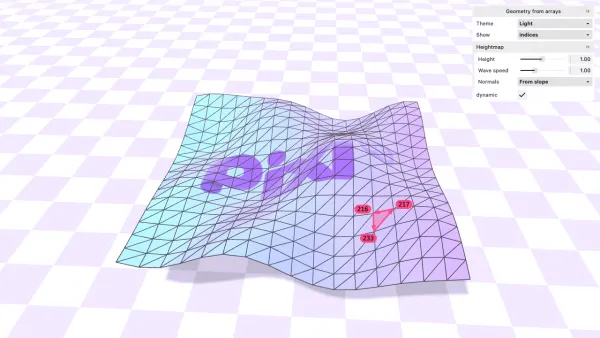 Geometry from arraysA mesh's shape from your own arrays: positions, indices, normals and uvs in a Geometry3D
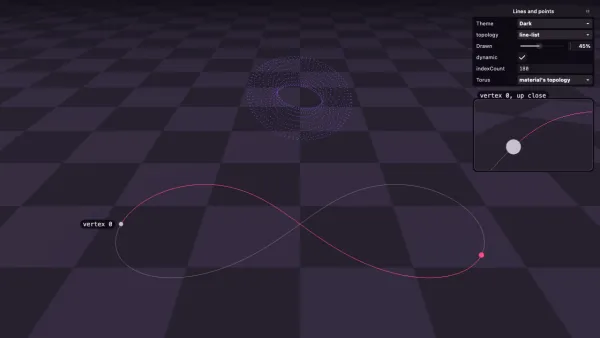 Lines and pointsLines and points: topology says how a geometry joins its vertices, and indexCount draws only the first part of it
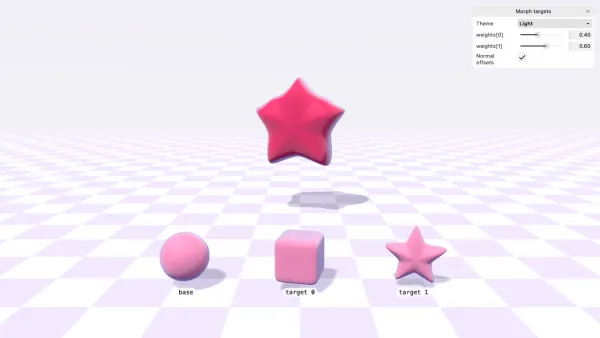 Morph targetsMorph targets: a geometry stores extra shapes as offsets for every vertex, and a mesh's weights blend them in
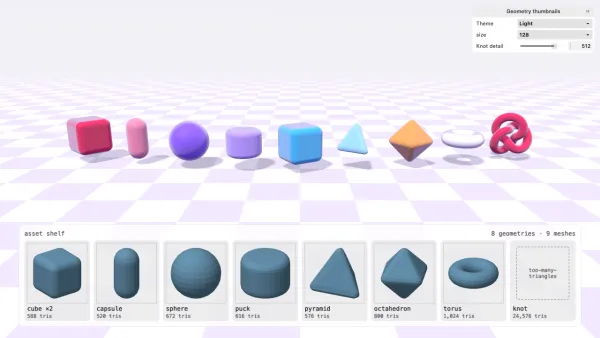
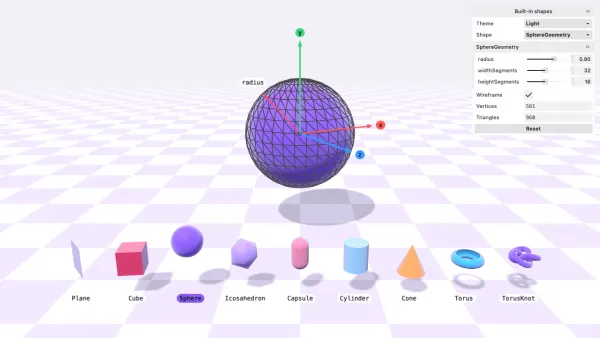 Built-in shapesThe nine built-in geometries, and the options that size and subdivide them
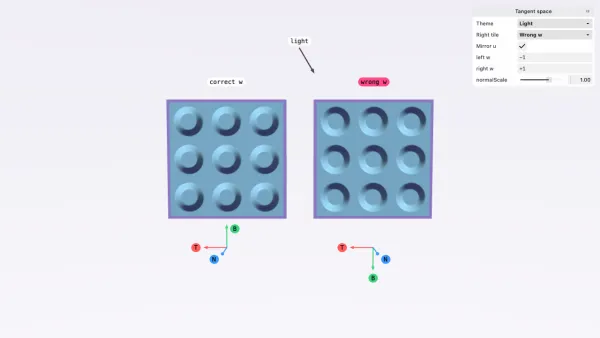 Tangent spaceTangent space turns a normal map's RGB directions into directions on a flat mesh.
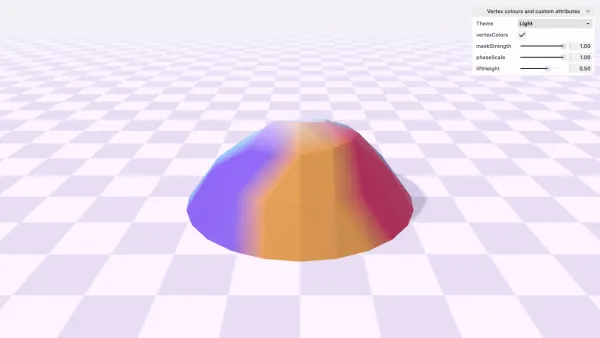 Vertex colours and custom attributesPer-vertex data: colours that tint, a second colour set that carries data, and an attribute of your own
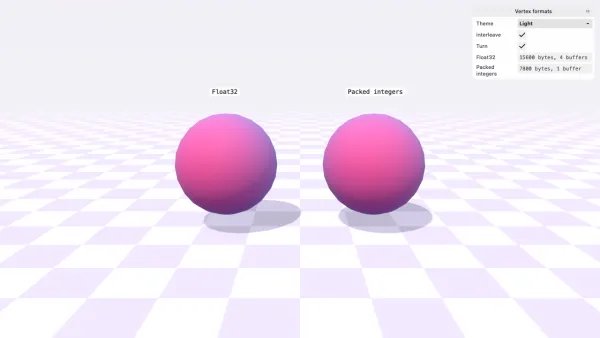 Vertex formatsThe same sphere as floats and as packed integers: an attribute's format says how its bytes become shader values
Materials16
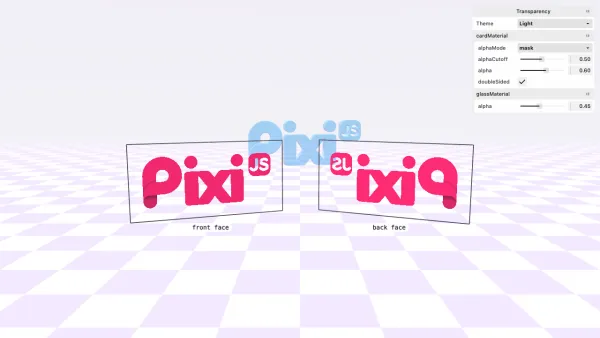 TransparencyTransparency: how alphaMode treats a pixel's alpha, 'opaque', 'mask' with alphaCutoff and 'blend', and doubleSided for cards seen from behind
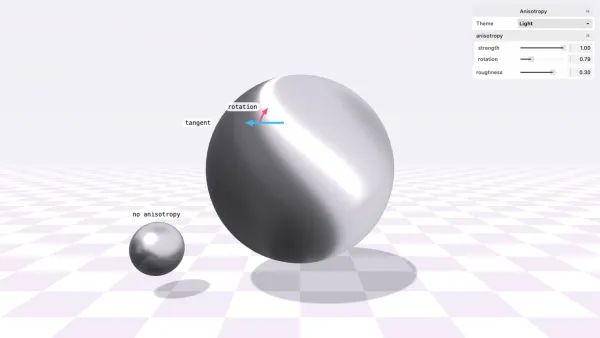 AnisotropyAnisotropy: highlights stretched along one direction on the surface, the look of brushed metal
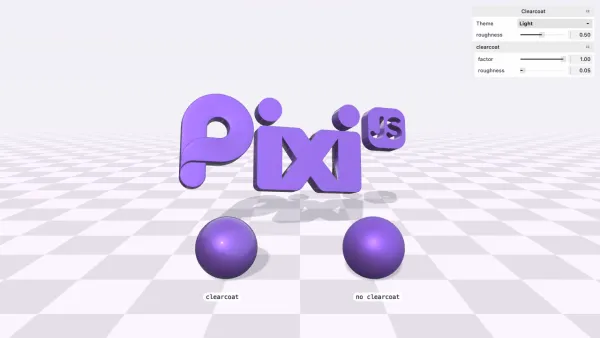 ClearcoatA clear lacquer over a material's base, with a roughness of its own, like car paint
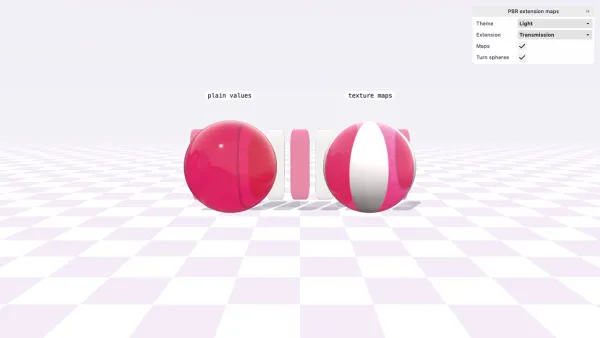 PBR extension mapsTexture maps vary a PBR extension across the surface, where its plain values set it for the whole material
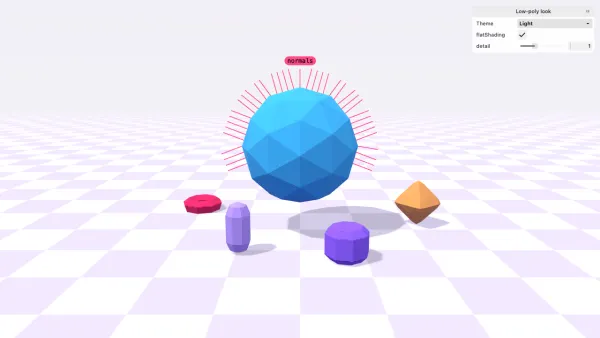 Low-poly lookFlat shading: one normal per triangle, for the faceted low-poly look
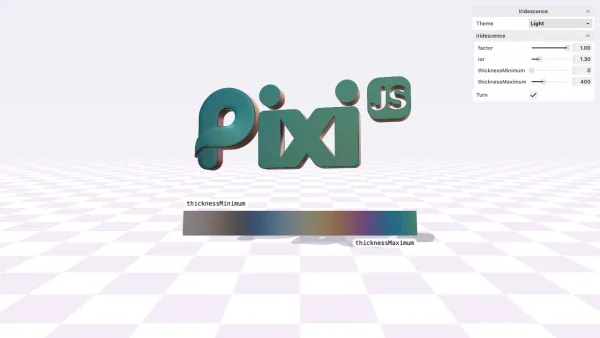 IridescenceIridescence: a thin film over a surface, whose colour shifts with the angle you see it from
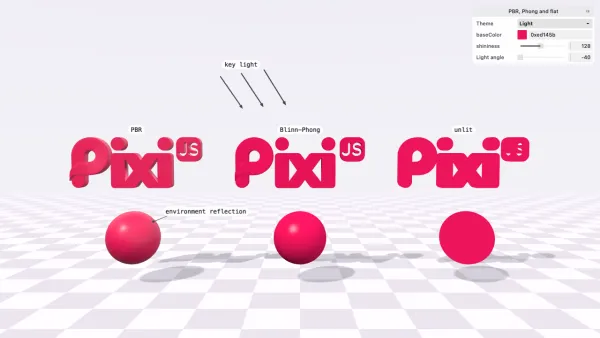 PBR, Phong and flatThree lighting models side by side: Material3D (PBR), PhongMaterial (Blinn-Phong) and FlatMaterial (unlit)
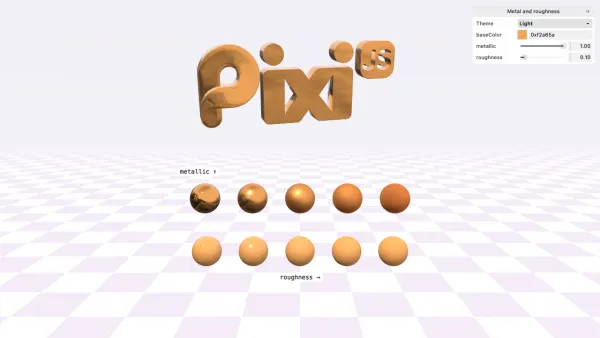 Metal and roughnessThe standard PBR material's three numbers: baseColor, metallic and roughness
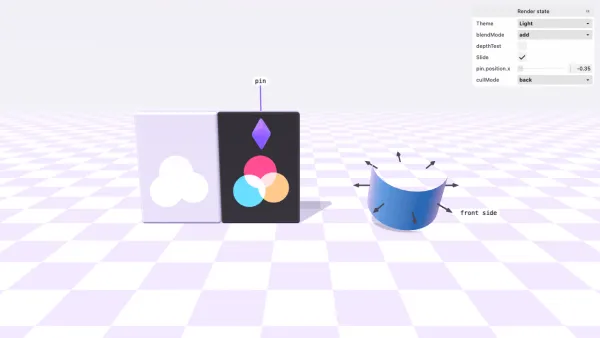 Render stateA material's render state: how its colour blends with what's behind, whether nearer surfaces hide it, and which faces it skips
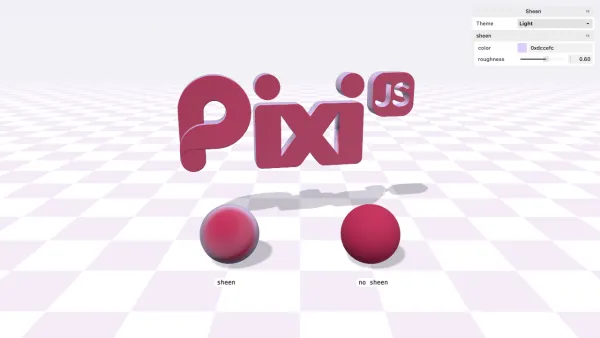 SheenSheen: the soft glow velvet and other cloth get at grazing angles
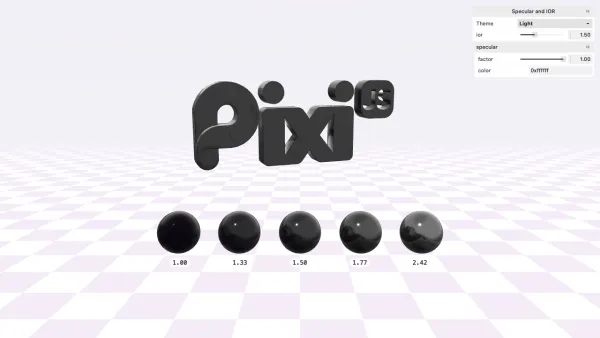 Specular and IORHow strongly a non-metal reflects: ior, and the specular group's factor and color
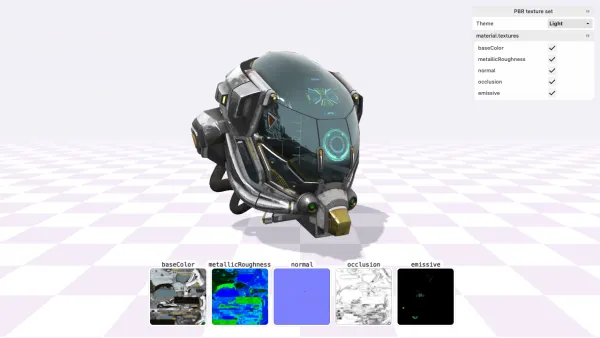 PBR texture setA PBR material from five images: base colour, metal-roughness, normal, occlusion and emissive maps, and what each one adds
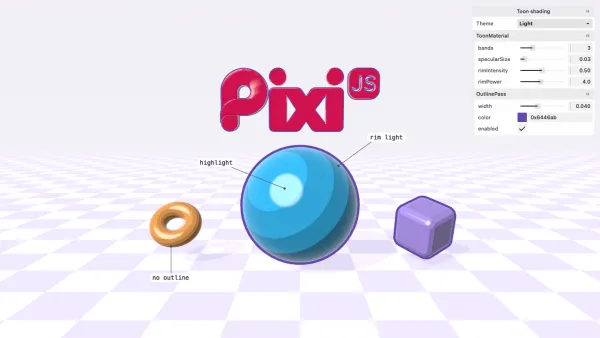 Toon shadingCel shading with ToonMaterial and the ink line of OutlinePass
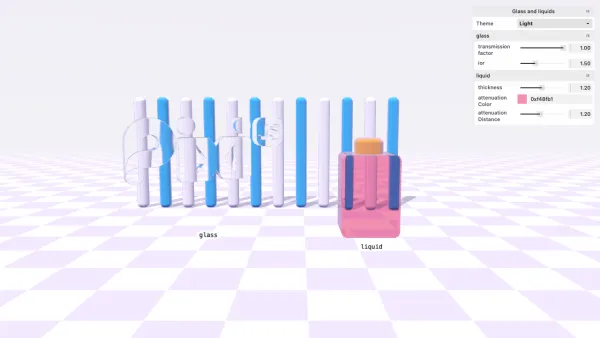 Glass and liquidsGlass and coloured liquids with Material3D's transmission group
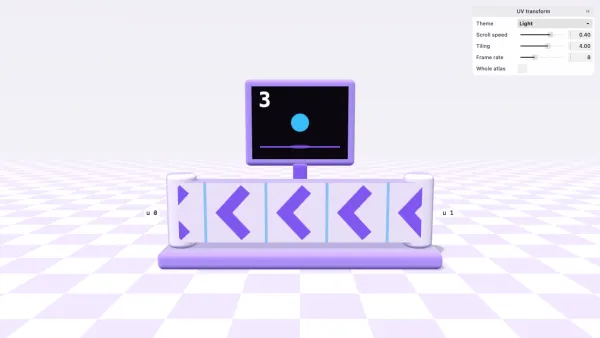 UV transformMoving a texture across a surface with a material's UV transform: scrolling, tiling and atlas frames
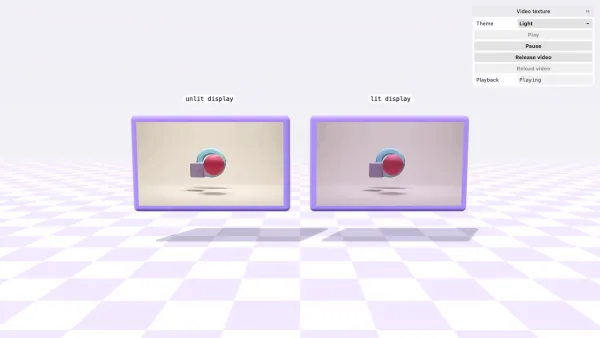 Video textureOne video texture feeds two meshes, so both displays always show the same frame
Shaders4
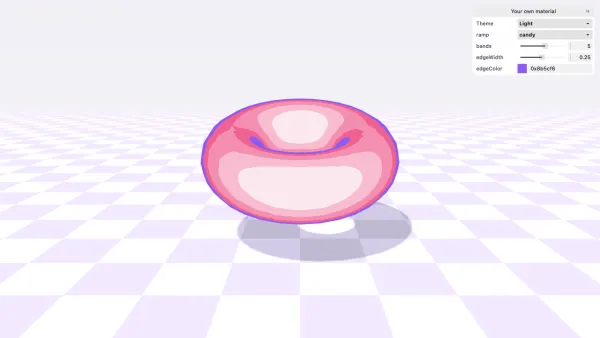 Your own materialA material class of your own: a shader bit that declares a texture and three uniforms, and a class on BaseMaterial3D that fills them
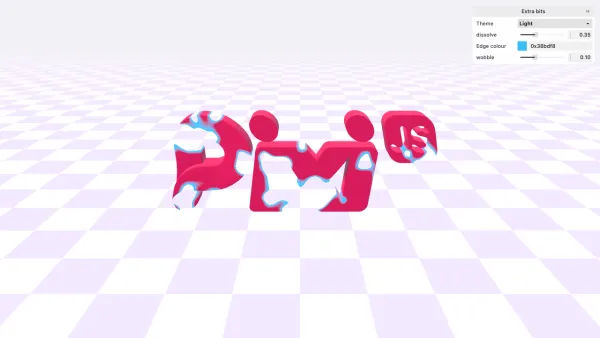 Extra bitsAdding your own shader code to a built-in material with extraBits
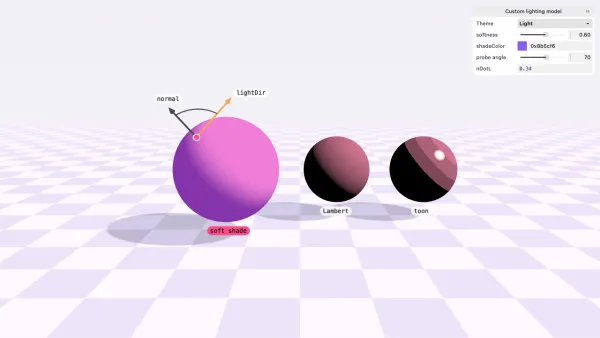 Custom lighting modelA lighting model of your own: createLightingBit turns a few lines of shading maths into the bit that decides how a material responds to light
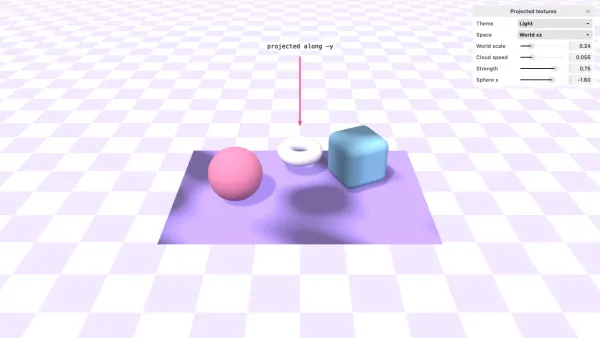 Projected texturesProject one cloud texture across several meshes by sampling it in world space
Lighting6
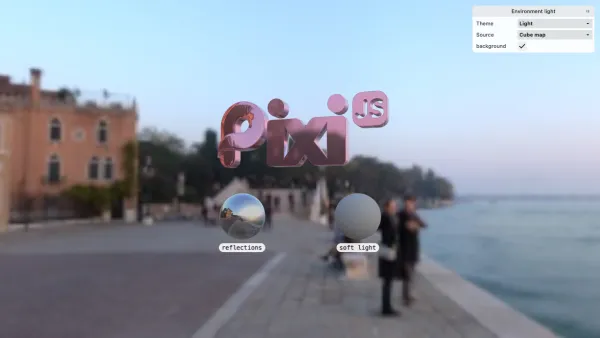 Environment lightEnvironment light: where image-based light comes from
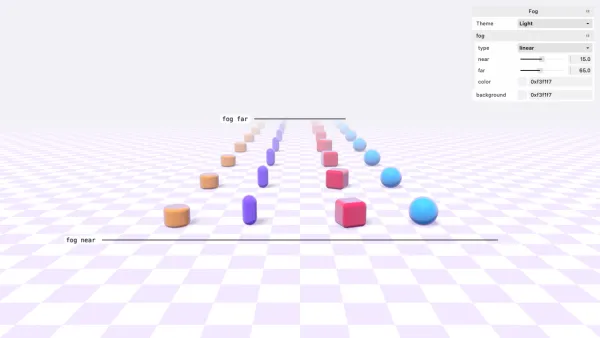 FogDistance fog: the linear, exponential and exp2 curves, and a background that matches the fog
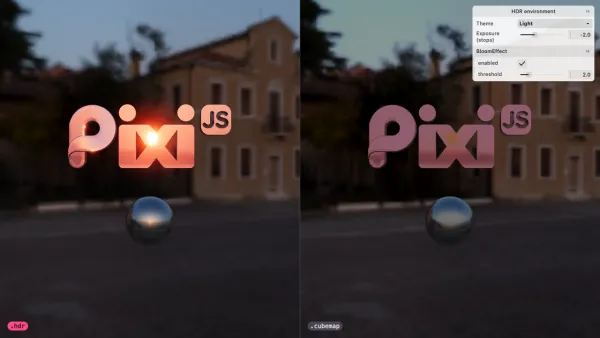 HDR environmentHDR environment: why a sky loaded from a Radiance .hdr file keeps the sun brighter than white
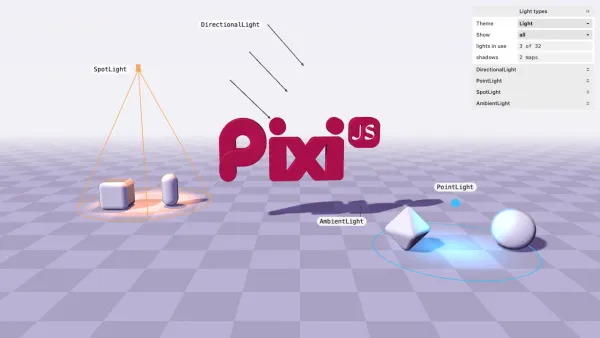 Light typesThe four kinds of light: what each one lights, and what it costs each frame
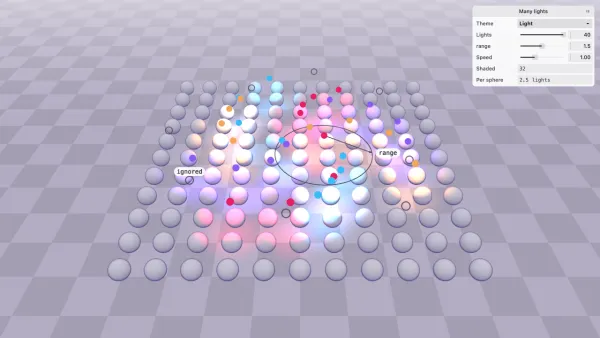 Many lightsMany lights at once: a view shades up to 32, and each light's range decides which pixels pay for it
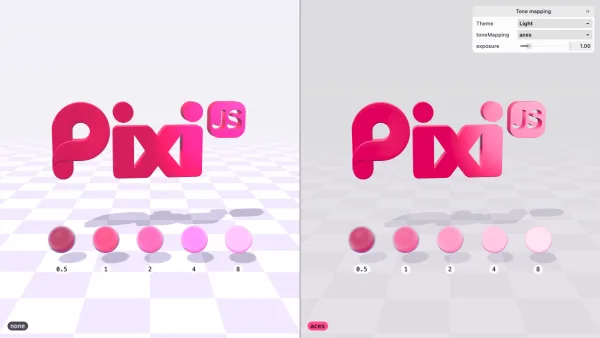 Tone mappingTone mapping and exposure: how a view turns the light in its scene into the colours a screen can show
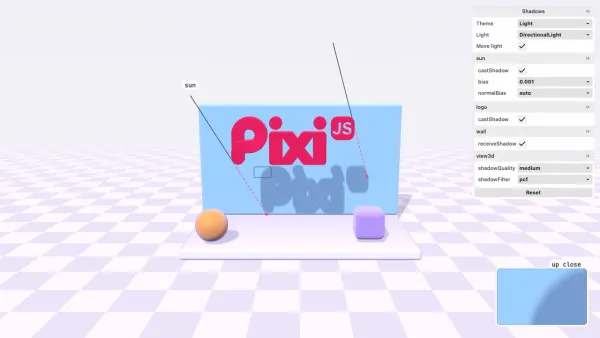
Shadows2
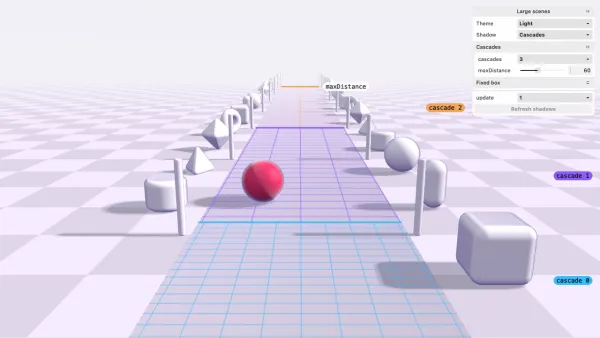
Cameras6
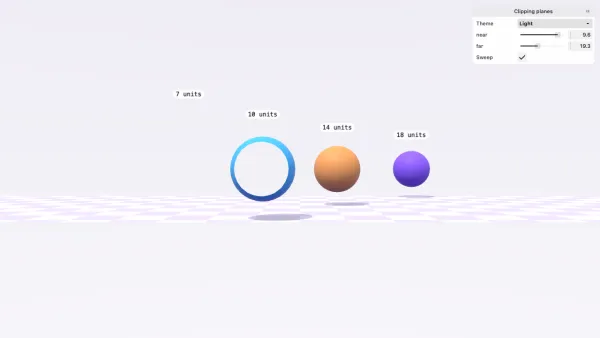 Clipping planesA camera draws only what lies between its near and far clipping planes
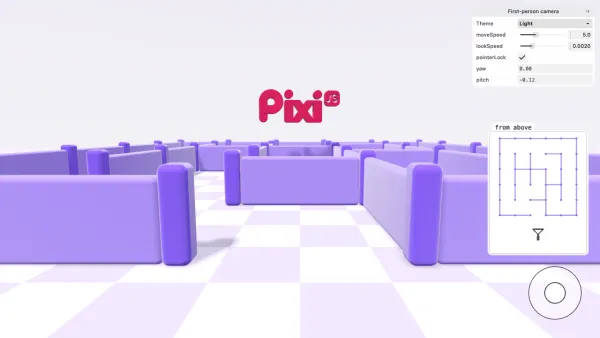 First-person cameraFirst-person camera: walk a clay maze with FPSCamera, looking with the mouse and walking with the keys or a stick
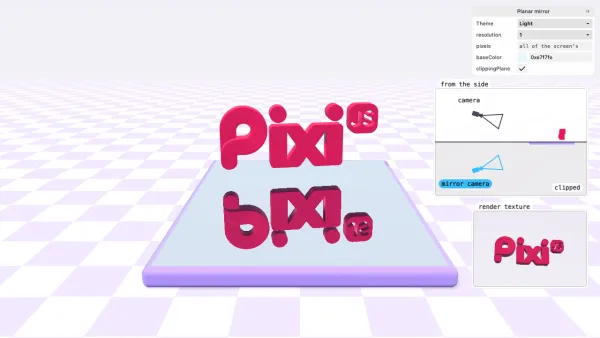 Planar mirrorA planar mirror: a second camera under the glass, drawing into a render texture that the glass shows
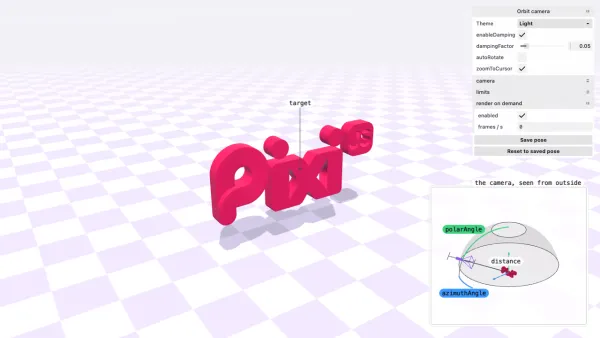 Orbit cameraOrbit camera: drag, zoom and pan a camera round a target, inside limits, and draw a frame only when it moves
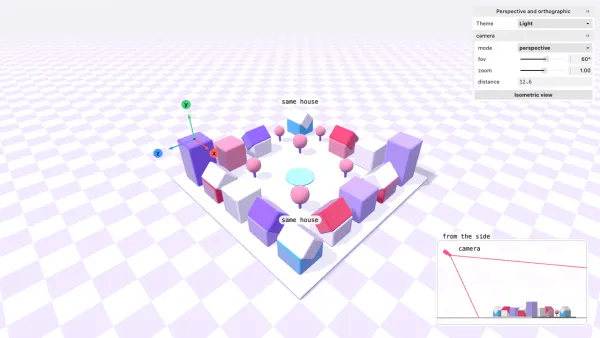 Perspective and orthographicHow a camera flattens 3D onto the screen: perspective with fov, and orthographic for an isometric view
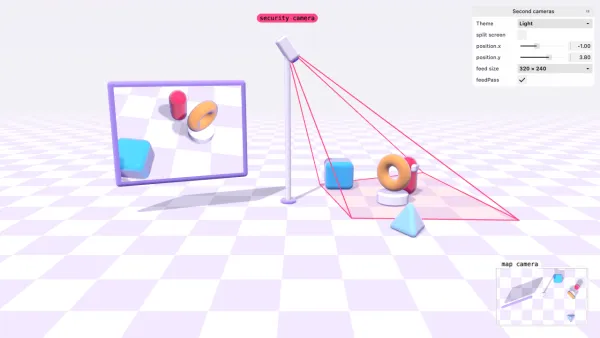 Second camerasSecond cameras: a Camera3D that draws the scene into a texture, for a security monitor, a minimap and split screen
Assets5
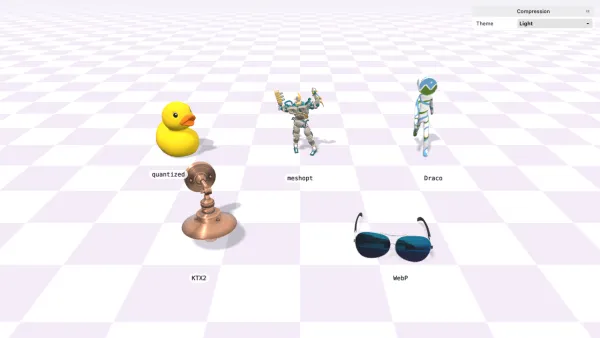 CompressionEvery kind of compressed glTF @pixi/3d reads, one model each, all loaded with the same Assets.load call
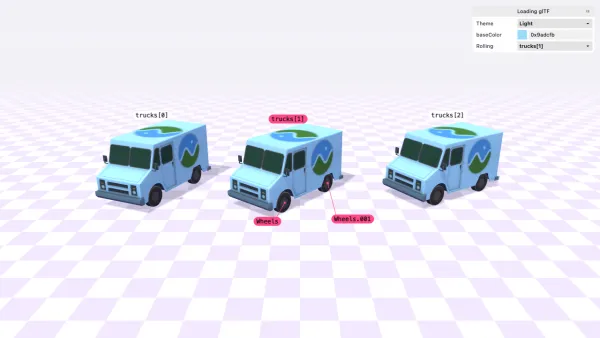 Loading glTFLoad a glTF file once with pixi's Assets, build three Model3Ds from it, find each copy's parts by label, and repaint them all through the source's material
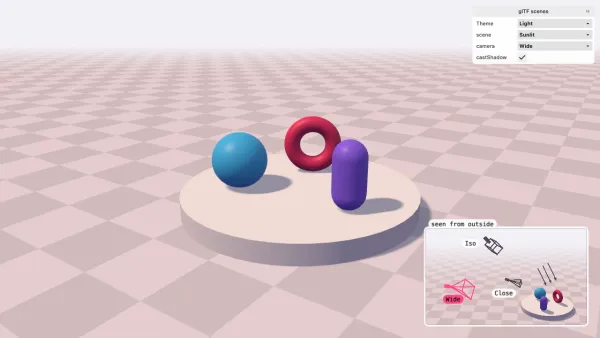 glTF scenesLoading a glTF file's own scenes, cameras and lights, and switching between them
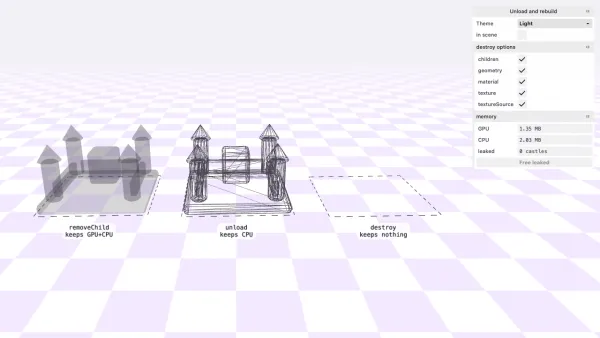 Unload and rebuildTake a castle out of the scene three ways, removeChild, unload() and destroy(options), see what each one keeps, and bring it back
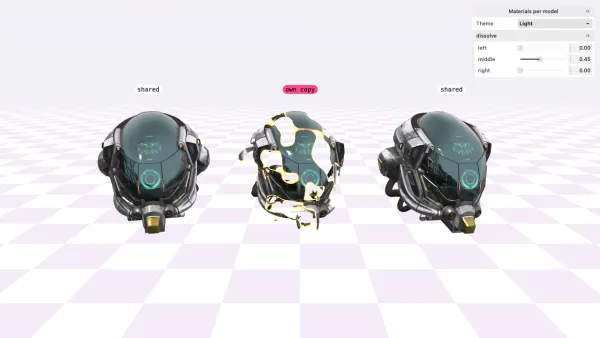 Materials per modelGiving one model built from a glTF file materials of its own, while the others built from it keep sharing the source's
Animation6
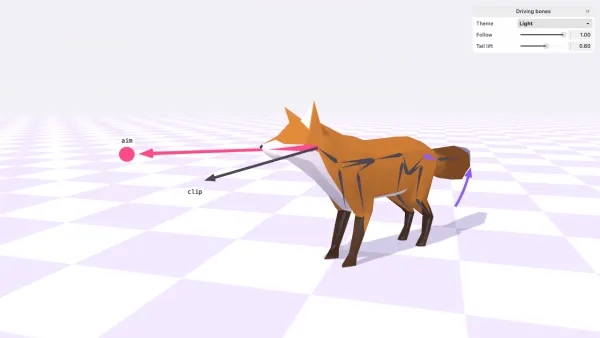 Driving bonesDriving a character's bones from code: the fox's head turns to a target over its clip, and its tail follows a container
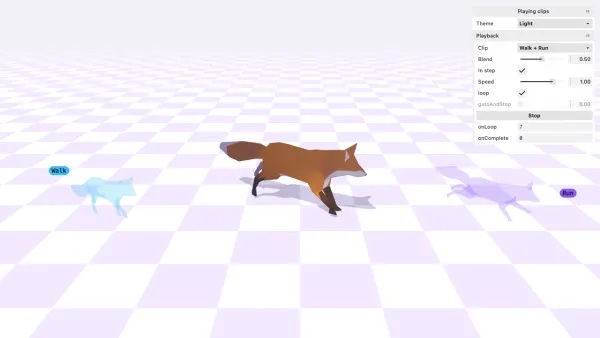 Playing clipsA glTF model's clips played with AnimationPlayer: one at a time or blended, looped or once, at any speed, or frozen at a time
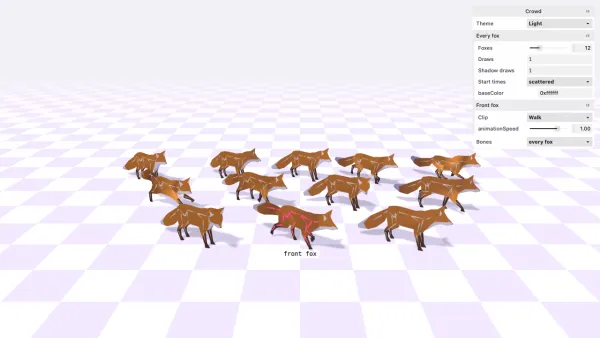 CrowdA crowd of animated characters from one file, each with its own pose, player and place in its clip
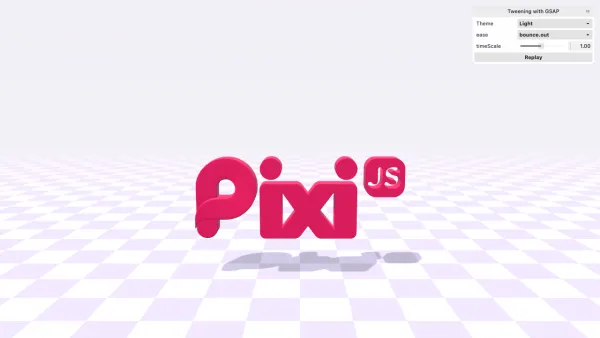 Tweening with GSAPGSAP tweens a node's position, rotation and scale, and a material's colour
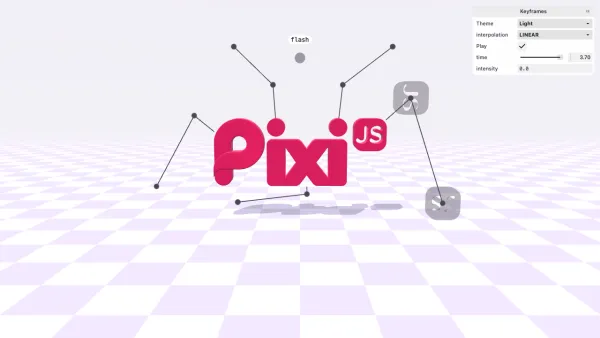 KeyframesKeyframe animation built in code: the PixiJS logo assembles itself from tracks an AnimationPlayer plays
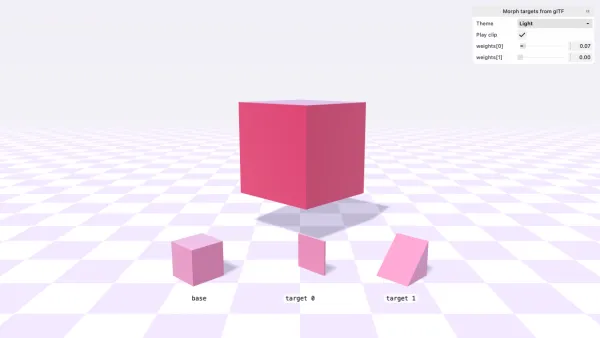 Morph targets from glTFA glTF file's morph targets, played by its clip and set by hand
Sprites1
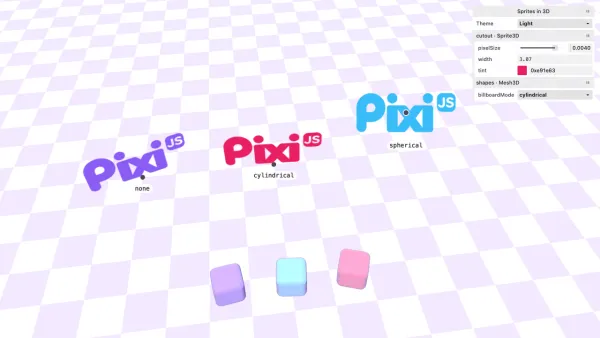
Instancing4
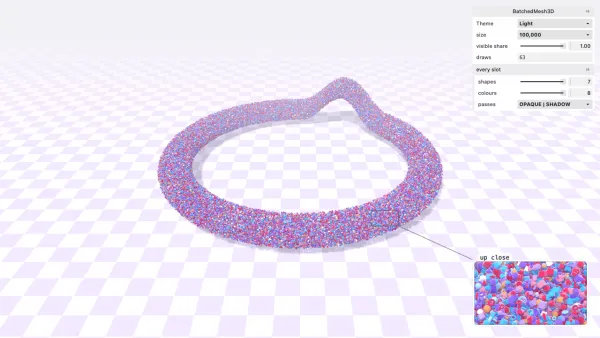 BatchedMesh3DBatchedMesh3D: one scene node that draws up to 100,000 clay shapes in a few dozen draw calls
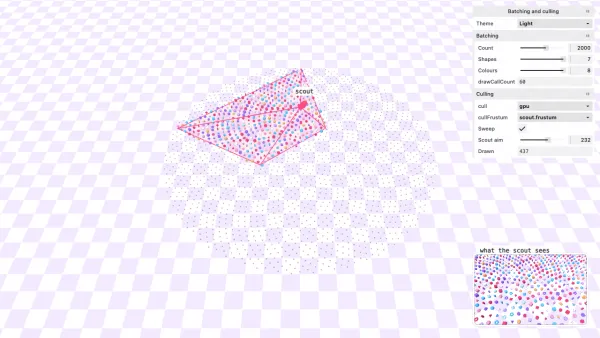 Batching and cullingThousands of meshes in a handful of draw calls, and the culling that skips what the camera can't see
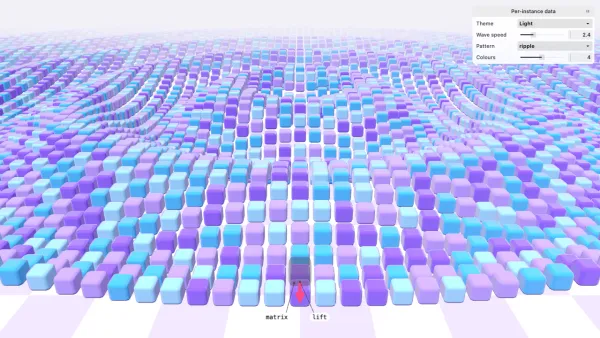 Per-instance dataPer-instance data: every slot of a BatchedMesh3D carries numbers of its own that a shader bit reads, so 18,840 cubes ripple while the CPU writes one number a frame
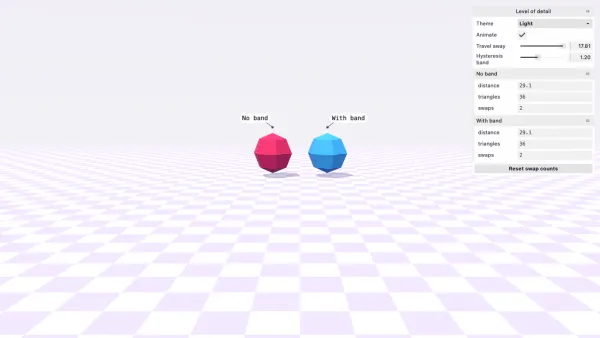 Level of detailLevel of detail in application code: swap a mesh's geometry with its distance from the camera, and keep a band between switches
Particles7
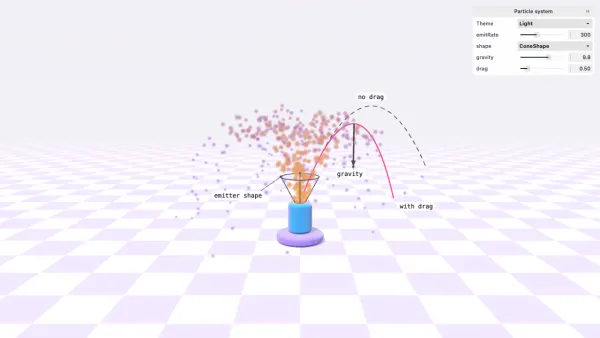 Particle systemA particle system: one options object that sets how many sparks are born each second, where, how they fly and how they look
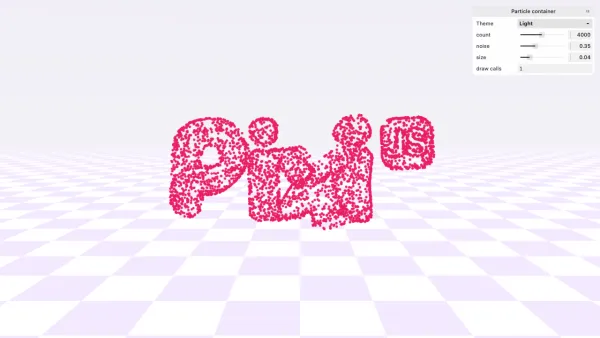 Particle containerParticles you drive yourself: a ParticleContainer3D is a fixed pool of particles drawn in one call, and your own code says where each one is every frame
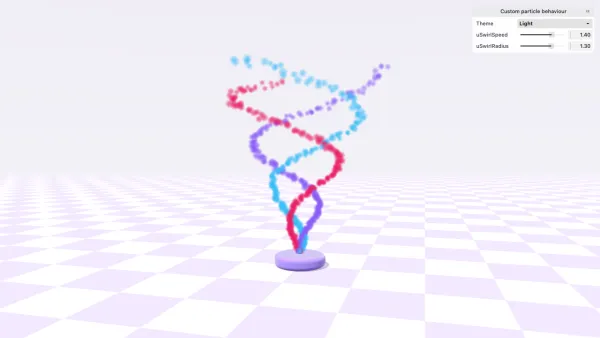 Custom particle behaviourA particle shader bit: motion of your own for a ParticleSystem3D, worked out in the vertex shader
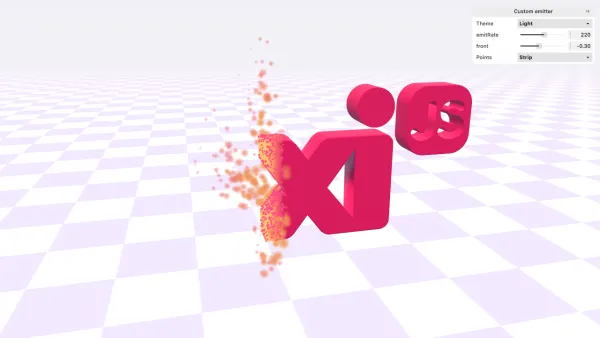 Custom emitterA custom emitter shape: sparks that start on the logo's surface, at the edge of a burn eating across it
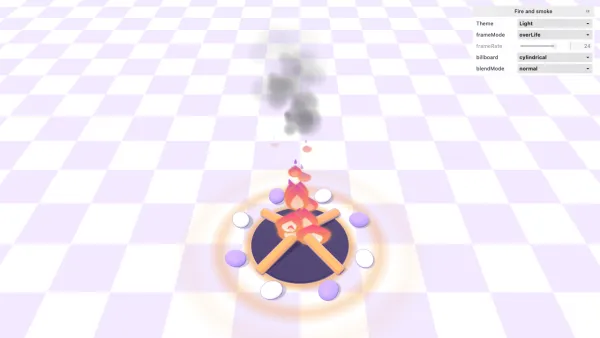 Fire and smokeFlipbook particles, billboard modes and blend modes, on a clay campfire
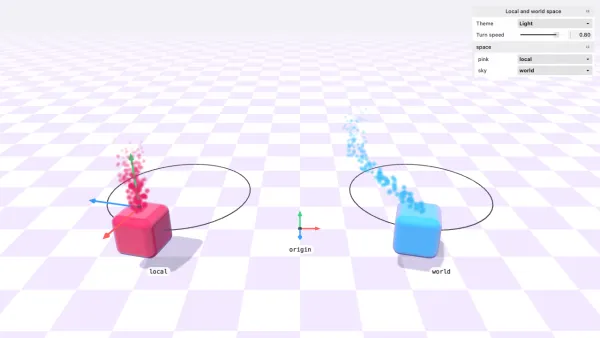 Local and world spaceA particle system's space decides whether its particles ride with the node or stay where they were born
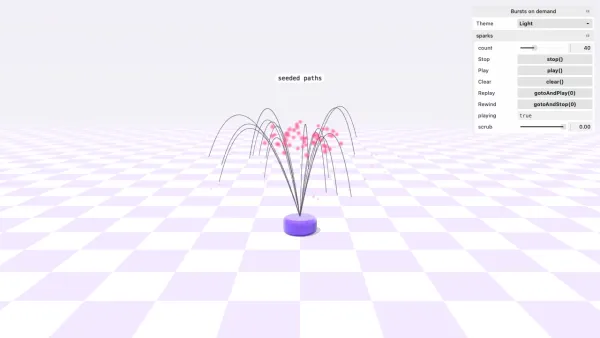 Bursts on demandBursts on demand: spawn() at a tap, and a seeded burst timeline that stops, clears, replays and scrubs
Interaction7
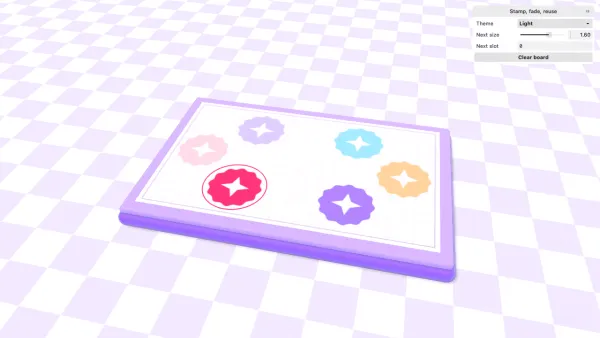 Stamp, fade, reuseStamp marks where the pointer hits a surface, from a pool of six planes that fade and get reused
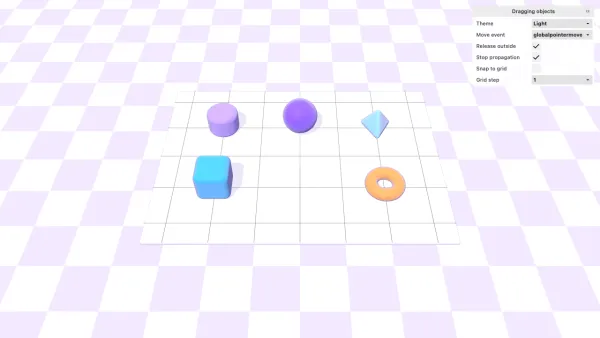 Dragging objectsDrag clay shapes across a plane with globalpointermove and pointerupoutside
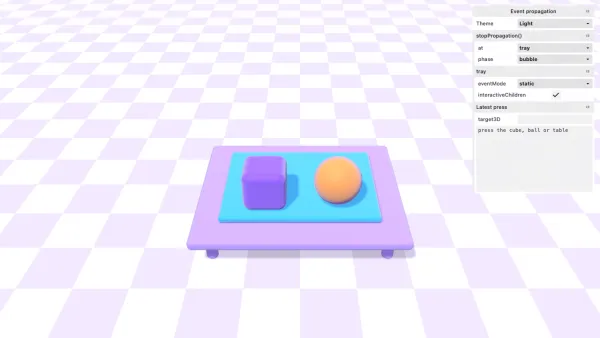 Event propagationA press travels through the scene graph: in through each container to the node it's for, then back out to the View
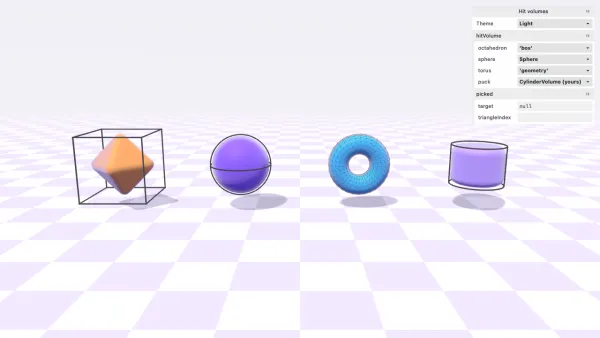 Hit volumesHit volumes: the shape the pointer is tested against, which needn't be the mesh you see
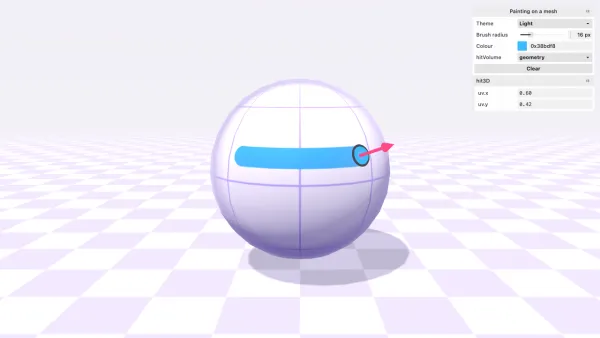 Painting on a meshPainting on a mesh, at the point the pointer touches it
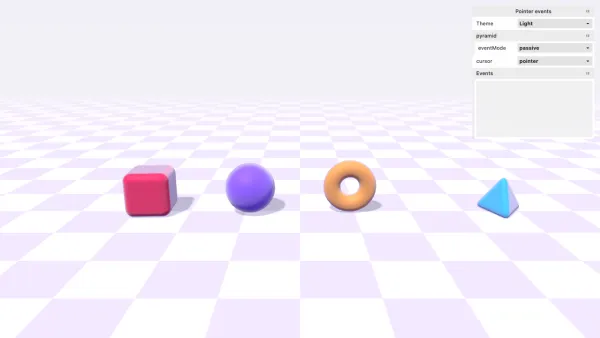 Pointer eventsA mesh hears the pointer the way a pixi Sprite does
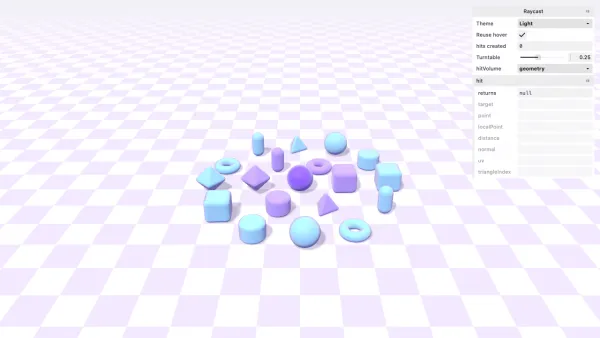 RaycastPicking from your own loop: view3d.raycast once a frame, filling one reused hit
Post-processing15
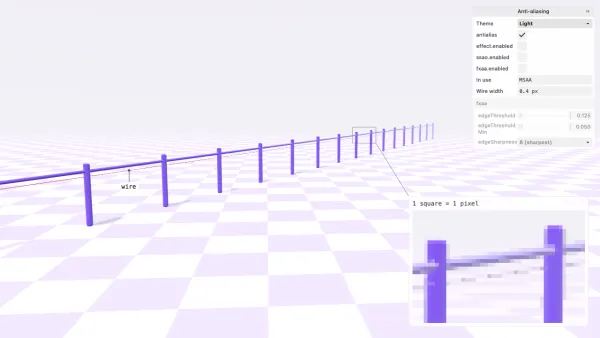 Anti-aliasingAnti-aliasing: MSAA from the canvas's antialias option, which the scene keeps through post effects, and FxaaEffect for a canvas without it
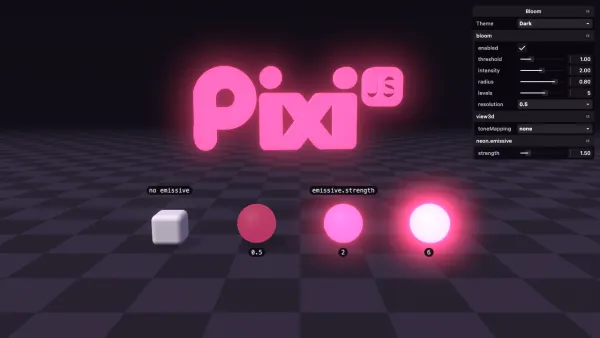 BloomBloom: a post effect that makes light brighter than white glow out past its edges
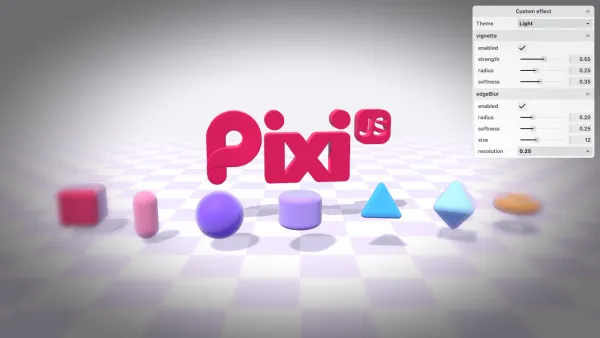 Custom effectWriting post effects of your own: a vignette from one fragment, and an edge blur built from three passes
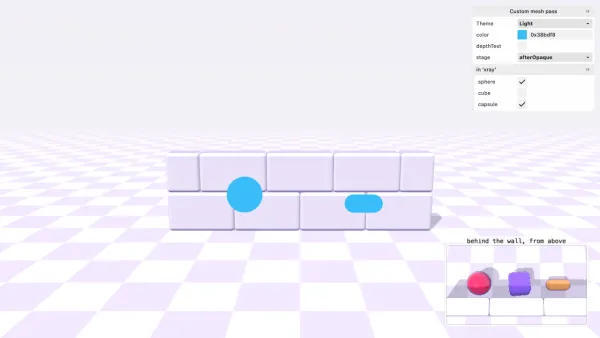 Custom mesh passA MeshPass of your own: an x-ray that draws chosen meshes again, in one flat colour, through the wall in front
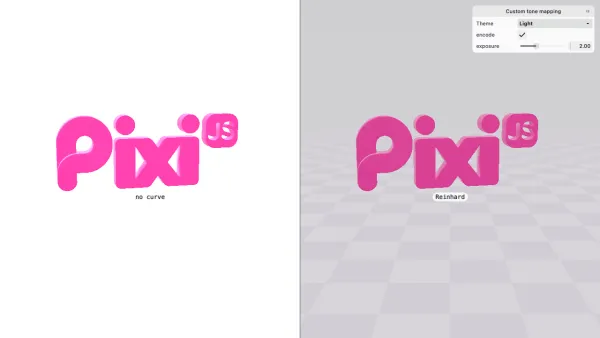 Custom tone mappingOwn the whole output transform: shade into a floating-point target, then tone map and encode in your own effect.
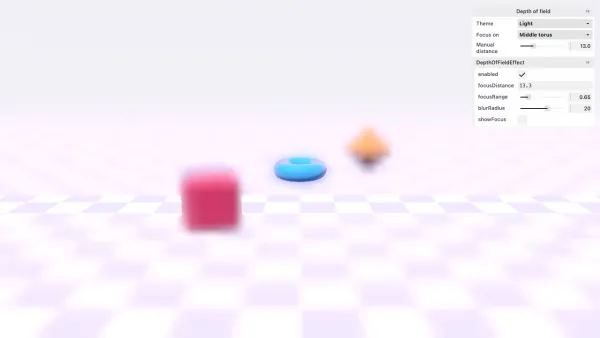 Depth of fieldDepth of field: a post effect of your own keeps one camera depth sharp and blurs what's nearer or farther
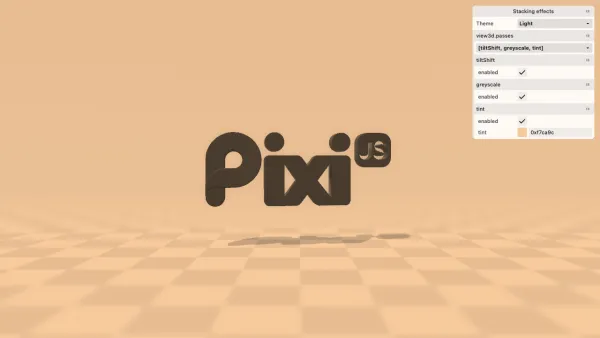 Stacking effectsStacking effects: a view's post effects are one list, view3d.passes, and the frame runs through it in order
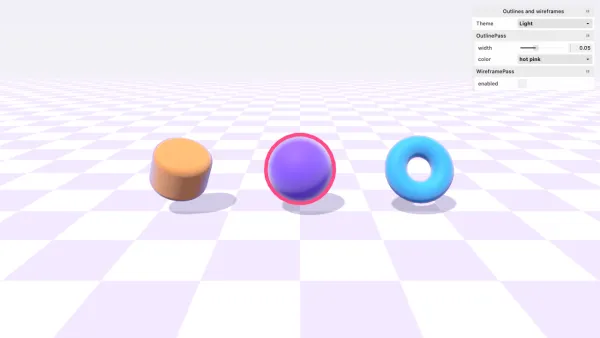 Outlines and wireframesOutlines and wireframes: passes a material joins by name
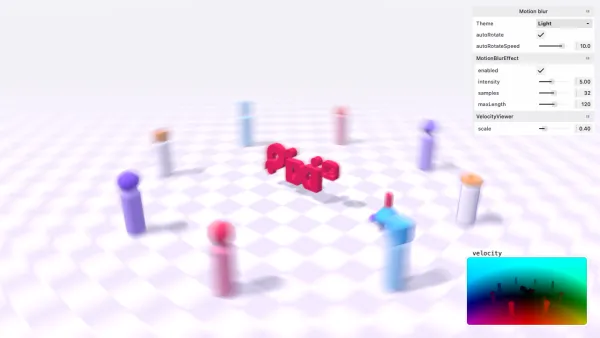 Motion blurMotion blur: MotionBlurEffect streaks each pixel along the way its surface moved on screen as the camera moved
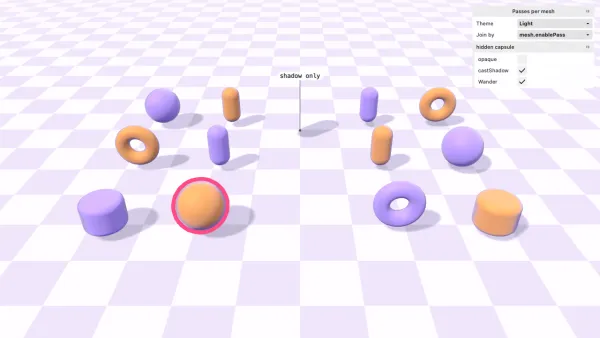 Passes per meshPasses per mesh: one mesh joins or leaves a render pass on its own, whatever its material says
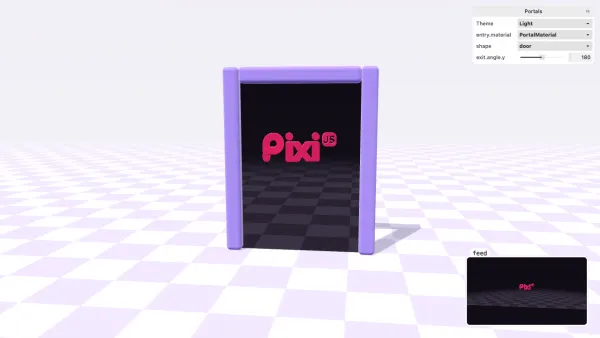 PortalsA texture portal: a second camera draws the far side into a render texture, and the opening shows it
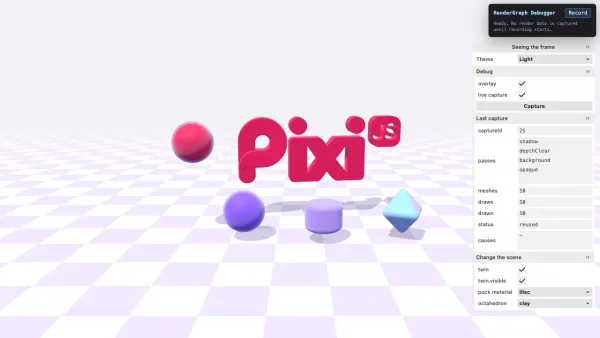
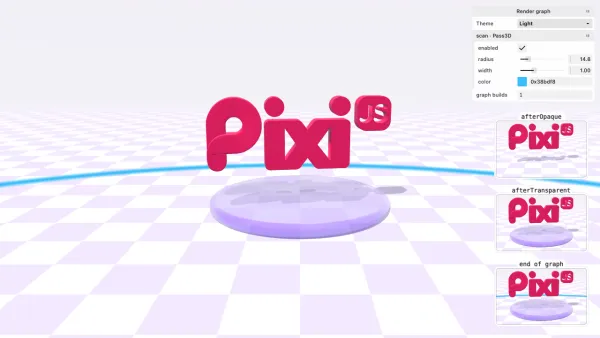 Render graphThe render graph: a view draws each frame by running a list of passes, and you add steps to it in two ways
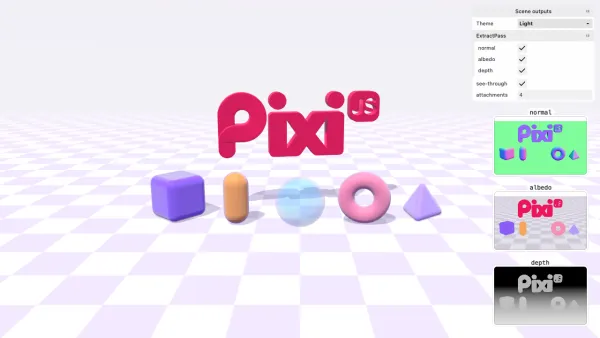 Scene outputsScene outputs: the scene draw can write more than its colour, each extra texture in the same draw that shades it
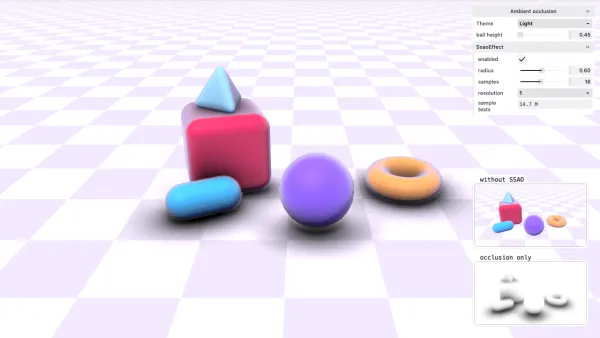 Ambient occlusionAmbient occlusion: SsaoEffect darkens creases and contact points after the scene is drawn
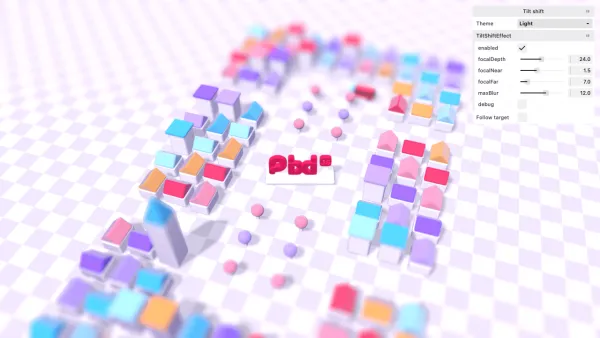 Tilt shiftTilt shift: a blur that keeps one slab of depth sharp, so a full-size scene reads as a miniature