
Build 2D games and apps that run in every browser
GET GOING
Scaffold a project in seconds.
npm create pixi.js@latestor add it to an app: npm install pixi.js
TAKE THE TOUR
See it running.
Each tab runs live beside the code that draws it.
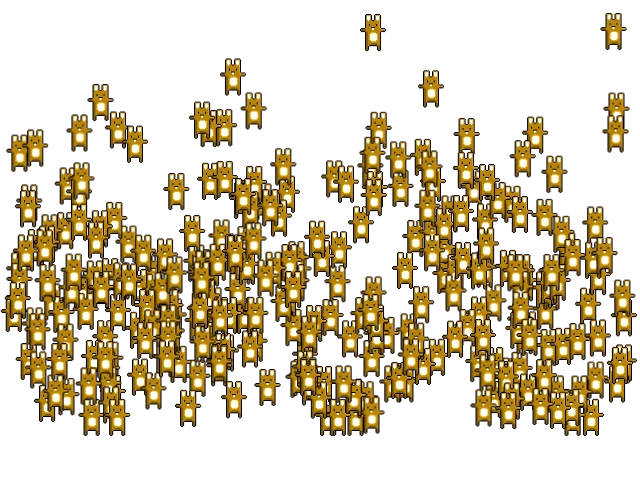
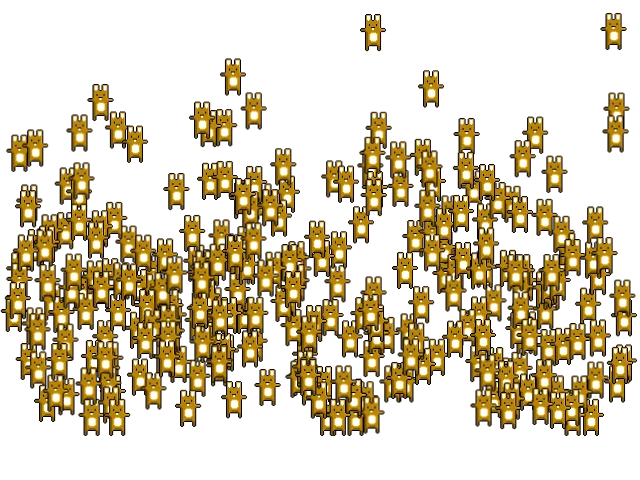


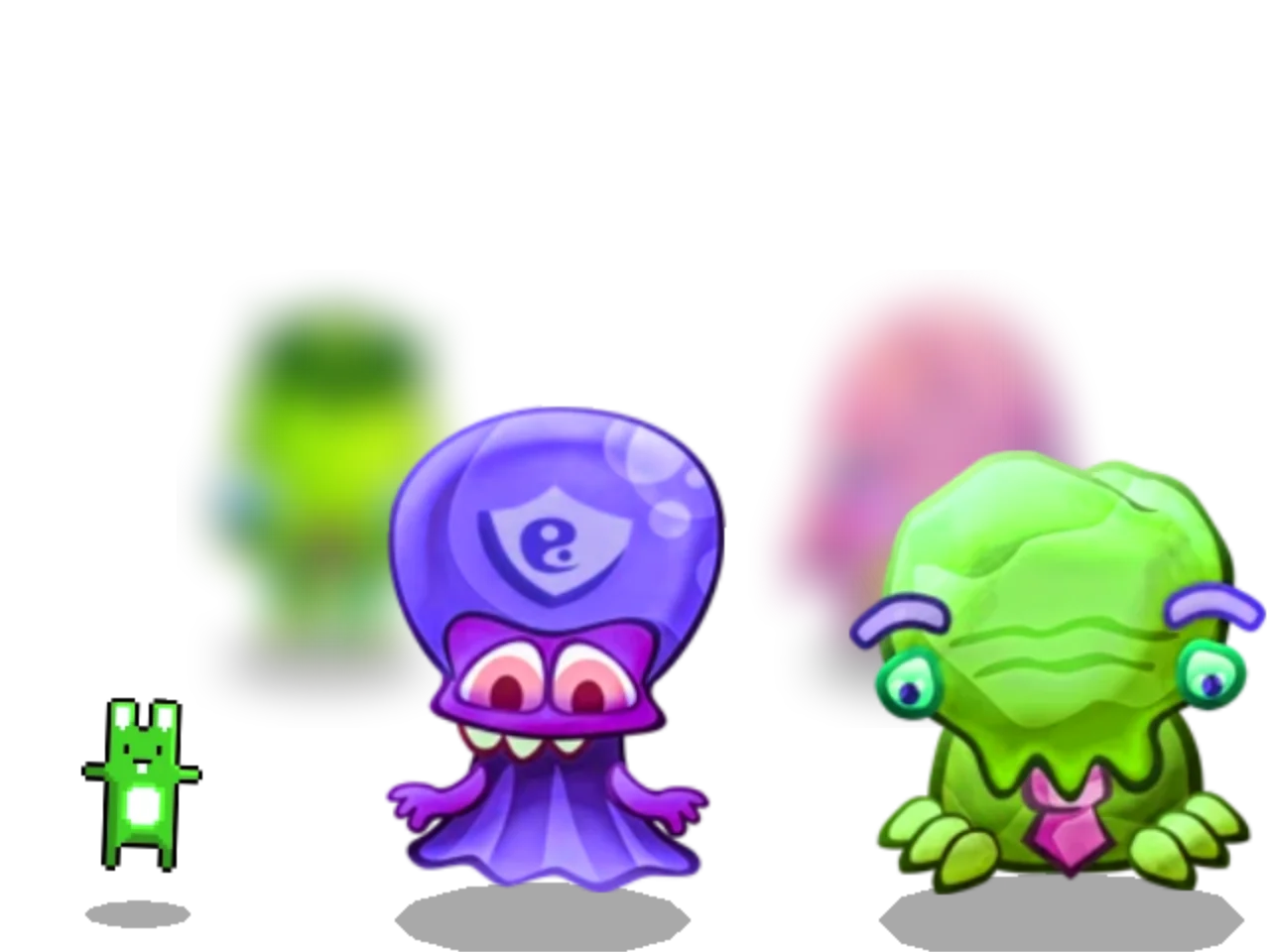
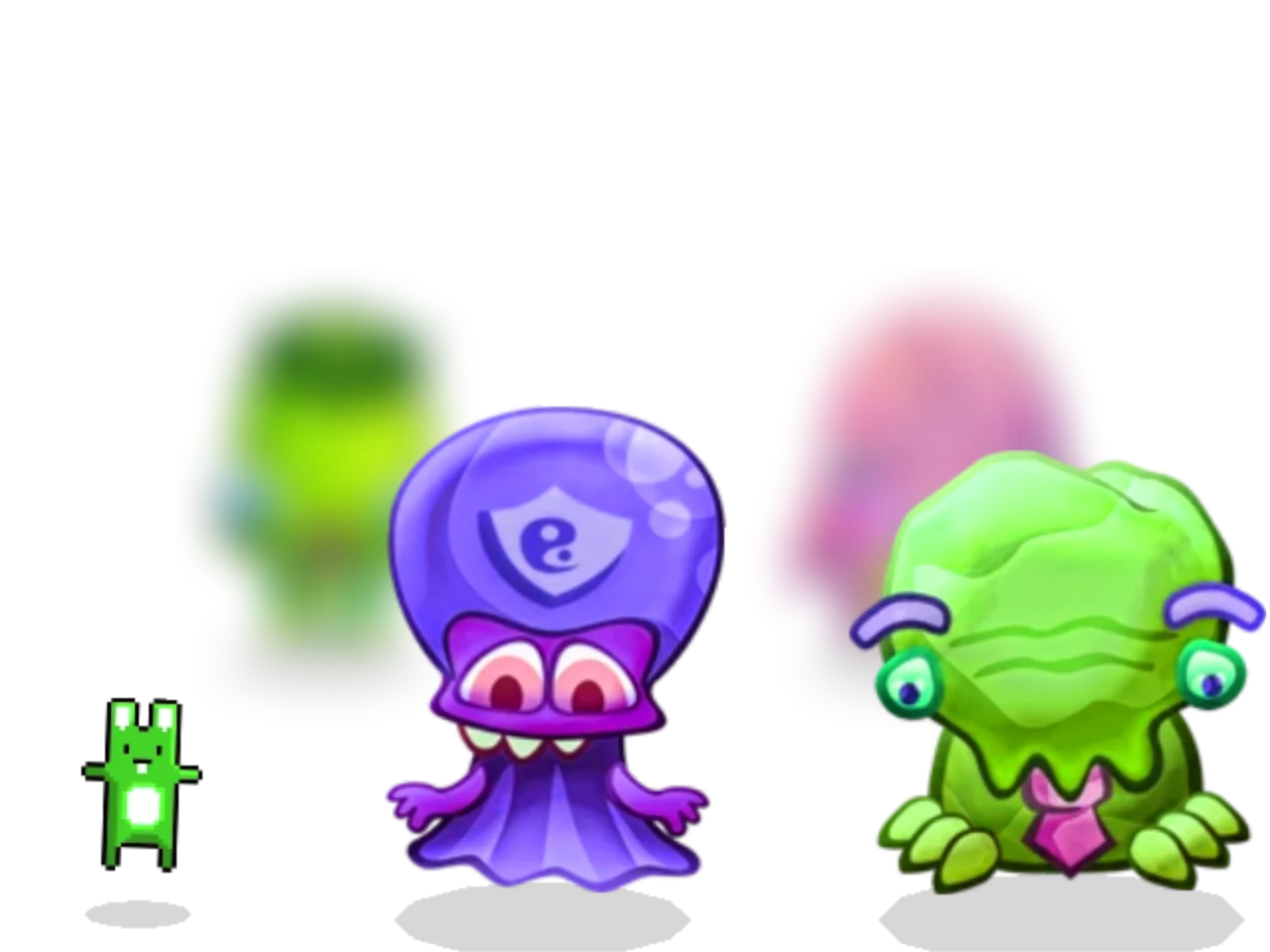
import { Assets, Sprite } from 'pixi.js';


const texture = await Assets.load('bunny.png');


// one texture, so every bunny shares a batch
const bunnies = Array.from({ length: 300 }, () =>
  app.stage.addChild(new Sprite(texture)),
);


app.ticker.add(({ lastTime }) => {
  bunnies.forEach((bunny, i) => {
    const hop = Math.sin(lastTime / 300 + i);


    bunny.x = (i * 37) % app.screen.width;
    bunny.y = 400 - Math.abs(hop) * 300;
  });
});
Click to add 200 bunnies.Tap to add 200 bunnies.Move the pointer to pull the blob.Drag to pull the blob.Click a letter.Tap a letter.Click to shift the focus.Tap to shift the focus.
FEATURES
The whole 2D toolbox.
Meshes & shaders
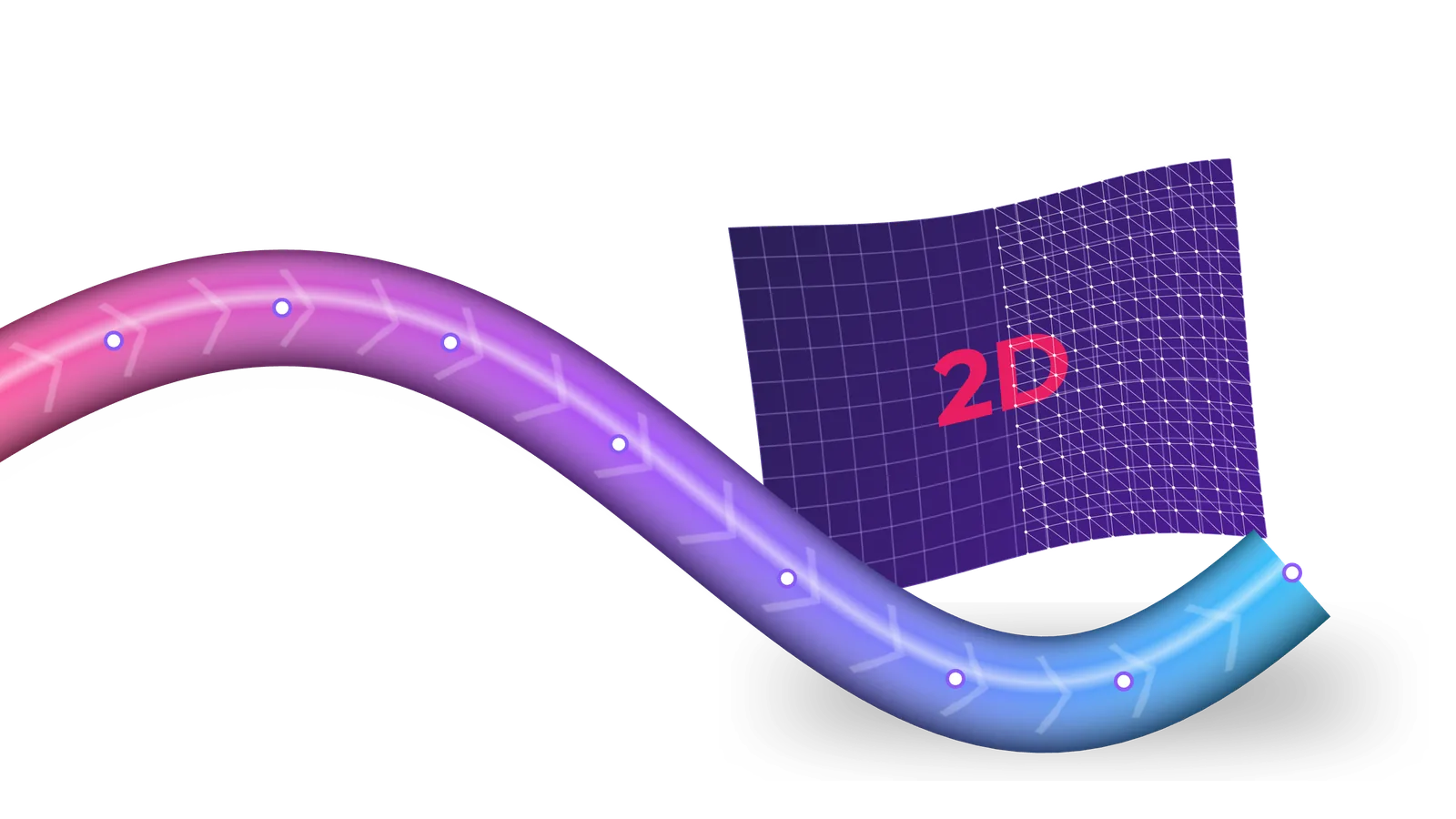
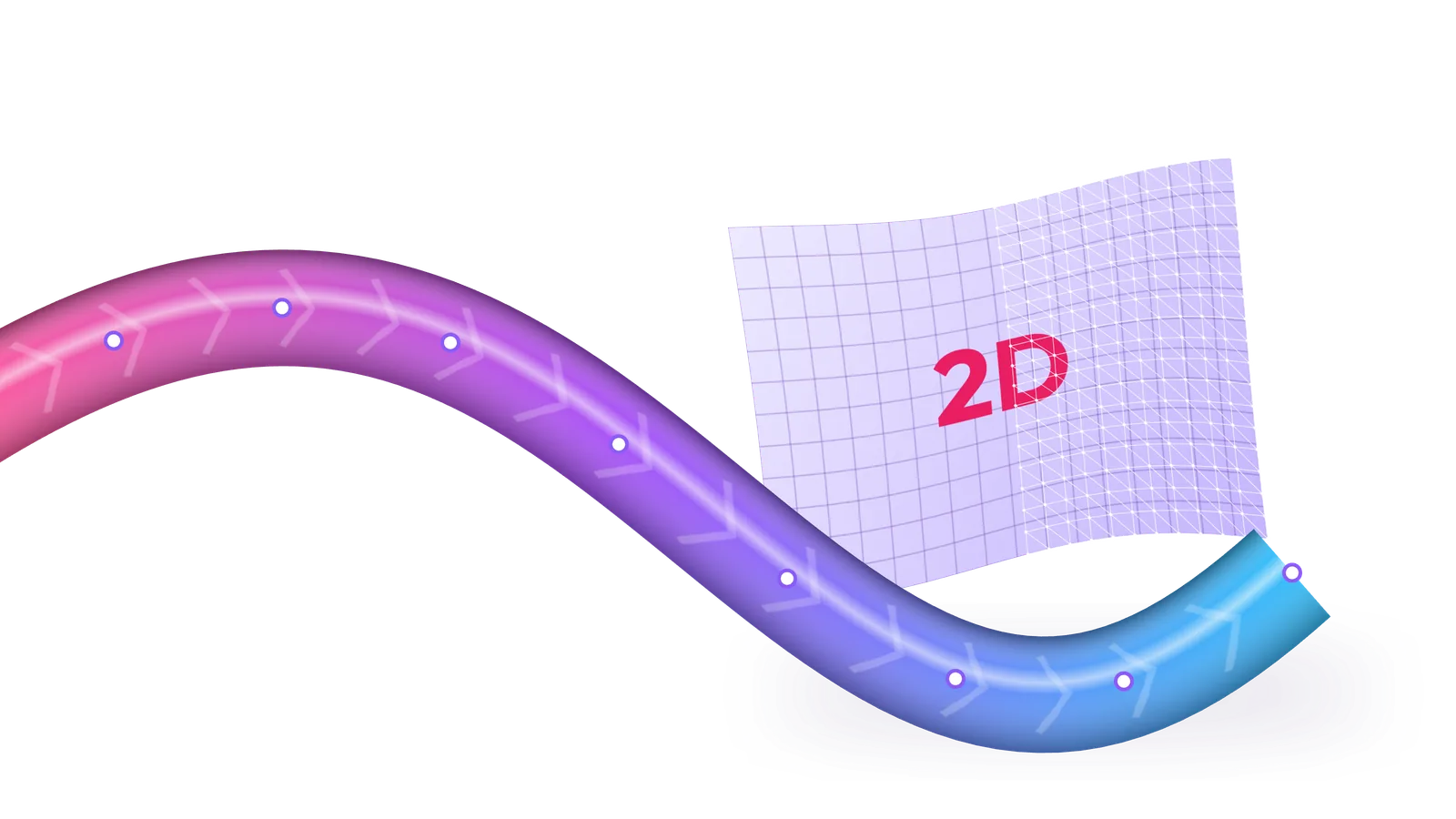
MeshRope,MeshPlane,PerspectiveMeshor geometry of your own, with shaders in GLSL and WGSL.Sprites
Sprite,AnimatedSpritefor frame animation,TilingSpritefor repeating patterns andNineSliceSpritefor panels that scale.Graphics
Shapes, curves, holes, gradients and texture fills on the GPU. Import and export SVG.
Filters & blend modes
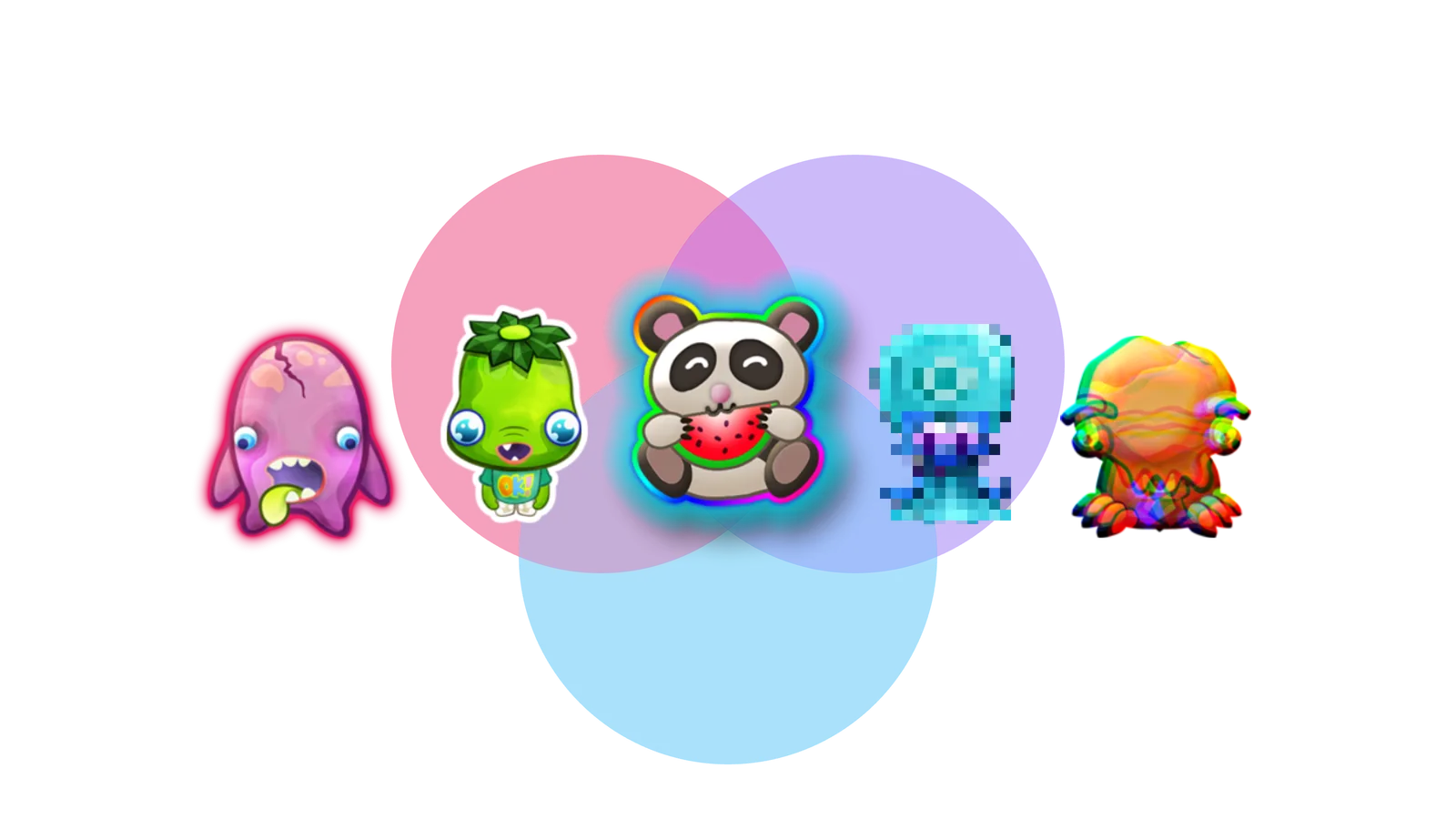
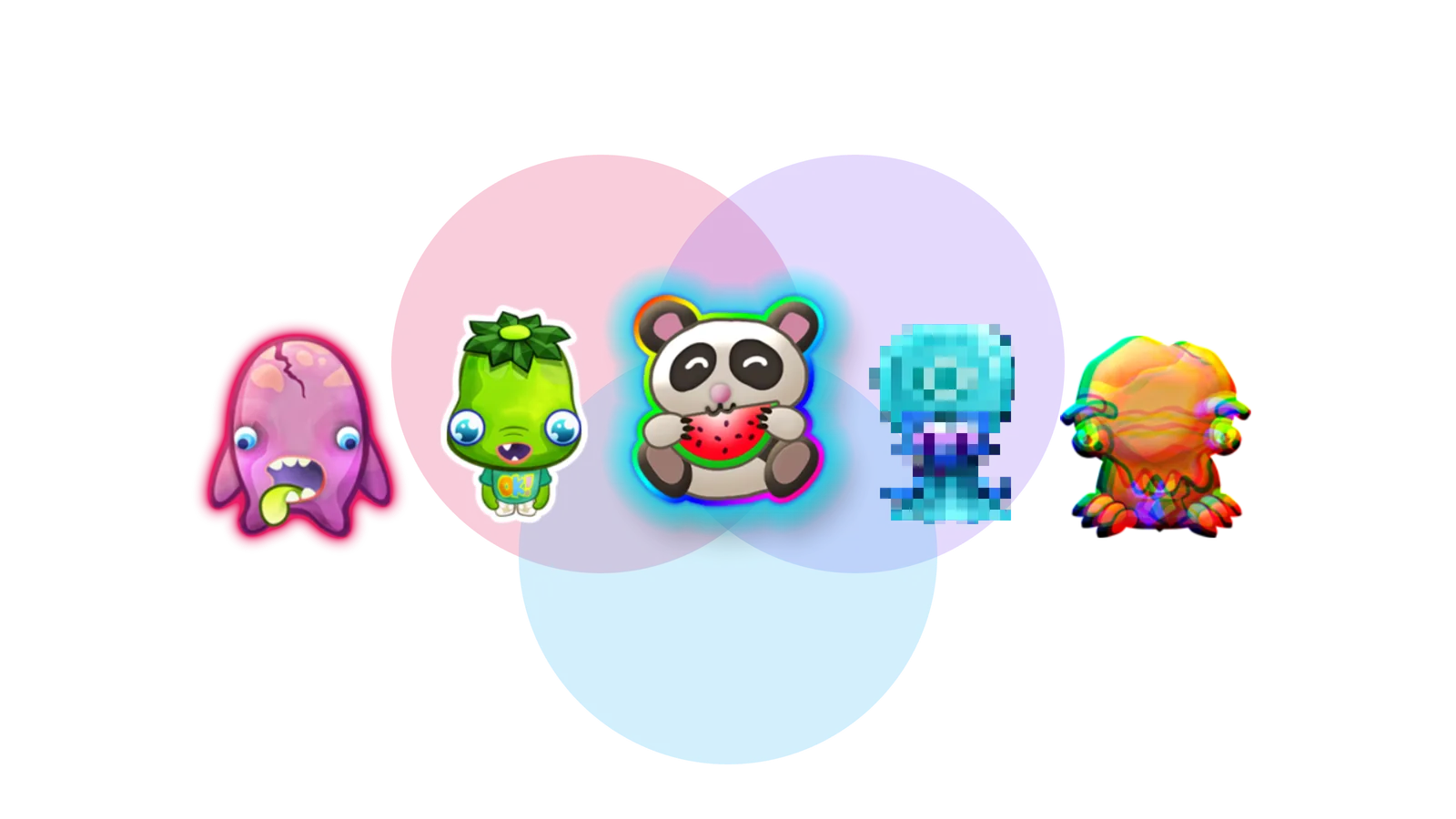
Blur, colour matrix, displacement and noise are built in, with nearly 40 more in
pixi-filters. Blend modes include screen, overlay and luminosity.Text
Textfor rich styles,BitmapTextfor speed,HTMLTextfor markup andSplitTextto animate each letter.Masks & render textures
Mask with a sprite, a shape or a colour channel. Render any container into a texture, or cache it as one.
Events & accessibility
Pointer events that bubble like the DOM, with hit areas and cursors. Screen reader support is built in.
Assets
Assetsloads textures, spritesheets, fonts, SVG, video and compressed textures, one by one or in bundles.WebGPU or WebGL
Ask for WebGPU and PixiJS falls back to WebGL where it isn't there. An experimental Canvas renderer covers the rest.
PERFORMANCE
A million particles at 60 fps.
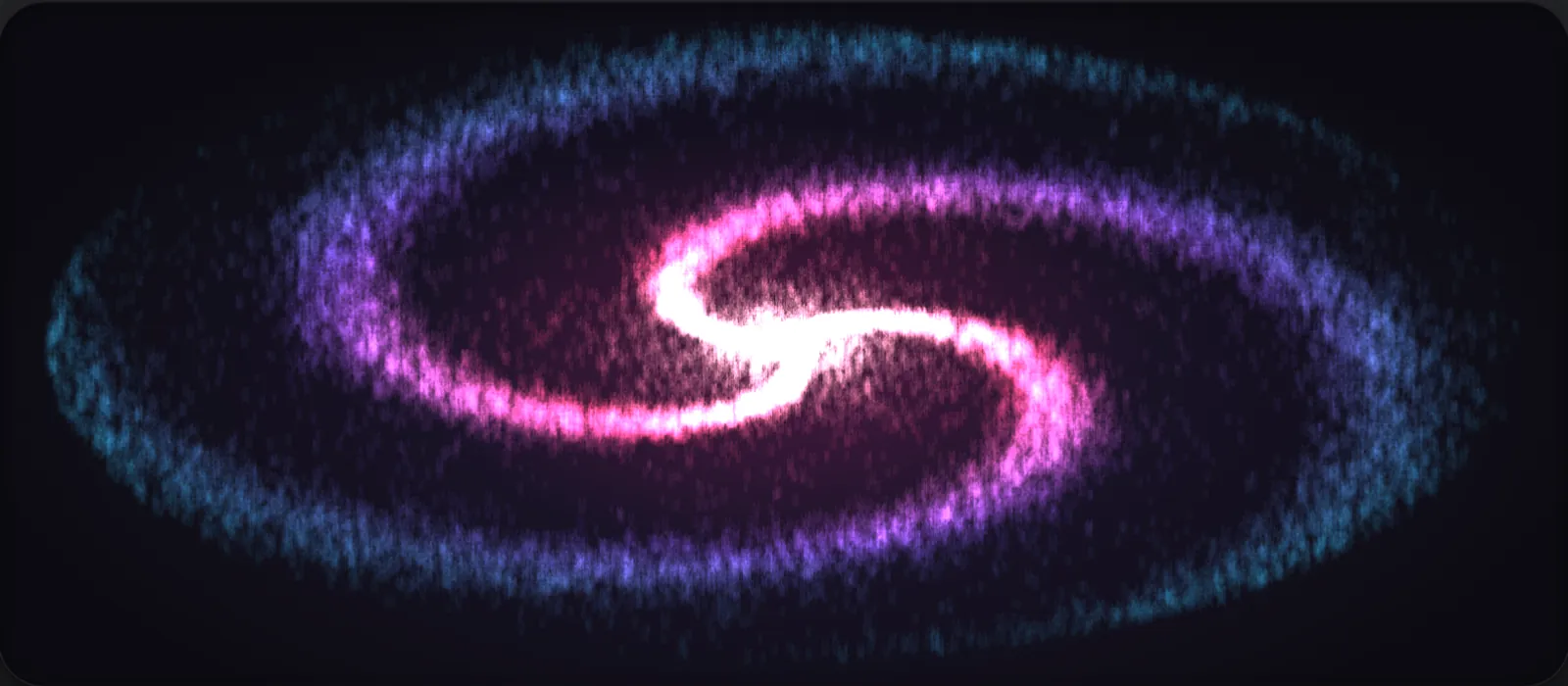
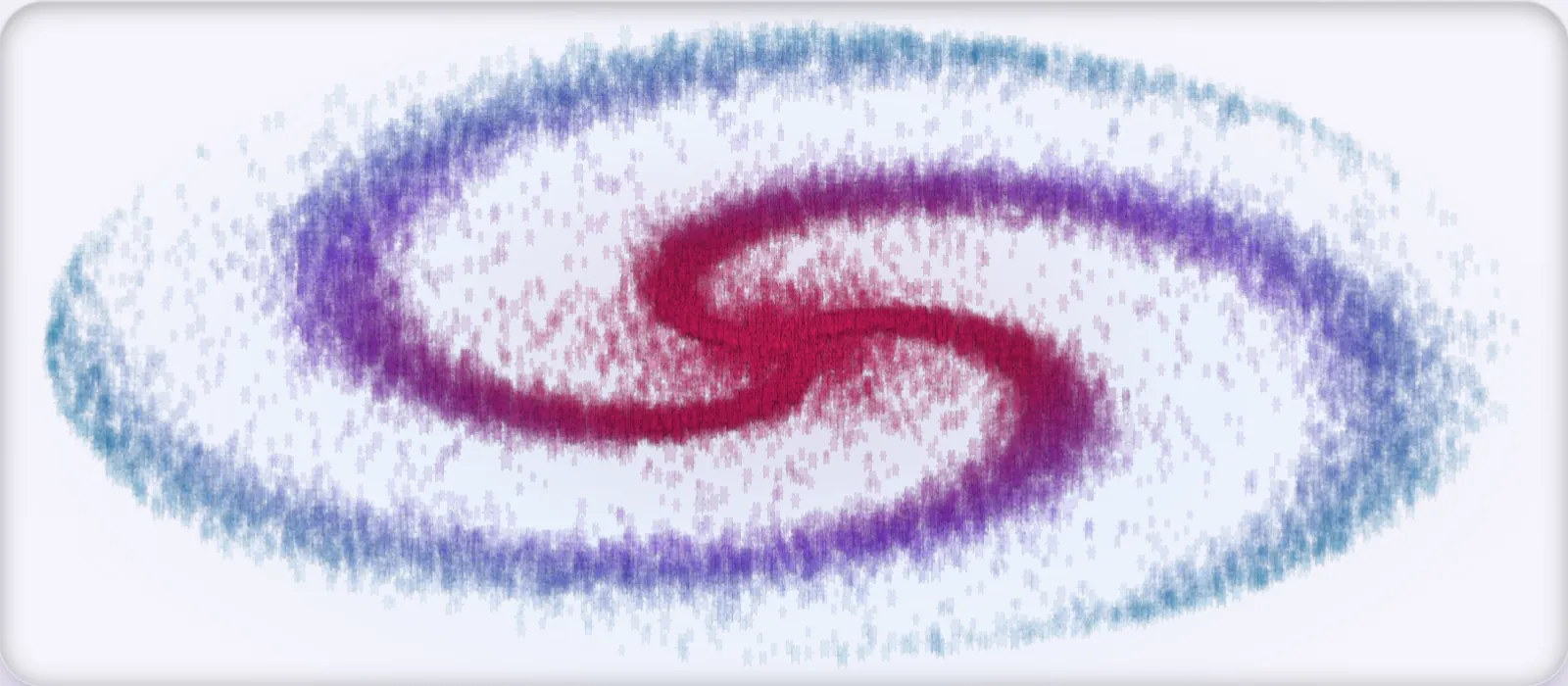
- 1,000,000particles at 60 fps in one
ParticleContainer - 200,000sprites at 60 fps in a plain
Container - 0.12msof CPU a frame for 100,000 sprites at rest
EXAMPLES
100+ examples, ready to remix.
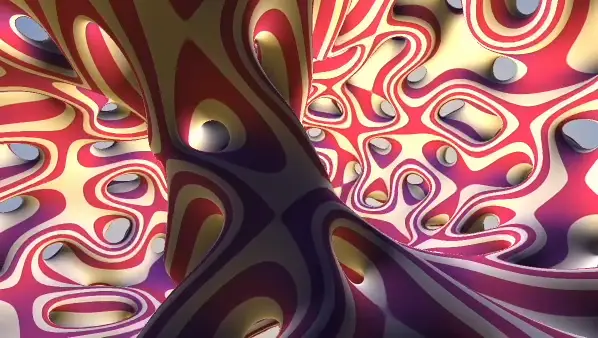
Mesh
Shader toy
A full-screen quad running a ShaderToy-style shader.
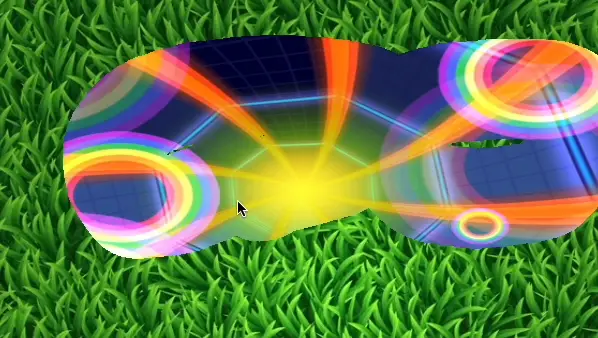
Render texture
Scratch card
Brush strokes drawn into a texture reveal what's underneath.
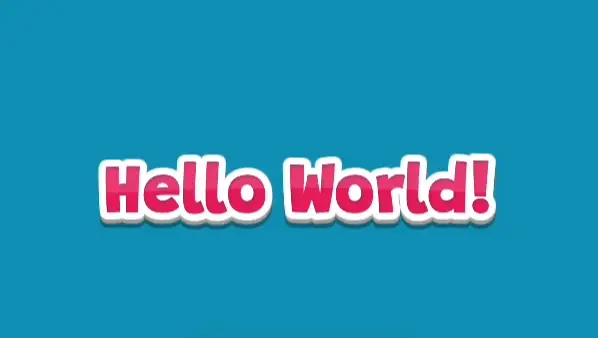
Text
Cartoon text
A custom filter gives a Text its outline, shadow and gradient.
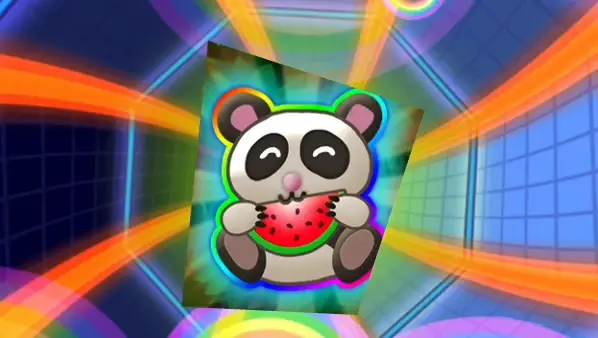
Graphics
Mask animation
A shape redrawn every frame masks the scene.
Sprites
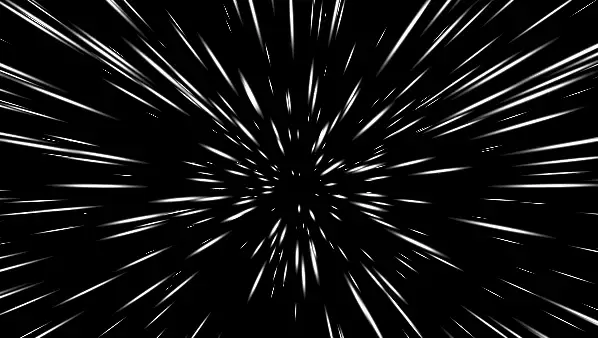
Star warp
A thousand sprites, projected from 3D to 2D.
Rendering
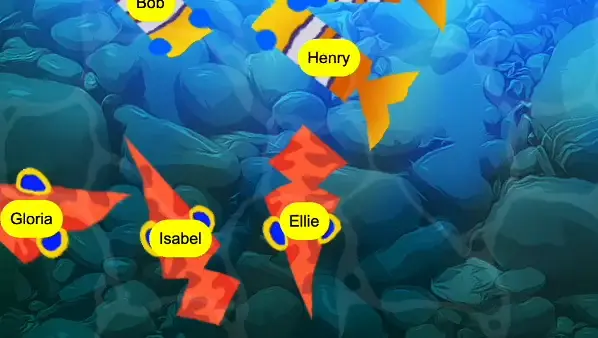
Render layer
Each fish's name tag draws on a layer above the pond's ripple filter.
Your first sprite is a minute away.
Scaffold a project, load a texture and add it to the stage.